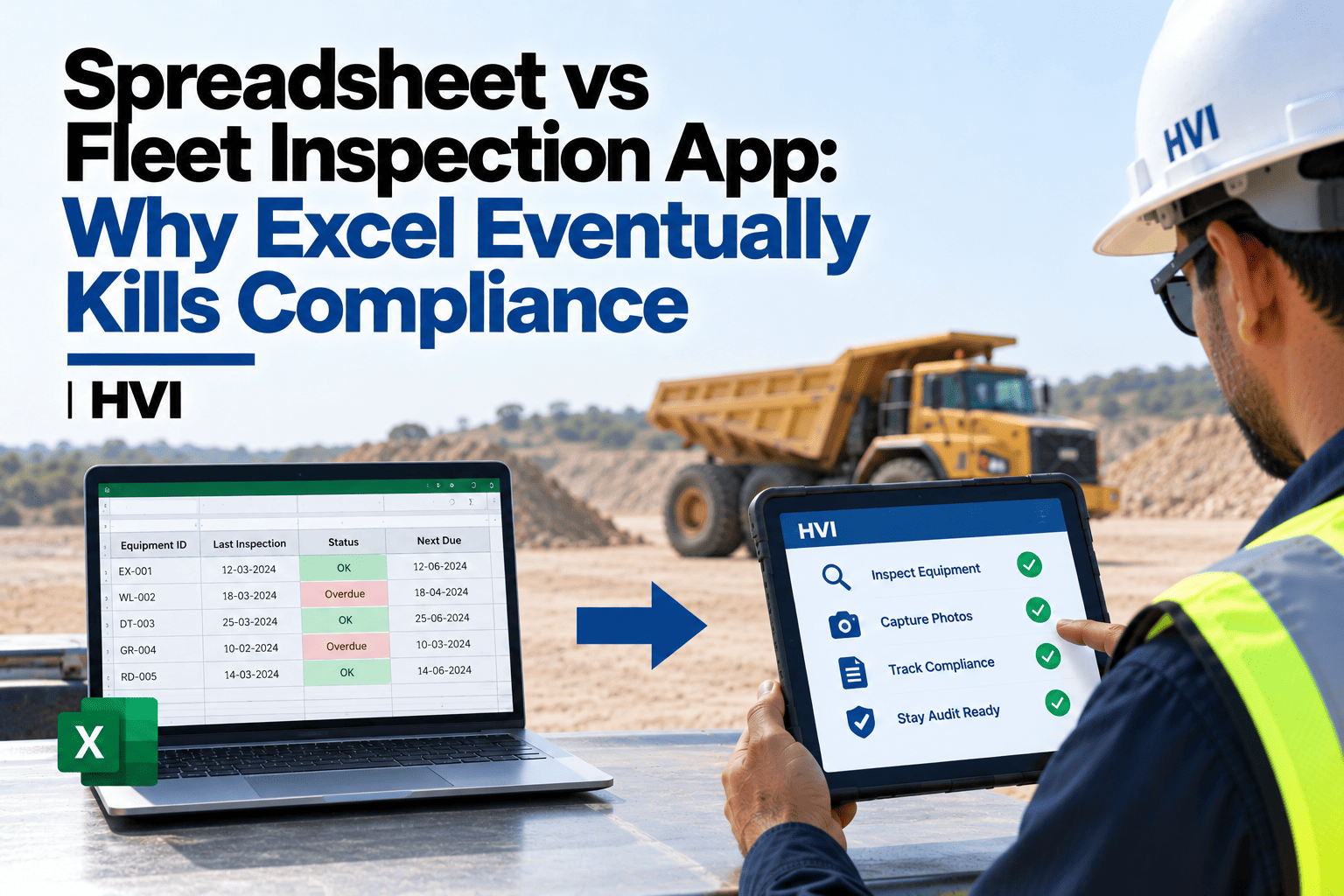
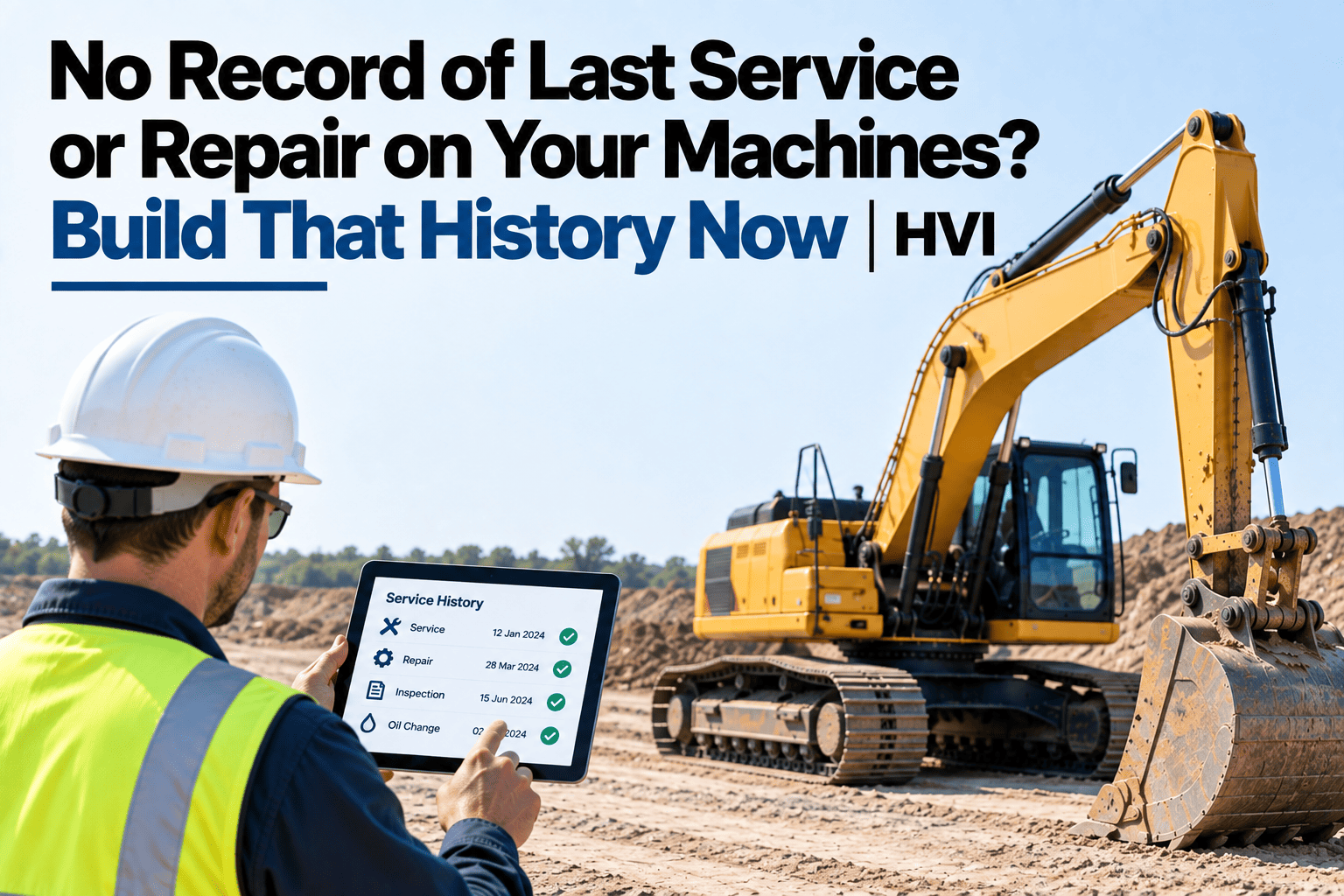
An auditor asks for the complete service history on a specific excavator — every inspection, every defect, every part replaced, going back a year. On a paper-based site, that request turns into a scramble: pulling registers from a cupboard, cross-referencing dates by hand, hoping nothing's missing from a folder that hasn't been reorganized since the last audit. On a digitally logged fleet, the same request is a filter and an export. The difference isn't just convenience — it's whether the audit goes smoothly or turns into a multi-day fire drill that pulls your maintenance team off actual maintenance. Here's what a genuine 60-second history export actually contains, and how HVI generates it on demand for any asset, any date range.
Audit Coming Up? Generate a Complete Maintenance History in 60 Seconds
Full service history, inspection records, defect logs, and work orders per equipment — exportable as PDF or Excel for DGMS, Factories Act, or insurance audits at a moment's notice.
What a Complete History Actually Includes
Every inspection record
Date, inspector, checklist items, and pass/fail status for every inspection run on the asset within the requested window.
Every defect logged
What was found, when, and the corrective action that followed — including whether it was closed and verified.
Every work order and repair
Parts used, labor hours, and the technician who performed the work, tied to the specific fault it addressed.
Every PM service completed
Scheduled service dates against actual completion dates, showing compliance or any gaps in the maintenance schedule.
See how quickly your own fleet could produce a full asset history if an audit request landed today.
60 Seconds vs. The Scramble
| Task | Paper-Based Site | Digitally Logged Site |
|---|---|---|
| Locate a year of inspection records | Pulled from physical registers, manually sorted by date | Filtered by date range and asset in seconds |
| Confirm PM compliance for the period | Cross-checked by hand against a separate schedule | Shown directly against the scheduled dates |
| Assemble defect and repair trail | Reconstructed from multiple disconnected logs | Already linked, exportable as one report |
| Deliver the final document | Typed up and formatted, often overnight | Exported as PDF or Excel immediately |
Why the Scramble Happens Even at Careful Fleets
Records are complete but scattered
Inspections, defects, and repairs often live in separate registers, so nothing is technically missing — it's just not assembled anywhere.
Nobody owns the compilation task
Pulling everything together for one asset over one period isn't anyone's regular job, so it becomes a one-off scramble each time it's needed.
Formats don't match
A handwritten register and a spreadsheet don't merge cleanly, so producing one coherent document means retyping data from both.
The request is rarely predictable
An audit or insurance claim can request a specific asset's history on short notice, leaving no time to prepare in advance.
Frequently Asked Questions
Can the export be filtered to a specific date range or asset class?
Yes — a history export can be filtered by asset, date range, or category, so an auditor requesting one machine's last six months gets exactly that, not a fleet-wide dump that needs further filtering.
Does the export format work for both DGMS and insurance audit requirements?
A PDF or Excel export covering inspections, defects, work orders, and PM compliance satisfies the typical evidence requirements for both DGMS and Factories Act inspections, as well as insurance claim documentation.
What if some records were logged on paper before we digitised?
Historical paper records can be uploaded or referenced alongside digital records going forward, so an older gap doesn't prevent a complete history from building from the point of digitisation onward.
Does this integrate with our SAP, Oracle, or Tally systems?
Yes — cost and maintenance data sync with these systems, so an exported history reflects the same figures your finance team already reconciles against.
How quickly could we generate a real history export for our own fleet?
Once inspections and work orders are logged through the system, a full export is available immediately for any covered period; sign up free to try generating one for your own asset.
Be Ready the Moment the Request Comes In
An audit request shouldn't turn into a multi-day search through cupboards and spreadsheets. Start free and keep every asset's full history one export away, or bring your current audit preparation process to a 30-minute session with our India team.