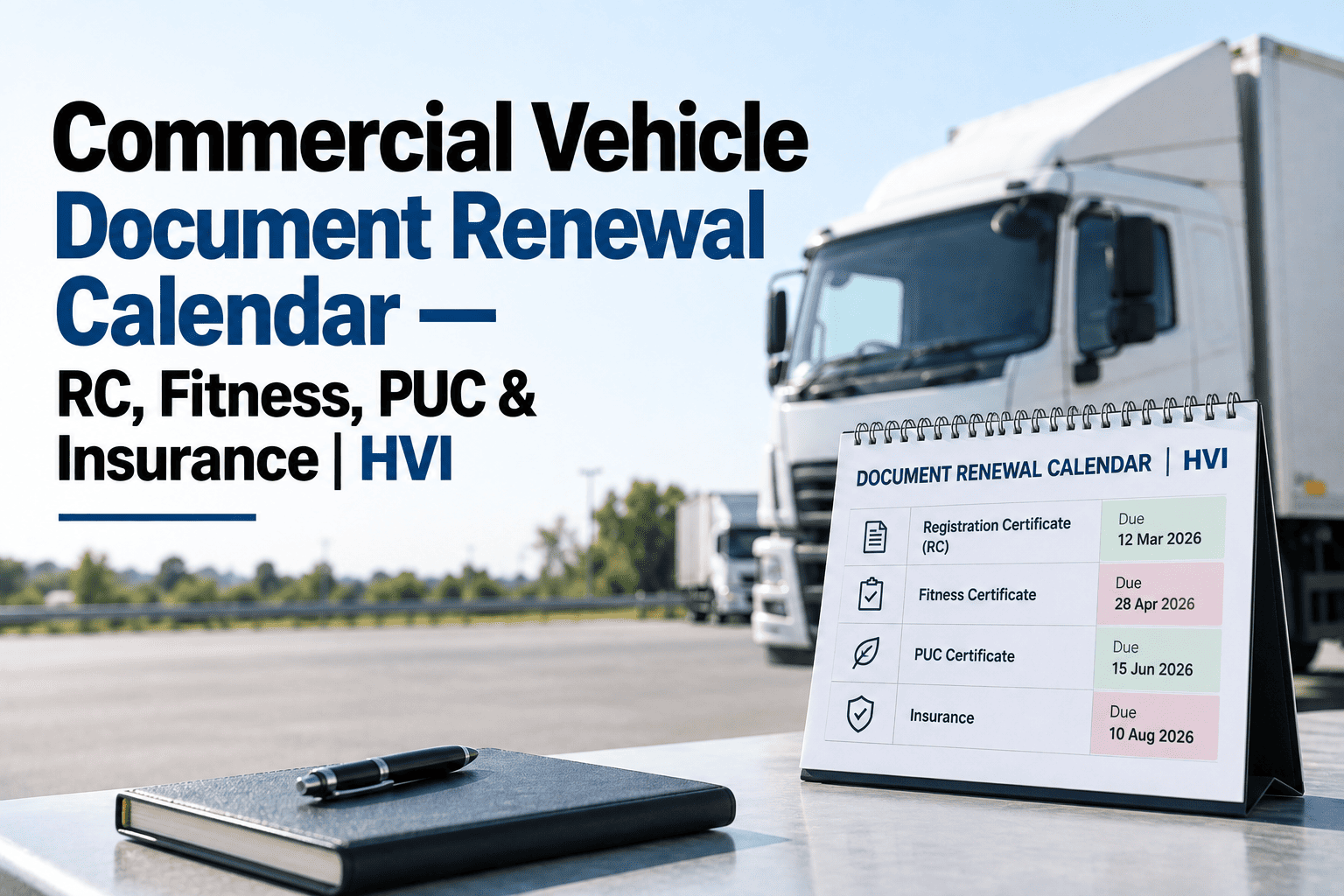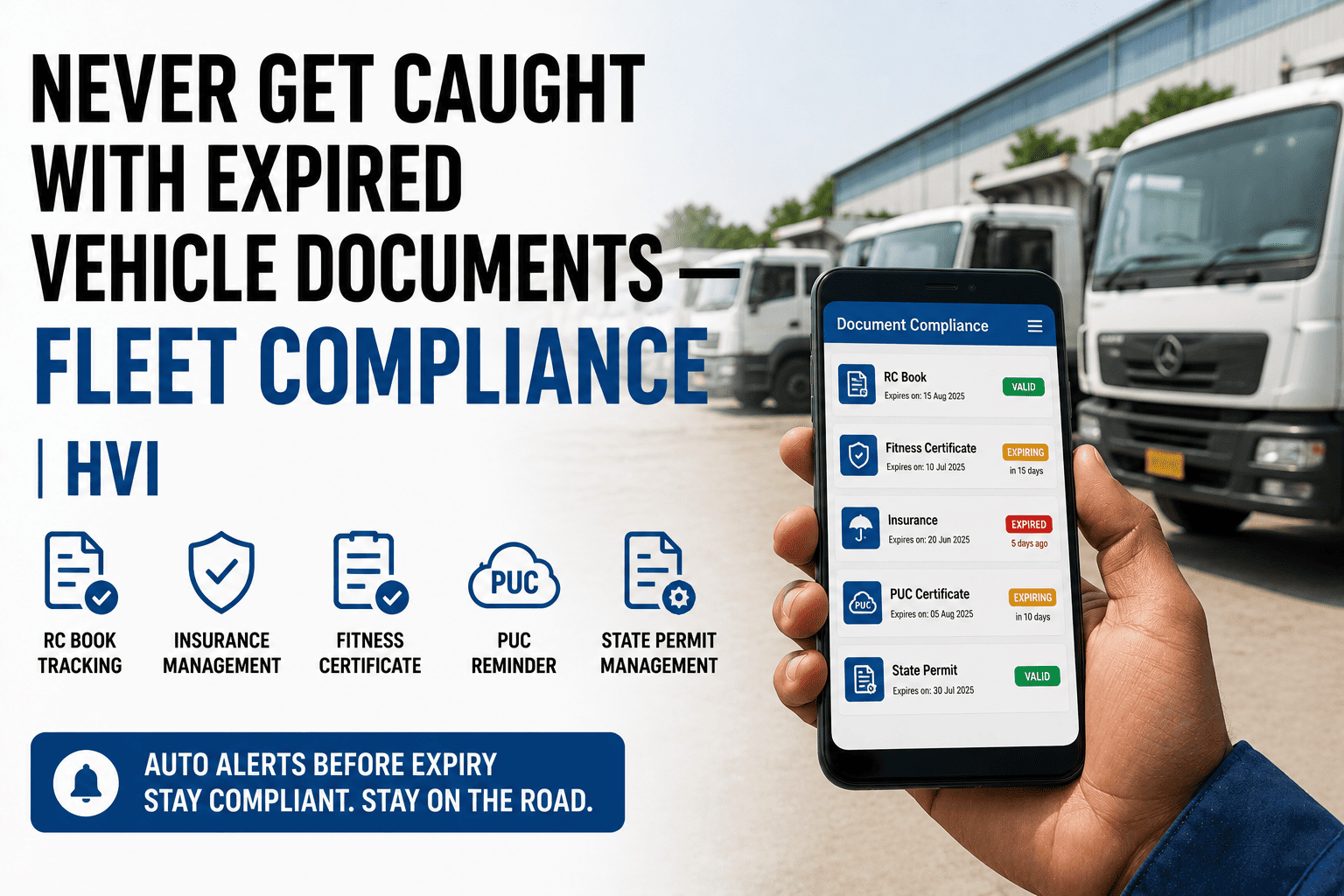
Many fleet owners first hear about AIS-140 when a fitness renewal or permit is held up because the tracking device is missing or inactive. AIS-140 is the Indian standard for vehicle location tracking devices with emergency buttons, required under the CMVR in public service vehicles and, in many states, national permit goods carriers. Compliance means the right device, proper activation and regular health checks. This guide explains the rules and how fleets track device status alongside inspections in HVI.
AIS-140 VLTD Compliance Guide for Commercial Vehicles India
Understand which vehicles need an AIS-140 device, how certification and activation work, how it links to fitness and permits, and how to fix the most common device problems.
Which Vehicles Need an AIS-140 Device
Rule 125H of the CMVR requires public service vehicles to carry a vehicle location tracking device and emergency buttons. States set the phasing and may extend it to other categories.
- Public service vehicles registered on or after 1 January 2019, such as buses, taxis and maxi cabs
- School buses and contract carriages
- National permit goods carriers in many states
- Vehicles carrying dangerous or hazardous goods in many states
- Older passenger vehicles where a state has notified a later phase
- Two-wheelers
- Three-wheelers, including auto rickshaws
- E-rickshaws
- Transport vehicles that do not need a permit
Each state notifies its own implementation dates and categories. Check your state transport department's current notification before buying or renewing.
From Purchase to Active Device in Six Steps
A device that is fitted but not activated is not compliant. Follow every step and keep the proof.
Approved device
Buy a type-approved AIS-140 device from an authorised dealer.
Installation
Dealer installs the device and emergency buttons in the vehicle.
Configuration
Device is set to send data to the state's servers.
Registration
Device is mapped to the vehicle on the state or Vahan system.
Activation
Live data and a test alert are confirmed on the backend.
Certificate
Keep the fitment certificate with the vehicle papers.
Know Which Devices Are Live Before the Fitness Test
HVI keeps AIS-140 certificates, SIM renewal dates and device checks next to each vehicle's inspections and fitness dates, with reminders before anything lapses.
How AIS-140 Links to Fitness and Permits
For vehicles covered by the rule, the device is checked when the vehicle meets the transport department.
New covered vehicles may not be registered without a fitted device.
Renewal of the fitness certificate can be refused if the device is not fitted.
Permit renewal can also be refused without a fitted device.
Some states provide for impounding and permit action if a device is tampered with.
Common Device Problems and Fixes
Most AIS-140 failures are simple and found only when someone checks. Catch them before a checkpoint or fitness test does.
| Problem | Likely cause | What to do |
|---|---|---|
| Device not reporting | SIM or data plan expired | Renew the SIM plan and confirm data on the backend |
| Device offline after repairs | Power wire disconnected | Reconnect through the authorised dealer |
| Location jumping or missing | Poor antenna placement or damage | Dealer to check and reposition the antenna |
| Not visible on state portal | Device not registered or activated | Complete registration and activation with the dealer |
| Repeated false alerts | Button damaged or wrongly fitted | Replace or refit the button and reset on the server |
| Seal broken | Tampering or unauthorised work | Report and get the device re-checked and resealed |
A Monthly Device Health Check
Five minutes per vehicle each month keeps AIS-140 devices compliant and avoids last-minute surprises.
AIS-140 Device Status in HVI
A sample fleet view. Device health, SIM validity and fitness dates sit together, so problems are fixed before renewal day.
| Vehicle | Last location | SIM valid until | Monthly check | Fitness due | Status |
|---|---|---|---|---|---|
| BUS-03 | 5 minutes ago | 8 months | Passed | 4 months | Compliant |
| TXI-11 | 2 minutes ago | 20 days | Passed | 2 months | Renew SIM |
| TRK-27 | 6 days ago | 5 months | Offline | 3 weeks | Fix before fitness |
| BUS-08 | 1 minute ago | 10 months | Passed | 7 months | Compliant |
AIS-140 FAQs
What is AIS-140?
AIS-140 is the Indian standard for intelligent transportation systems in public transport, covering vehicle location tracking devices, emergency buttons and the backend systems they report to. Rule 125H of the Central Motor Vehicles Rules requires covered vehicles to be fitted with a device that meets it.
Which vehicles need an AIS-140 device?
Public service vehicles such as buses, taxis and maxi cabs registered on or after 1 January 2019 are covered, and many states also require it on national permit goods carriers and vehicles carrying hazardous goods. Two-wheelers, three-wheelers, e-rickshaws and vehicles that need no permit are generally exempted. Check your state notification.
Can fitness or permit renewal be refused without AIS-140?
Yes. For covered vehicles, renewal of the fitness certificate or permit can be refused if the tracking device and emergency button are not fitted. Keep the fitment certificate and make sure the device is active on the state system before the renewal date.
Why does my AIS-140 device show offline?
The most common reasons are an expired SIM or data plan, a disconnected power wire after repairs, antenna damage or a device that was never fully activated on the backend. Ask your authorised dealer to check. Teams that log device checks in HVI catch these early.
How can a fleet keep all AIS-140 devices compliant?
Keep a record for each vehicle with the device certificate, SIM validity, monthly health check and fitness and permit dates, and set reminders before each one is due. That way problems are fixed well before renewal. Book a demo to see AIS-140 tracking in HVI.
Keep Every AIS-140 Device Live and On Record
Track device certificates, SIM renewals, monthly health checks and fitness dates for every vehicle in HVI. Fewer held-up renewals, fewer checkpoint problems and emergency buttons that work when they are needed.