A dozer sits parked at a finished section of a highway job for eleven days before anyone notices, while forty kilometres away another site signs a two-week rental for the exact same machine class because nobody knew the first one was free. This isn't a rare mistake — it's the default outcome when utilisation lives in nobody's head and every site manager can only see their own yard. The fix isn't stricter equipment requests or more phone calls between site engineers. It's a utilisation number per machine that's visible across every site at once, so an idle asset gets flagged and redeployed before a rental request even gets typed — sign up free to see your own fleet's utilisation by machine, updated as it happens.
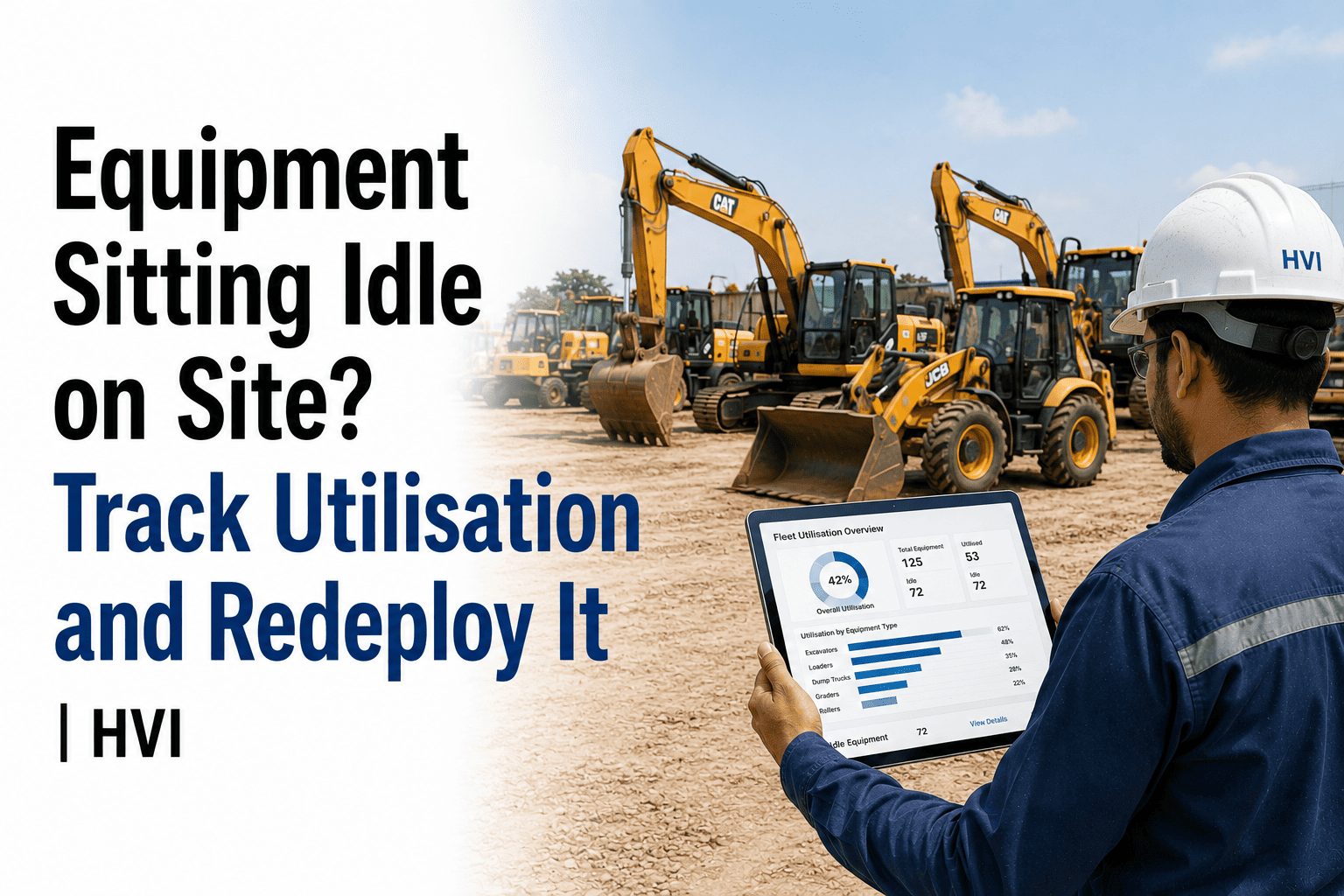
Equipment Sitting Idle on Site? Track Utilisation and Redeploy It
Log machine hours, idle time, and shift utilisation per asset — and see underused equipment flagged for redeployment before you approve another rental.
The Number Behind the Question
Utilisation Rate = (Operating Hours ÷ Available Hours) × 100
Most fleets never calculate this per machine, so the answer to "is this asset earning its keep" defaults to a guess based on whoever happens to remember seeing it running.
70% to 85%
Healthy Range
Heavily used with enough buffer for maintenance windows and demand spikes — the zone where an asset earns its ownership cost.
Below 60%
Reallocation Zone
Costing more in depreciation, insurance, and standby wages than it's producing — a strong candidate for redeployment to a site that needs it.
See which of your own machines are sitting below 60% utilisation right now, and which site could use them instead.
Why Manual Tracking Misses It
Nobody sees across sites
A site engineer knows their own yard, not the one forty kilometres away — so a machine finishing early on one job never gets matched to a need starting on another.
Manual logs undercount usage
End-of-day estimates depend on someone remembering to write the hours down, which typically undercounts real usage well below what the machine actually ran.
Idle looks the same as busy on paper
A machine parked on site for two weeks and a machine working flat out both show up as "deployed" on a spreadsheet that only tracks location, not hours run.
Rentals get approved on habit
A new job needs an excavator, so a rental gets requested by default — without anyone checking whether an owned unit is already sitting idle nearby.
What Idle Time Actually Costs
| Cost Type | Accrues While Idle? | What It Covers |
|---|---|---|
| Depreciation | Yes | The asset loses value on the calendar, whether it's working or parked |
| Insurance and finance cost | Yes | Premiums and any loan or lease payment continue regardless of hours run |
| Operator standby wages | Often | An assigned operator waiting on a machine is a cost with zero output |
| Avoidable rental elsewhere | Indirectly | The clearest cost — a rental paid for a machine class you already own, sitting unused |
The Redeploy-Before-Rent Workflow
Step 1
Every machine logs hours automatically
Operating hours are captured from daily inspections and usage logs rather than an end-of-shift estimate, so the utilisation number reflects what actually happened, not what someone remembered to write down.
Step 2
Idle assets surface on their own
A machine running below its healthy utilisation range for a set number of days gets flagged automatically, instead of waiting for someone to notice it sitting there.
Step 3
Fleet-wide visibility replaces the phone call
A site needing a machine can see what's idle across every location before a rental request goes out, rather than relying on someone happening to know another site just wrapped up.
Step 4
Rental approval checks fleet availability first
A new rental request gets checked against idle owned equipment before approval, so the default stops being "rent" and starts being "check what we already have."
Frequently Asked Questions
What counts as idle time versus productive time?
Idle time is any period the machine is available and staffed but not performing work — waiting on a haul truck, staged but unassigned, or parked between jobs — as distinct from time it's genuinely not required, such as scheduled maintenance.
How is utilisation different from just tracking machine location?
Location tells you where a machine is; utilisation tells you whether it's working once it's there — a machine can sit on the correct site for weeks and still show poor utilisation if it isn't actually running.
Does this work across multiple sites without reliable network coverage?
Yes — usage data is captured on the device at each site first and syncs once signal returns, so a remote highway stretch or mine bench doesn't create a gap in the fleet-wide utilisation picture.
Can this integrate with our SAP, Oracle, or Tally rental and asset records?
Yes — utilisation and redeployment data sync with these systems, so the same figures inform both the operational decision and the cost record without duplicate entry.
How quickly would we see our own fleet's idle machines?
Once daily usage is logged through the system, a utilisation view by machine and site is available within the first few weeks; sign up free to see it build against your own fleet.
Stop Renting What You Already Own
An idle machine on one site and a rental request on another are usually the same problem, just invisible to each other. Start free and see your fleet's utilisation by machine, or bring your current rental spend to a 30-minute session with our India team.