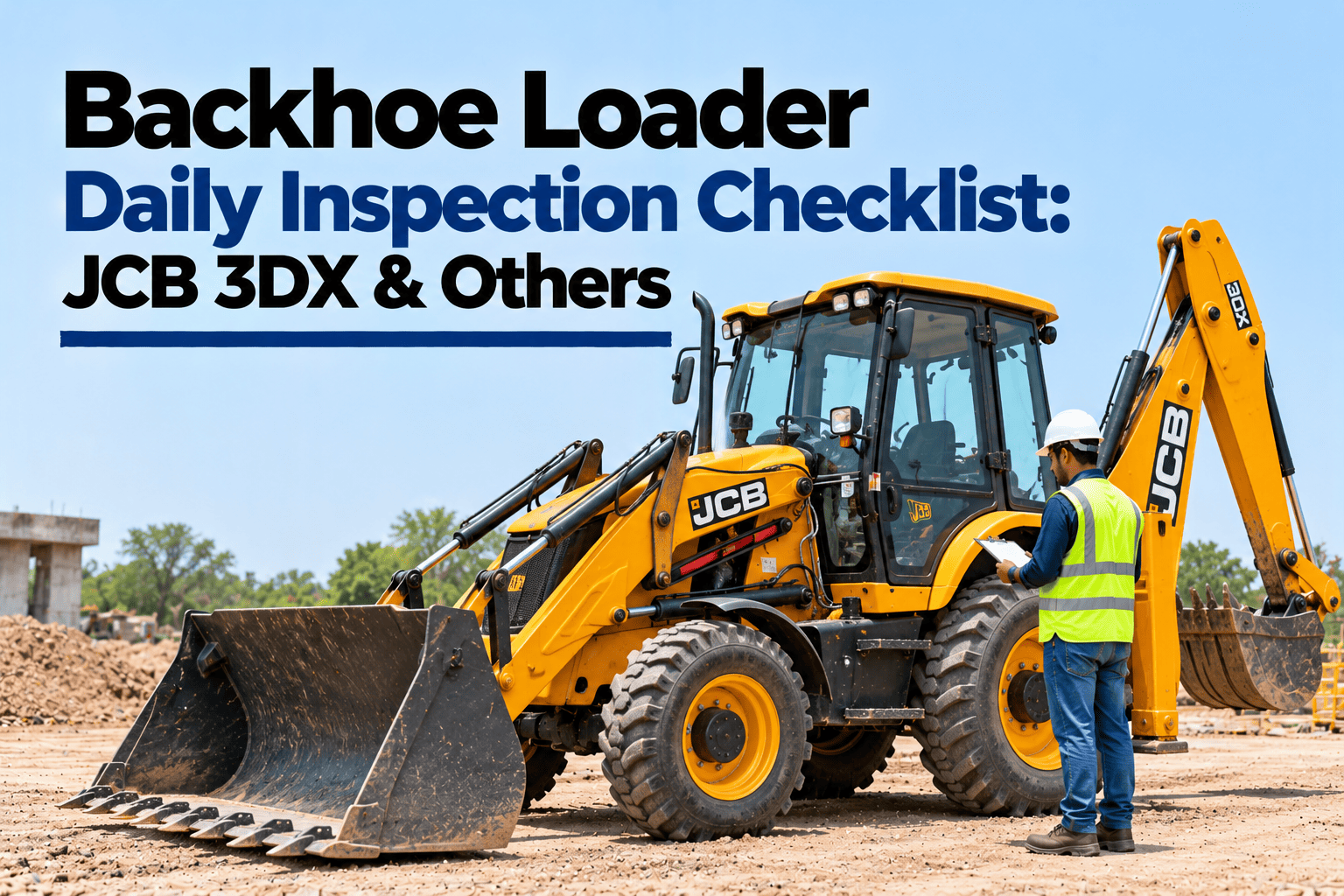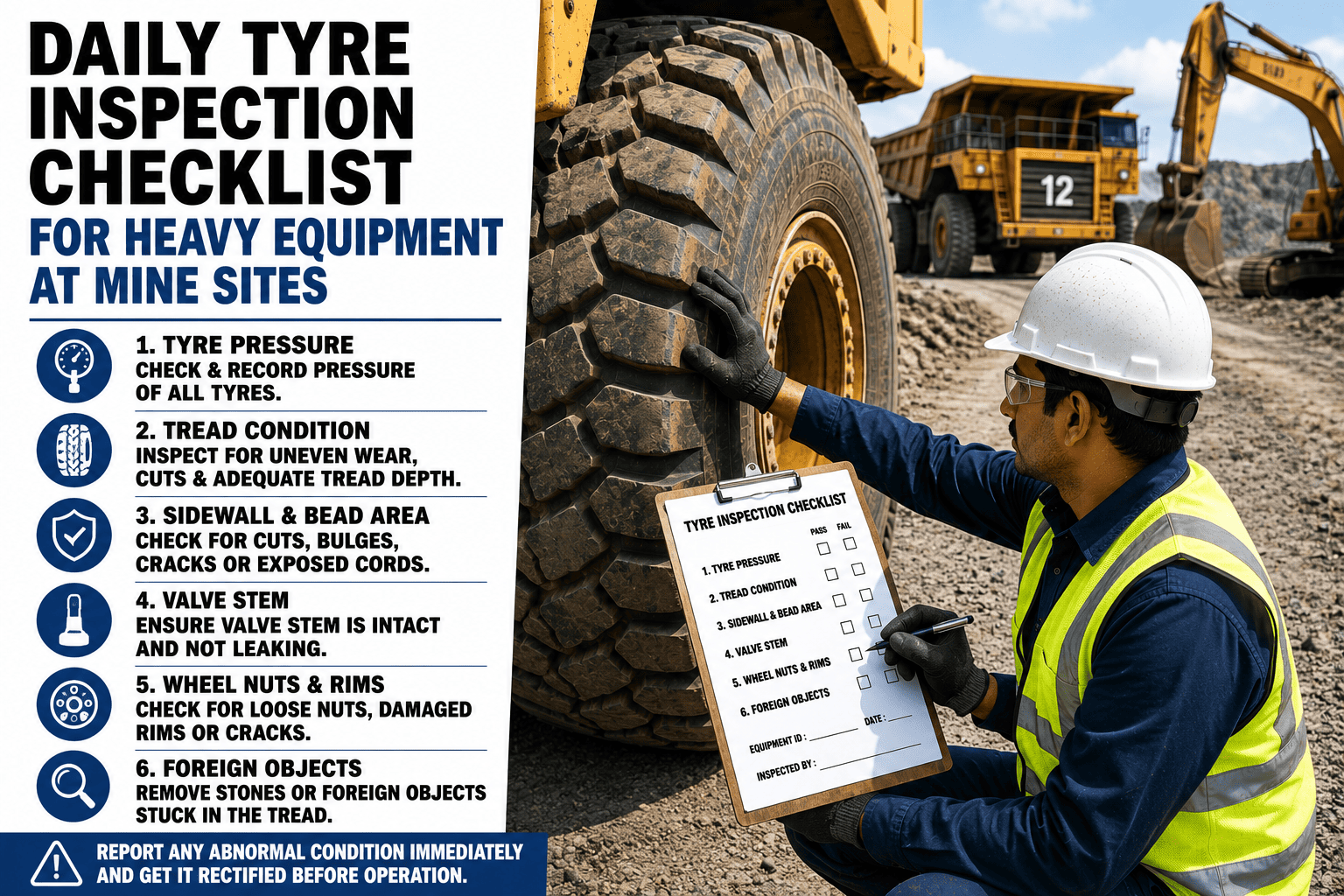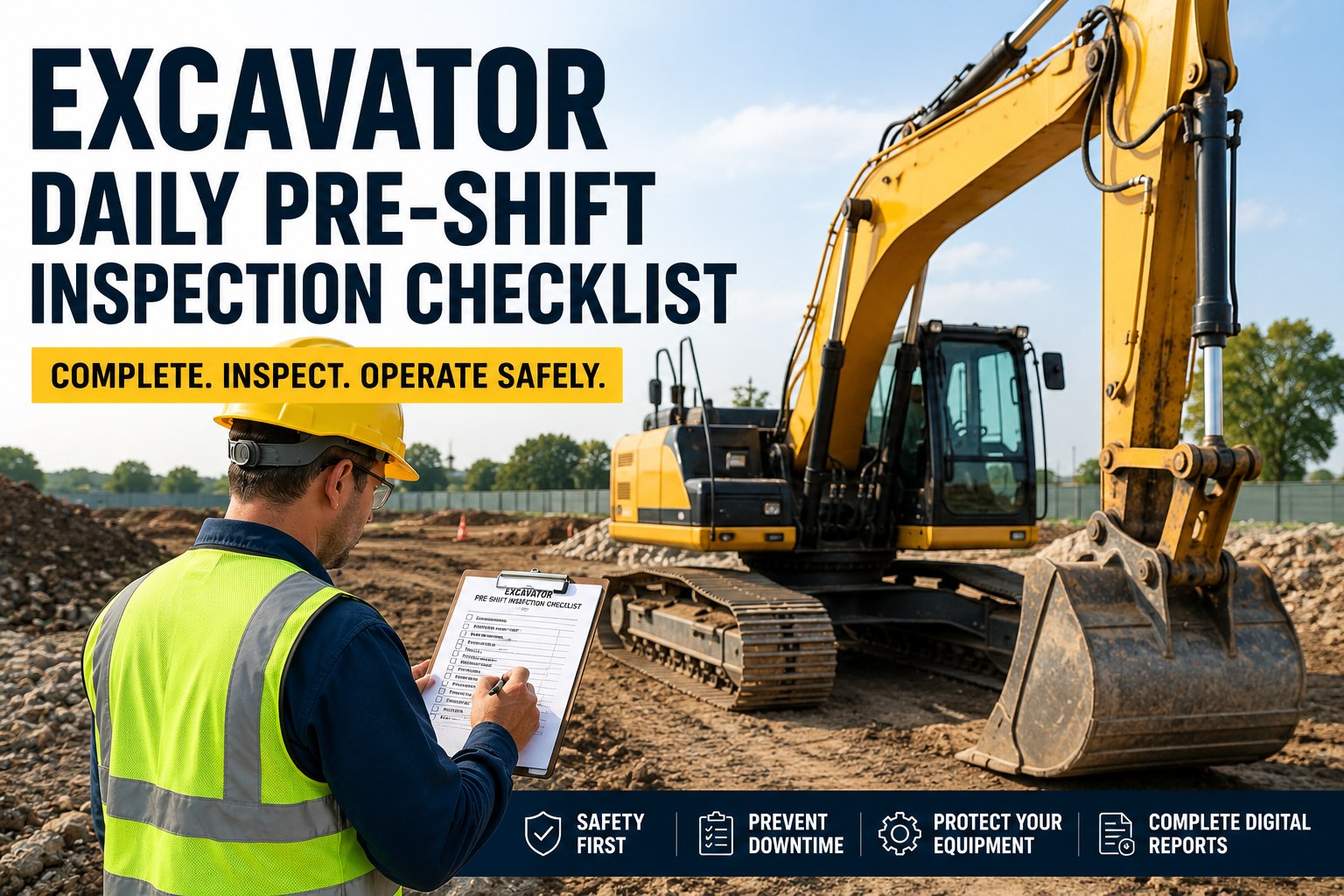
A new excavator, loader or truck is a large investment, and the day it arrives is the best chance to catch problems. Transport damage, missing tools, a wrong attachment or a serial number that does not match the invoice are all far easier to fix before the delivery receipt is signed. A careful pre-delivery inspection also creates the first record in the machine's history, which helps with warranty claims later. This checklist covers paperwork, the walk-around, fluids, function tests and handover, and shows how fleets register new machines with their PDI record in HVI.
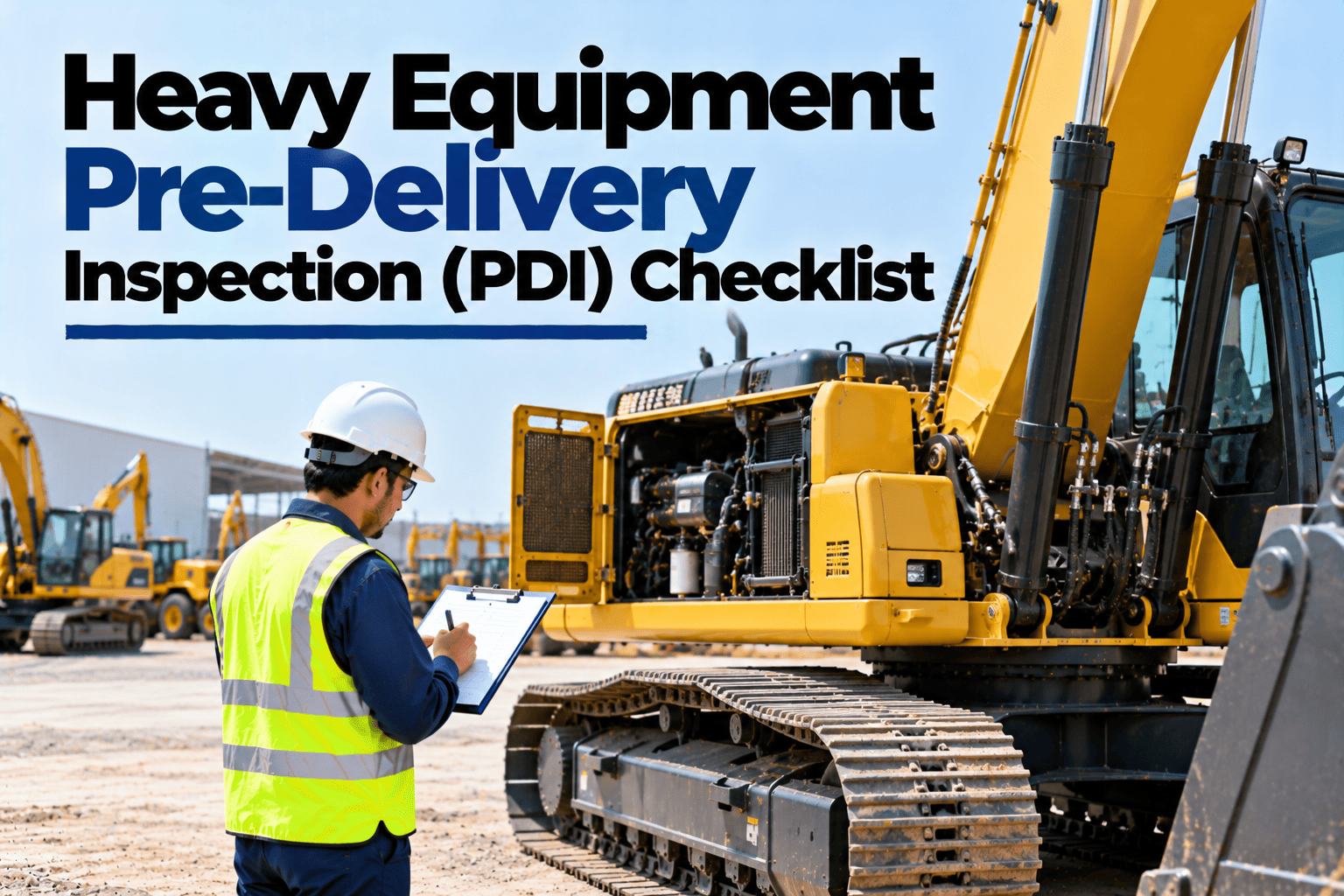
Heavy Equipment Pre-Delivery Inspection (PDI) Checklist
Documents and serial numbers, fluid levels, hydraulics, attachments, tools, safety decals, telematics activation and first service booking.
The PDI in Five Stages
Work through the stages in order, with the dealer present where possible. Photograph anything that is not right.
- Invoice and delivery note
- Serial and engine numbers match
- Warranty card and manuals
- No transport damage or dents
- Paint, glass and mirrors intact
- Safety decals in place
- Engine, hydraulic and coolant levels
- No leaks after start-up
- Battery and charging normal
- All controls and movements
- Brakes, lights and alarms
- Attachments fit and work
- Tools and spares supplied
- Telematics activated
- Operator briefing done
Function Test Guide
Run the machine through every function with the engine warm. Follow the maker's PDI form where the dealer provides one.
| System | What to test | Pass if |
|---|---|---|
| Engine | Cold start, idle and full throttle | Starts easily, no smoke or warning lights |
| Hydraulics | Every service through full travel | Smooth, no jerks, no leaks |
| Travel and steering | Forward, reverse and turns | Tracks straight, no unusual noise |
| Brakes | Service and parking brakes | Holds on a slope as specified |
| Electrics | Lights, horn, wipers and alarms | All working |
| Cab | Air conditioning, seat and seat belt | All working and adjustable |
| Telematics | Unit online and reporting | Location and hours visible in the portal |
Start Every New Machine With a Complete Record
HVI registers each new machine with its PDI checklist, photos, serial numbers and documents, then schedules the first service so the warranty starts on the right footing.
Protecting Your Warranty From Day One
A clean start makes later warranty claims far easier to prove.
Register the warranty
Confirm the start date and coverage in writing.
Keep PDI photos
Proof of the machine's condition on arrival.
Book the first service
Missed early services can affect cover.
Use approved fluids
Record every top-up with grade and quantity.
Never sign the delivery receipt as clean if you have found damage, missing items or mismatched numbers. Write every problem on the receipt, take photos and get the dealer's acknowledgement before accepting the machine.
New Machine Onboarding in HVI
A sample view of new machines being accepted into a fleet.
| Machine | Type | PDI | Open item | Status |
|---|---|---|---|---|
| EX-31 | Excavator | Passed | None | Accepted, in service |
| BL-14 | Backhoe loader | Passed | Tool kit short | Accepted, item pending |
| TP-22 | Tipper | Engine number mismatch | Dealer to confirm | Not accepted |
Pre-Delivery Inspection FAQs
What is a pre-delivery inspection?
It is a structured check of a new machine at handover, covering documents, condition, fluids, functions, attachments and setup, so problems are found before the buyer accepts it.
What should be checked in the paperwork?
That the model, machine serial number and engine number on the invoice match the machine plate, and that the warranty card, manuals and delivery note are all present.
What if damage is found at delivery?
Note it on the delivery receipt, photograph it and get the dealer's acknowledgement before signing. Do not sign the receipt as clean.
Why is the PDI record important for warranty?
It proves the machine's condition at handover and starts a complete service history. Teams that store PDI records in HVI can find them quickly for any claim.
Can a PDI be done on a phone?
Yes. The checklist, photos and serial numbers can be recorded on a phone, and the machine is registered as a new asset. Book a demo to see PDI checklists in HVI.
Accept Every Machine With Confidence
Run a full PDI on every new machine, record photos and serial numbers, protect the warranty and start each asset's history in HVI. No surprises after the receipt is signed.