Somewhere in most fleet operations there is a person whose Monday morning belongs to a spreadsheet. They chase yesterday's inspection sheets, ask three sites for numbers that should already exist, reconcile a work order log against a parts register that disagrees with it, and then spend an hour formatting the result into something a director will actually open. By the time the report goes out, it describes a fleet that has already moved on, and the same ritual starts again next week. The underlying data was captured days earlier — the only thing missing was a system that assembles and sends it without a person in the middle. You can see that working on your own fleet in a free 30-minute session.
Still Building Fleet Reports by Hand Every Monday?
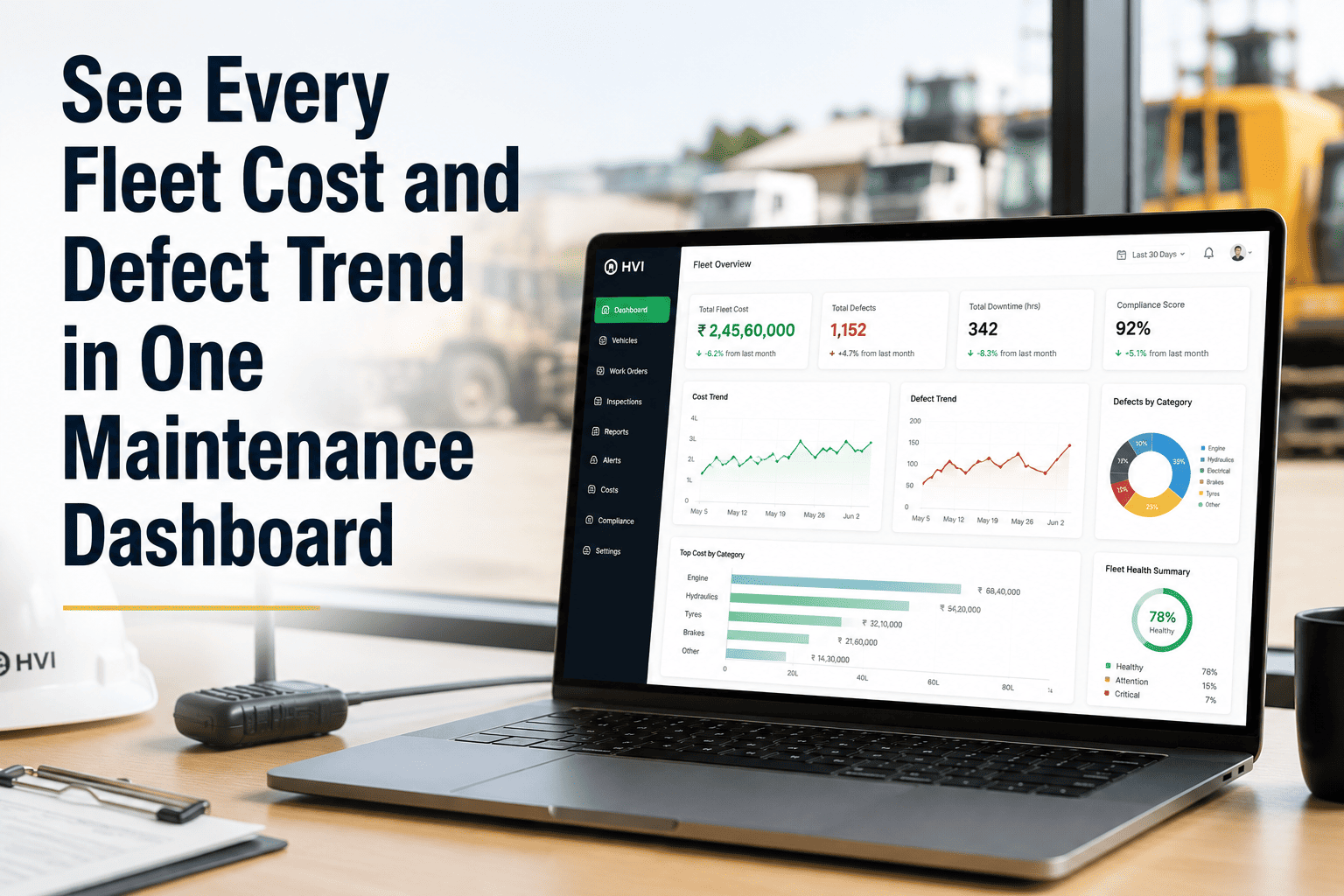
Schedule weekly and monthly maintenance reports to generate and email themselves to fleet managers, site managers, and directors, each receiving the view that matters to them.
Where Monday Morning Actually Goes
The report itself is quick. Everything that has to happen before you can write it is not.
Following up with sites for inspection sheets and job cards that never made it back.
Typing numbers from paper forms and WhatsApp messages into the master workbook.
Working out why the work order log and the parts register disagree about the same repair.
Rebuilding the same charts and tables that were rebuilt the week before.
Cutting the file into different versions so each recipient gets only their part.
Same Data, Three Different Reports
Open defects and overdue inspections on their own site.
Machines currently held and what is blocking release.
Weekly
Completion rates, PM adherence, and work order ageing across sites.
Spare parts consumption and repeat faults by machine.
Weekly
Maintenance spend against budget, by site and category.
Downtime trend and the emergency share of total work.
Monthly
Get Monday Morning Back
See reports generate and send themselves from the data your team already captures during inspections.
What Changes
Built by Hand
Accuracy depends on which sites replied and how carefully the numbers were re-typed.
The report exists only if the person who builds it is at their desk that morning.
Historical comparison means finding and opening last quarter's files.
Generated Automatically
Figures come straight from logged inspections and closed work orders, with no re-entry step.
Reports arrive on schedule regardless of who is travelling or on leave.
Trends build continuously, so comparison is already there rather than reconstructed.
Frequently Asked Questions
Can different recipients get different versions of the report?
Yes. Each recipient can receive a report scoped to their site or role, so a site manager is not sent fleet-wide financials and a director is not sent every open defect. You can set this up on a call with our team.
Can we still export to Excel if finance needs the raw numbers?
Yes. Reports can be exported for further analysis, and HVI also integrates with SAP, Oracle, and Tally so the data reaches your existing finance systems directly.
What if a remote site hasn't synced before the report is due?
Offline inspections sync as soon as devices reach coverage, and the report reflects whatever has synced at the time it runs, with later data included in the following cycle.
Can we choose the day and frequency each report is sent?
Yes. Reports can be scheduled weekly, monthly, or on another cycle, sent on whichever day suits your review meetings.
How long does it take to set up scheduled reporting?
Most fleets have their recipients and schedules configured within hours, since it maps onto the reporting structure you already use. Start with a free trial to set it up.
Stop Rebuilding the Same Report Every Week
Let weekly and monthly reports assemble themselves from logged inspections and closed work orders, and arrive in the right inboxes without anyone chasing a single site for numbers that were already captured days earlier.