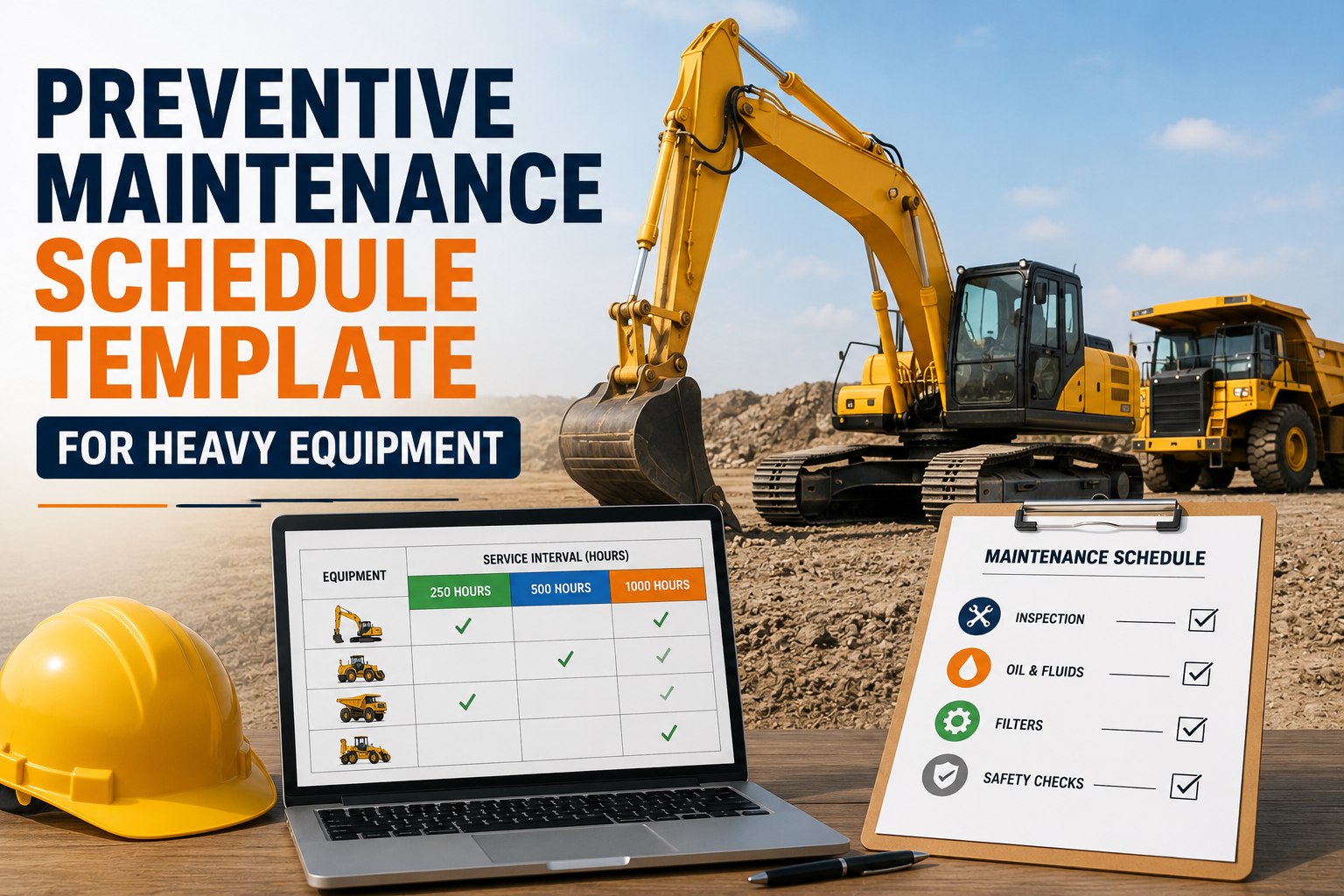
Most Indian fleets already know their machines need service at 250 hours, or every 90 days, or before the monsoon axle inspection. What they don't have is a reliable way to catch the exact moment that threshold arrives. A WhatsApp reminder gets buried. An Excel sheet goes stale the week someone forgets to update it. By the time anyone notices a machine is 40 hours overdue, it's already run past the interval that was supposed to protect it. HVI's automated PM scheduling exists to close that exact gap, for mining fleets and construction fleets alike.
Never Miss a Service Window Again
Set a maintenance schedule once, by hours, kilometres, or calendar date, and HVI tracks every asset in your fleet against it automatically. No spreadsheet to update. No WhatsApp message to chase. The system raises the alert the moment a machine crosses its threshold.
Paper Logs and Excel Weren't Built to Track a Moving Fleet
From coal mine benches in Dhanbad to highway stretches in Rajasthan, most PM tracking still runs on tools designed for something else entirely. Here's where each one quietly breaks down.
Paper Logs
Sit in a site office drawer, updated by hand, and depend entirely on someone remembering to check them before every shift.
WhatsApp Reminders
Get lost in group chats within hours, with no record of who saw the message or whether the service actually happened.
Excel Trackers
Go stale the first week nobody updates the hour meter column, and give no real-time alert when a threshold is crossed.
Three Trigger Types, One Rule: Whichever Comes First
Every asset in your fleet wears out differently. HVI tracks all three trigger types simultaneously for each machine and fires the service alert the moment any one of them is reached, so nothing is over-maintained or left running past its limit.
Engine & Operating Hours
Best for excavators, loaders, and DG sets where wear tracks running time, not distance.
Distance Travelled
Best for tippers, trucks, and haul vehicles where road distance drives brake and tyre wear.
Fixed Date Intervals
Best for fire suppression checks, seal replacement, and machines that sit idle for long stretches.
Whichever threshold is reached first
Work Order Generated Automatically
The assigned technician gets a mobile checklist with parts, torque specs, and fluid volumes already attached. No manual data entry, no dispatcher call needed.
What Changes Once Scheduling Runs Itself
| Activity | Manual Tracking | HVI Automated |
|---|---|---|
| Spotting an overdue service | Depends on someone checking the log | Automatic alert the moment threshold is crossed |
| Assigning the work order | Phone call or WhatsApp to the technician | Auto-generated and pushed to technician's device |
| Recording completed service | Written in register, rarely cross-checked | Logged with timestamp, parts used, and next due date |
| Proving compliance in an audit | Hours spent searching paper files | Full service history exported in seconds |
| Working at a remote site | No signal, no update until someone drives back | Works offline, syncs the moment signal returns |
Set Your Fleet's PM Schedule Once, Let HVI Track It Forever
Configure hour, kilometre, and calendar triggers for every asset in your fleet in a single setup session, then stop chasing service dates by hand.
Every Service Record Ready Before the Auditor Asks
DGMS, Factories Act, and CMV Rules inspectors all ask the same underlying question: can you prove this machine was maintained on schedule. HVI keeps that proof current by default, not assembled the night before an audit.
DGMS
Mining equipment service history tied to each asset, ready for inspection at any time without a scramble through paper files.
Factories Act
Statutory inspection and maintenance intervals for plant machinery tracked automatically alongside routine PM schedules.
CMV Rules
Fitness-linked maintenance records for commercial vehicles, kept current so renewal season never becomes a fire drill.
Works Alongside SAP, Oracle, and Tally
Fleet managers get a live dashboard across every site. Operators get a simple mobile checklist that takes minutes to complete. Finance teams get spare parts spend that flows straight into the systems they already use, without a separate reconciliation step.
Automated PM Scheduling: Frequently Asked
What happens if a machine hits both an hour trigger and a calendar trigger close together?
HVI applies whichever threshold is reached first, so if a machine crosses 250 hours three days before its 90-day calendar mark, the hour-based alert fires immediately. This prevents both over-servicing a lightly used machine and under-servicing one that's run harder than expected. The rule is applied automatically per asset, without needing a fleet manager to check both counters manually.
Does this work at remote mine sites with no signal?
Yes. The mobile app records hour meter readings, completed checklists, and technician sign-offs offline, then syncs everything automatically the moment the device reconnects. Fleet managers at head office see the update without needing anyone on site to drive to a signal area to report status.
Can different equipment types use different trigger rules?
Every asset in the fleet can be configured independently, so an excavator can run on an hour-based schedule while a tipper on the same site runs on a kilometre-based one, and a DG set that sits idle for weeks runs on a calendar-based schedule instead. You can review and adjust these settings anytime through the HVI dashboard.
How long does it take to set up PM schedules for an existing fleet?
Most fleets configure their full asset list and trigger rules in a single setup session, typically a few hours depending on fleet size, rather than the weeks it can take to build out a schedule manually in spreadsheets. Our India team can walk through this setup live during a demo call.
Does automated scheduling replace the technician's judgement?
No, the system generates the work order and pushes the checklist at the right time, but the technician still performs the inspection and records what they actually find. Automation removes the guesswork about when service is due; it doesn't remove the human decision about what the machine needs once it's in front of them.
Stop Tracking Service Dates by Hand
Configure automated PM scheduling for your entire fleet in hours, not weeks, and get audit-ready compliance records for DGMS, Factories Act, and CMV Rules by default.