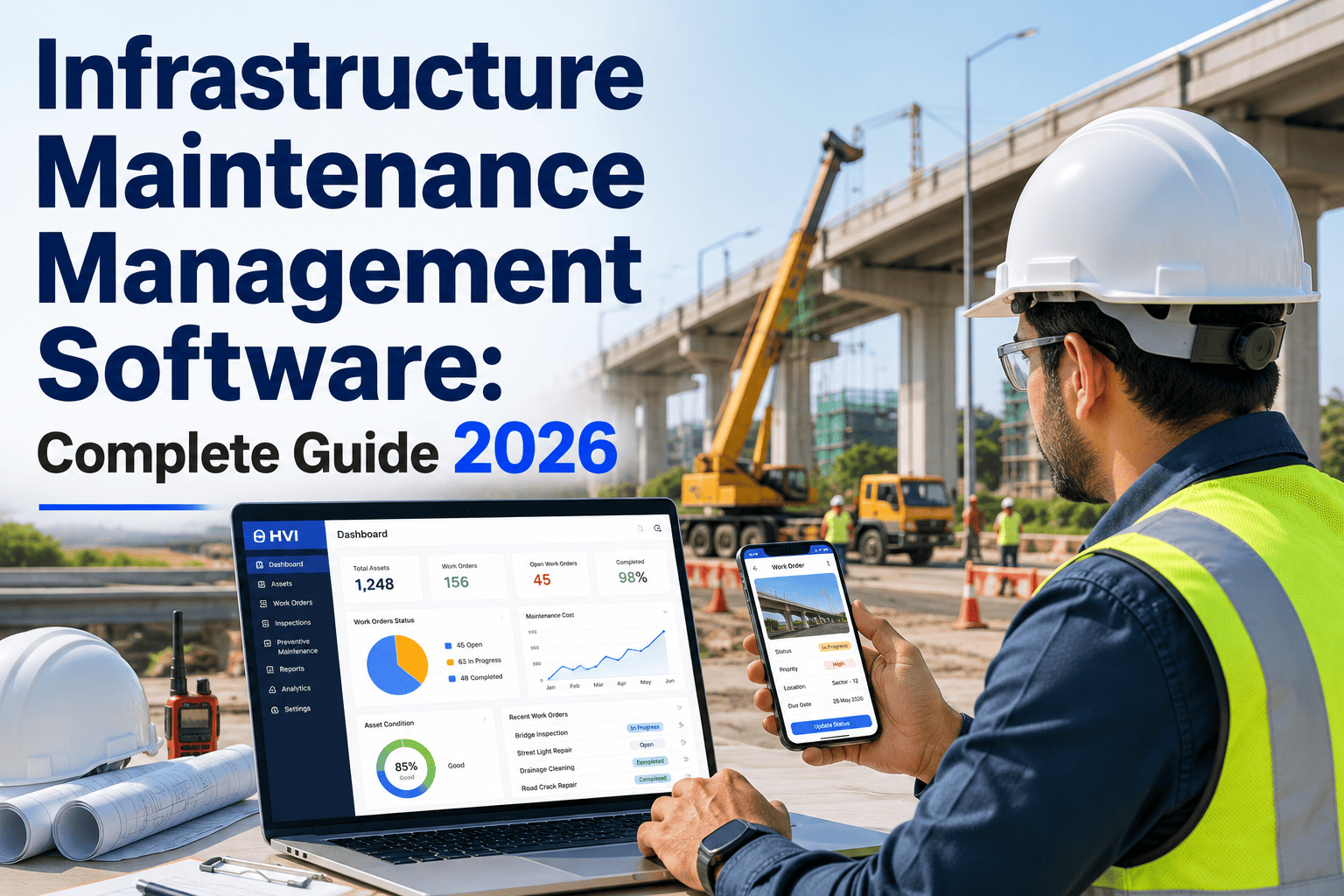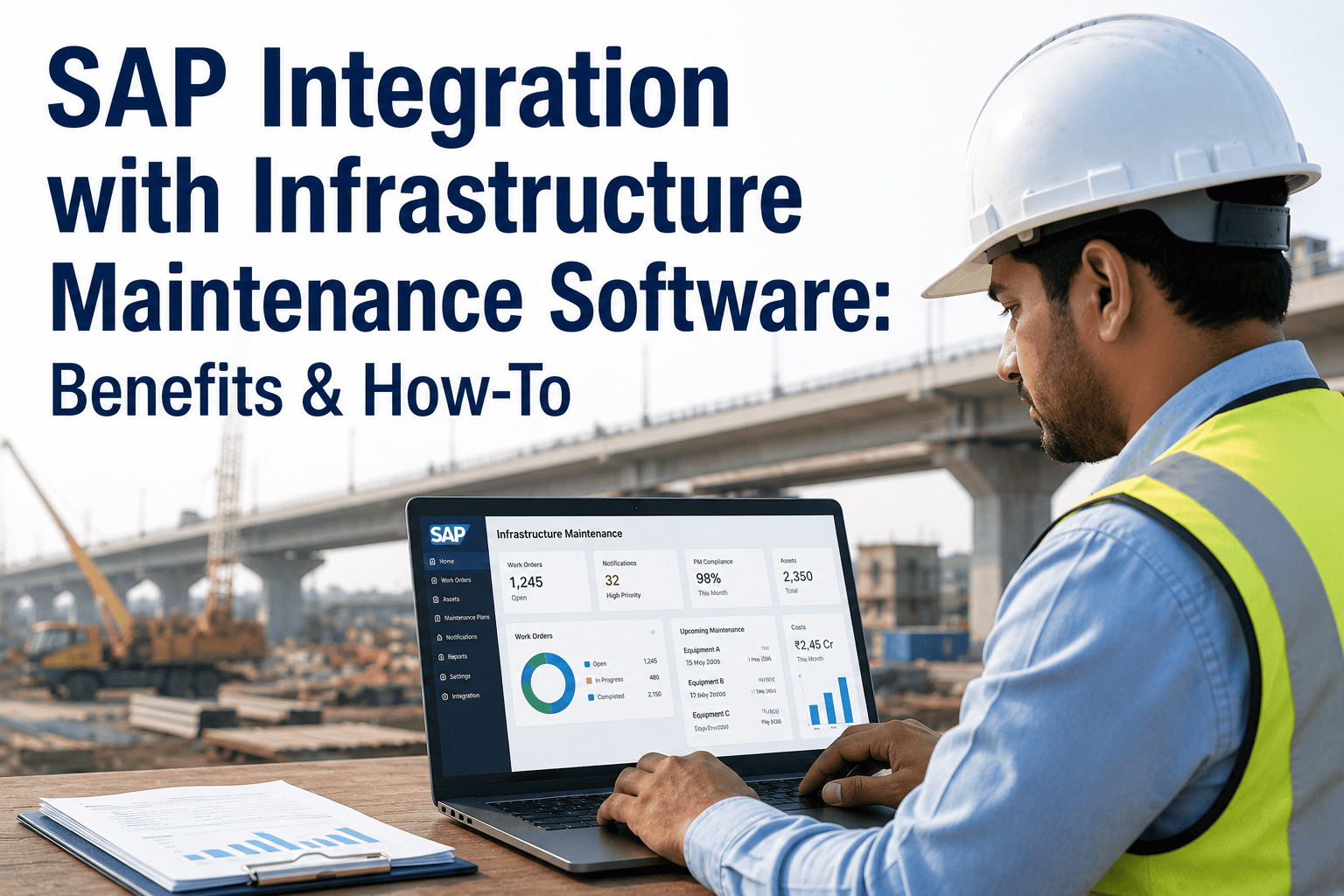
Most infrastructure organisations running SAP already have powerful asset and finance data sitting in their ERP — but their maintenance teams on the ground are still printing work orders, scribbling completion notes, and re-entering data manually hours later. This gap between SAP's enterprise planning layer and field-level execution is where maintenance performance breaks down, costs inflate, and compliance reporting loses accuracy. Integrating SAP with a purpose-built infrastructure maintenance platform eliminates that gap: work orders flow to technician phones, completions sync back to SAP PM, inventory adjusts in real time, and compliance reports pull from a single source of truth. This page covers every benefit, the integration architecture, and a practical how-to for connecting SAP with your maintenance operations. Start your free HVI trial and connect your SAP environment to field-ready maintenance execution today.
SAP Integration with Infrastructure Maintenance Software: Benefits & How-To
For infrastructure EPC contractors, facility operators, and plant managers already on SAP — this is how you close the gap between enterprise planning and frontline maintenance execution without replacing your ERP.
Why SAP PM Alone Leaves an Execution Gap
SAP Plant Maintenance is a genuinely powerful module. It centralises asset master data, structures work order flows, and ties maintenance into finance and materials across the enterprise. The problem is architectural: SAP PM was designed for desktop planners, not for technicians walking a plant floor or operating equipment at a remote highway site.
- Asset master data and equipment hierarchy
- Work order creation, scheduling, and cost assignment
- Integration with MM for spare parts procurement
- Integration with FI/CO for cost centre settlement
- Maintenance planning and strategy management
- Regulatory compliance reporting at aggregate level
- Technicians print SAP work orders on paper
- Completion notes are handwritten and re-keyed later
- Parts consumed are not recorded until end of shift
- Defect photos exist only in WhatsApp groups
- Labour hours are estimated, not captured live
- Compliance records are reconstructed, not contemporaneous
This execution gap costs organisations in three measurable ways: maintenance data quality drops, inventory reconciliation breaks down, and compliance reporting requires manual effort that introduces errors. A properly integrated SAP and maintenance platform closes every one of these gaps without requiring a replacement of the SAP system.
6 Measurable Benefits of SAP Integration with Maintenance Software
Work Orders Flow to Field Without Printing
Work orders created in SAP PM push instantly to the technician's mobile device. The technician sees the full work order — equipment details, task list, required materials, safety instructions — on their phone without touching a printer or a desktop terminal. Completions, labour hours, and failure codes sync back to SAP the moment the job is closed on the app.
Real-Time Inventory Updates in SAP MM
Every part consumed in the field decrements SAP MM stock instantly. Reorder points trigger purchase requisitions automatically. Stockouts and overstock situations are caught before they happen, not during month-end reconciliation. Material consumption is linked to the specific work order and cost centre from the moment of use.
Live Cost Settlement to SAP FI/CO
Labour and material costs settle to the correct cost centre as work closes in the field — not at month end. Finance teams see budget-versus-actual in real time, and project managers can track maintenance spend against contract provisions without waiting for batch uploads or manual journal entries.
Compliance Reporting Without Manual Assembly
Compliance reports — NHAI maintenance logs, DGMS pre-shift inspection records, ISO 55001 asset management documentation — are generated directly from the integrated dataset. No data needs to be extracted from SAP, merged with spreadsheets, and formatted separately. The compliance record is a live output of the integrated system.
Predictive Maintenance Fed by Unified Data
When SAP asset history and field maintenance execution data sit in the same dataset, AI-driven failure prediction becomes accurate. The combined dataset — equipment age, maintenance history, field observations, parts consumption patterns — feeds predictive models that recommend intervention before failure, reducing unplanned downtime.
Technician Adoption Without SAP Training
The biggest SAP PM implementation failure is technician non-adoption. Complex transaction codes and desktop-only interfaces mean the field team reverts to paper. With a mobile-first maintenance platform integrated to SAP, technicians use a simple app while SAP remains the system of record in the background — no SAP training required for field staff.
HVI Integrates With Your SAP Environment — No ERP Replacement Required
SAP stays your system of record. HVI becomes the execution layer your technicians actually use. Work orders, inventory, and cost data flow bidirectionally — automatically.
SAP Integration Architecture — How the Data Flows
Understanding the integration architecture helps you evaluate vendor claims and plan an implementation that fits your existing SAP configuration. There are three technical approaches, and not all of them are equally reliable for large infrastructure operations.
| Integration Method | How It Works | Suitable For | Key Risk |
|---|---|---|---|
| SAP-Certified Connector | Runs directly in SAP ABAP stack (NetWeaver / S/4HANA) without middleware. Certified by SAP, survives ERP updates. | Large enterprise, multi-site operations, S/4HANA environments | Requires SAP Basis team involvement during initial setup |
| REST API / OData Services | Standard SAP OData APIs used to exchange work order, equipment, and inventory data with the maintenance platform | Mid-size operations, SAP ECC and S/4HANA, cloud deployments | APIs may require updates after major SAP releases |
| Middleware Platform (MuleSoft, Dell Boomi) | Integration layer between SAP and maintenance software handles data transformation and routing | Complex enterprise landscapes with multiple systems | Adds infrastructure cost and a third layer to maintain |
What Gets Synced — The SAP Integration Data Map
- Work order creation and status updates
- Task list and checklist items
- Labour hour confirmations
- Failure codes and cause analysis
- Equipment technical object data
- Maintenance history records
- Material master data
- Stock levels and warehouse locations
- Goods issue and consumption posting
- Purchase requisition trigger on reorder
- Parts availability for work order planning
- Cost centre assignment on job close
- Labour cost posting
- Material cost settlement
- Budget-versus-actual tracking
- Asset maintenance cost reporting
Step-by-Step: How to Integrate SAP with Your Maintenance Platform
A successful SAP integration is a six-step process. Each step below covers the key actions, the people involved, and the decisions that will determine go-live quality.
Before integration, audit your SAP equipment master, functional location hierarchy, and material master for completeness and accuracy. Duplicate equipment records, missing technical objects, and inconsistent plant codes will cause sync failures. Allocate two to four weeks for data cleansing before building any connector.
Select between SAP-certified connector, OData API, or middleware based on your SAP version (ECC or S/4HANA), your IT team's capacity, and your maintenance platform vendor's supported options. Most mid-size infrastructure organisations on S/4HANA use standard OData services — they are stable, well-documented, and require no middleware.
Map the fields between SAP and your maintenance platform. Work order type codes, plant codes, cost centres, and material numbers need consistent mapping. Document every mapping decision so that changes to either system can be evaluated for integration impact before they are applied.
Go live on a single plant, equipment type, or site package first. Run both systems in parallel for two to four weeks — verify that every work order created in SAP appears on the mobile platform, every completion syncs back correctly, and every parts consumption posts to MM without error. Fix issues at pilot scale before rolling out fleet-wide.
Field technicians need to learn the mobile maintenance app — not SAP. Keep their training focused exclusively on the app workflow: receiving a work order, completing it, logging parts, and closing the job. SAP transaction codes are irrelevant to them. Planners and supervisors who work in SAP continue using SAP as before — they simply see better data arriving from the field.
After a successful pilot, roll out to remaining plants, sites, or packages. Set up integration monitoring alerts for sync failures. Schedule quarterly reviews of mapping accuracy as SAP configurations evolve. Over time, use the unified dataset to shift from reactive to predictive maintenance scheduling.
What Infrastructure Organisations Gain After Integration
Before integration, our SAP maintenance data was always two days behind. Technicians completed jobs on site, wrote completion notes in a register, and someone in the office re-entered them into SAP PM the next morning — or the morning after that. By the time the data appeared in our cost reports, the window for corrective action had already passed. After connecting our field maintenance platform to SAP, work order confirmations appear in SAP within minutes of the technician closing the job on their phone. Our SAP MM inventory is accurate in real time. Finance stopped chasing us for month-end explanations because the cost data is always current. The integration took eight weeks to pilot and twelve weeks to full rollout across four plants — and we have not looked back.
Frequently Asked Questions
Connect Your SAP System to Field-Ready Maintenance Execution
HVI integrates bidirectionally with SAP — work orders, inventory, cost postings, and compliance records flow automatically between your ERP and your field teams. No manual re-entry. No data silos. No SAP training for technicians.