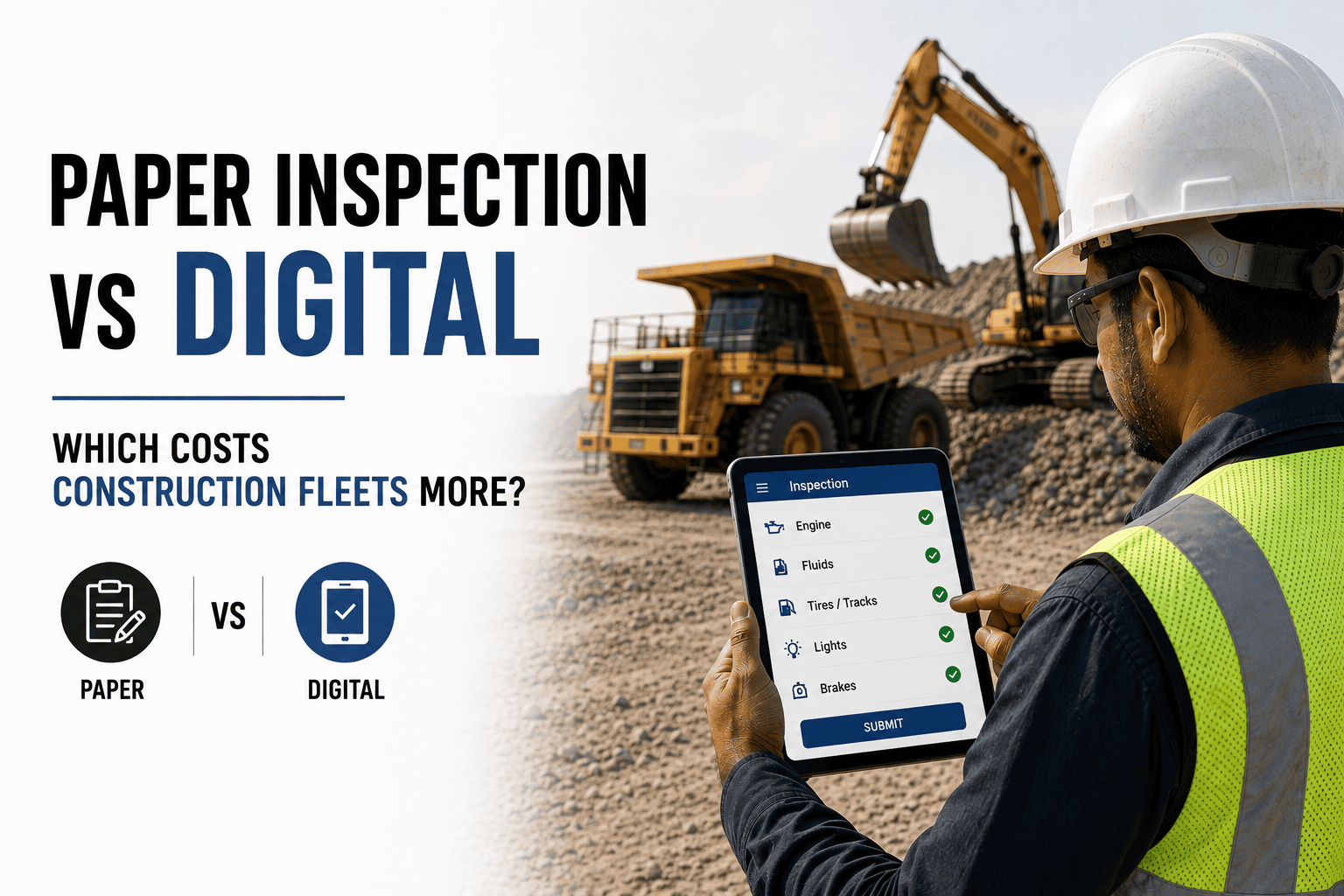
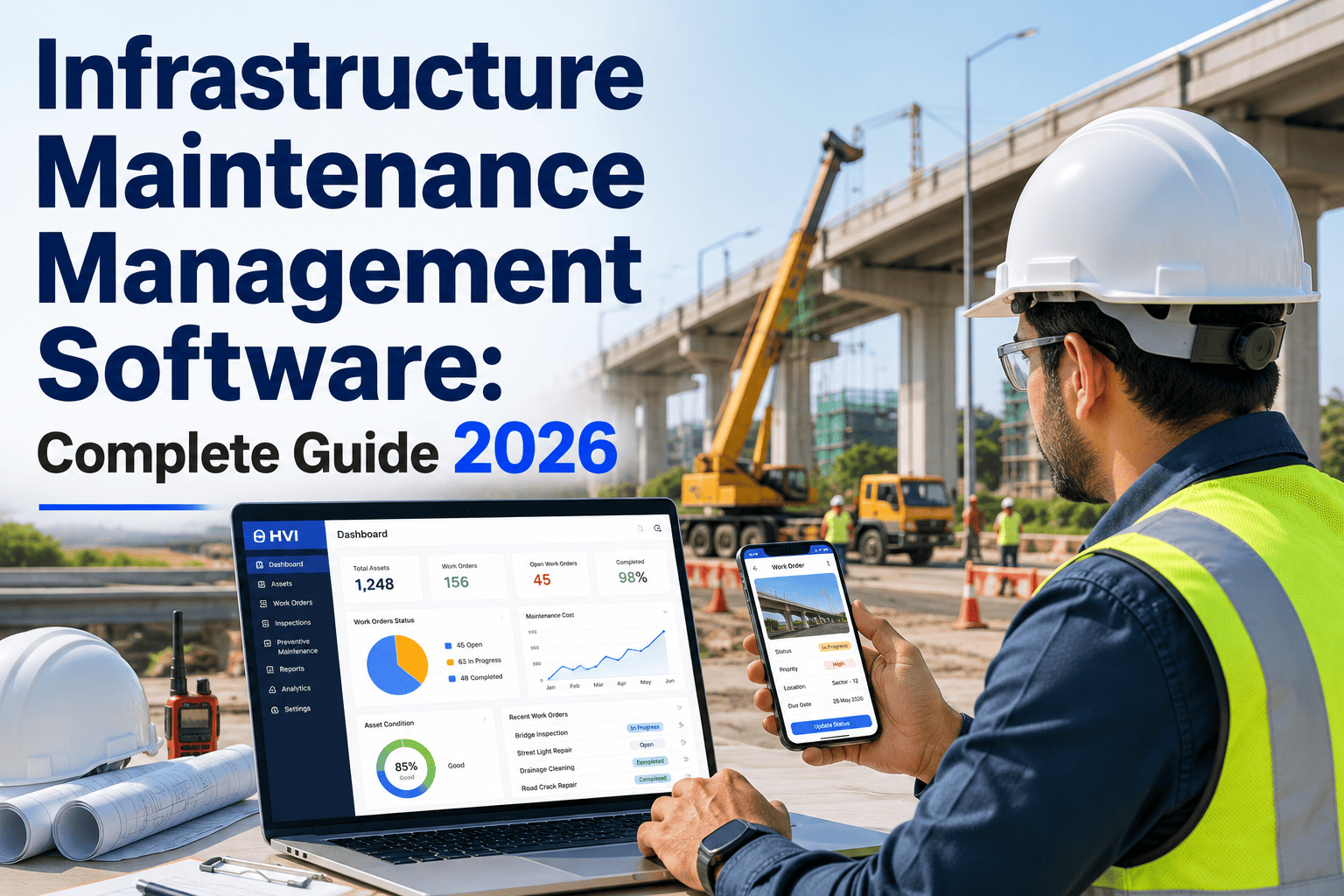
Choosing the right infrastructure equipment inspection software in 2026 is no longer a back-office decision — it directly affects how fast equipment gets repaired, how clean your maintenance records look during an audit, and how much margin a project actually keeps. EPC contractors, highway concessionaires, metro builders, and mining operators are all moving the same direction: away from paper checklists and scattered spreadsheets, toward mobile-first platforms that capture inspection data the moment a technician walks the site. This guide breaks down the features that actually matter, what it costs to keep waiting, and how a purpose-built platform compares to the tools most teams are still using today. If you want to see what a modern equipment inspection app feels like in daily use, you can sign up free and try it on your own asset list.
Infrastructure Equipment Inspection Software in 2026: The Complete Buyer's Guide
If your fleet still runs on paper checklists, WhatsApp photos, and a maintenance spreadsheet someone updates on Friday evenings, you are not alone — and you are also not getting the visibility your project actually needs. This guide walks through what a modern equipment inspection app should do, what it costs to keep waiting, and how to evaluate platforms without getting pulled in by a sales pitch.
Why Infrastructure Companies Are Rethinking Inspection Software in 2026
The pressure is no longer just about going digital for its own sake. EPC, mining, highway, and metro fleets are running larger equipment lists across more sites than ever, and the old methods are visibly breaking under that load.
Multi-Site Fleets Have Outgrown Spreadsheets
A single highway package can run 200+ machines across multiple stretches. One spreadsheet, updated by hand, cannot tell a planner what's overdue for service across all of them at once.
Compliance Audits Are Getting Stricter
CMVR fitness checks and internal safety audits increasingly expect timestamped, photo-backed inspection records, not a folder of scanned paper forms assembled the week before the audit.
ERP Teams Want Real Data, Not Re-Typed Data
Finance and planning teams running SAP or another ERP are tired of waiting for field data that gets manually keyed in a day or two after the actual inspection happened.
Experienced Supervisors Are Harder to Find
A guided digital checklist on a phone helps a newer technician inspect consistently, instead of relying entirely on one supervisor's memory of what to check.
Core Features Every Infrastructure Inspection Platform Should Have
Not every inspection app on the market is built for the way Indian infrastructure sites actually operate. Before shortlisting anyone, check the platform covers these six fundamentals.
Mobile-First Daily Inspections
Operators complete pre-trip and daily checks on a phone, with photo proof, pass or fail items, and odometer or hour-meter readings captured at the point of inspection.
Offline-First Capture
Inspections and work orders save locally on the device and sync automatically once the network returns, essential for highway, tunnelling, and mining sites with patchy connectivity.
Preventive Maintenance Scheduling
Service intervals based on hours, kilometres, or calendar dates should trigger work orders automatically, instead of relying on someone remembering to check a logbook.
Compliance & Fitness Templates
Built-in CMVR and MoRTH-aligned formats keep fitness and safety inspections audit-ready the moment they're submitted, instead of being reformatted later.
Regional Language Support
Field operators should be able to work in Hindi or their regional language, while reports roll up in English for planners, finance, and head office.
ERP & Finance Integration
Work orders, parts consumption, and maintenance costs should flow into SAP or your ERP automatically, so nobody is re-typing the same entry twice.
How the Options Actually Compare
Most teams evaluating an equipment maintenance platform are really choosing between three approaches. Here is how they stack up across the things that matter day to day.
| Capability | Paper & Spreadsheets | Generic CMMS | Purpose-Built Platform |
|---|---|---|---|
| Mobile data capture in the field | Rare, needs re-entry | Partial, often desktop-first | Built-in, photo and GPS tagged |
| Works offline on remote sites | Isolated, not synced | Limited or none | Full offline capture with auto-sync |
| Typical setup time | Days, but no structure | Weeks to months | Days to two weeks per site |
| CMVR / fitness compliance templates | Manually formatted each time | Rare, needs customisation | Pre-built and audit-ready |
| Regional language support | Depends on the form | Rare | Common, Hindi and regional |
| ERP / SAP integration | None | Possible via middleware | Direct, real-time sync |
| Visibility into maintenance cost | Delayed, manual reconciliation | Improved, still batch-based | Live, tied to each work order |
Curious How a Purpose-Built Platform Performs on Your Equipment List?
Bring your own asset list, your own templates, and your own back-office workflow. A short trial or a guided walkthrough tells you more than another spec sheet ever could.
What It Actually Costs You to Keep Waiting
Delaying the move off paper and spreadsheets is rarely a neutral choice. Here is where infrastructure teams typically feel it, week after week.
Supervisors and back-office staff spend entire days re-typing what technicians already recorded on paper or in messaging apps.
Finance teams piece together fuel, parts, and labour costs from scattered registers well after the actual work is done.
Missed service intervals on heavy equipment turn into unplanned downtime, emergency repairs, and idle project schedules.
Incomplete or inconsistent paper records make every compliance review longer and more stressful than it needs to be.
What a Realistic Implementation Timeline Looks Like
A digital inspection rollout does not need to be a multi-month IT project. Most infrastructure teams move through four stages.
Evaluate & Shortlist
Compare two or three platforms against your actual checklist templates and asset list, not just a feature brochure.
Pilot on One Site
Run the platform on a single project site or equipment package to see how technicians and supervisors actually use it.
Map Assets & Templates
Bring in your equipment list, functional locations, and inspection templates so the platform mirrors how your team already works.
Scale Across the Fleet
Once the pilot site is comfortable, extend the same setup to additional sites and packages without starting from zero each time.
Red Flags to Watch for When Evaluating Vendors
A demo can make almost any platform look good. These are the questions that separate a tool built for Indian infrastructure sites from one that wasn't.
No Real Offline Mode
If the demo only works on a strong office Wi-Fi connection, ask what happens on a tunnelling site with no signal for six hours.
English-Only Interface
If operators can't work comfortably in Hindi or a regional language, adoption stalls outside the head office almost immediately.
Vague Integration Answers
If the vendor can't clearly explain how data reaches your ERP, or admits it needs separate middleware, get that in writing first.
Pricing That Grows With Every Module
Watch for platforms where compliance templates, reporting, or integrations are sold as costly add-ons after you've already committed.
We manage equipment across multiple highway packages, and for years our biggest bottleneck wasn't the maintenance work itself, it was knowing what had actually happened in the field. Once we moved daily inspections and work orders onto a mobile platform, our planners stopped chasing paper and started planning from real data. The shift wasn't dramatic on any single day, but three months in, our unplanned downtime was visibly lower and our audits took a fraction of the time they used to.
Frequently Asked Questions
01What is infrastructure equipment inspection software, exactly?
02Is a generic CMMS enough, or do I need a purpose-built inspection platform?
03How long does it take to roll out an inspection platform across multiple sites?
04Will the app actually work on remote sites with poor or no network?
05Does this kind of software replace our existing SAP or ERP system?
Stop Evaluating on Spec Sheets — See It Run on Your Own Equipment List
Bring your asset register, your inspection templates, and your toughest remote site. A free trial or a 30-minute walkthrough tells you more about fit than another comparison chart.