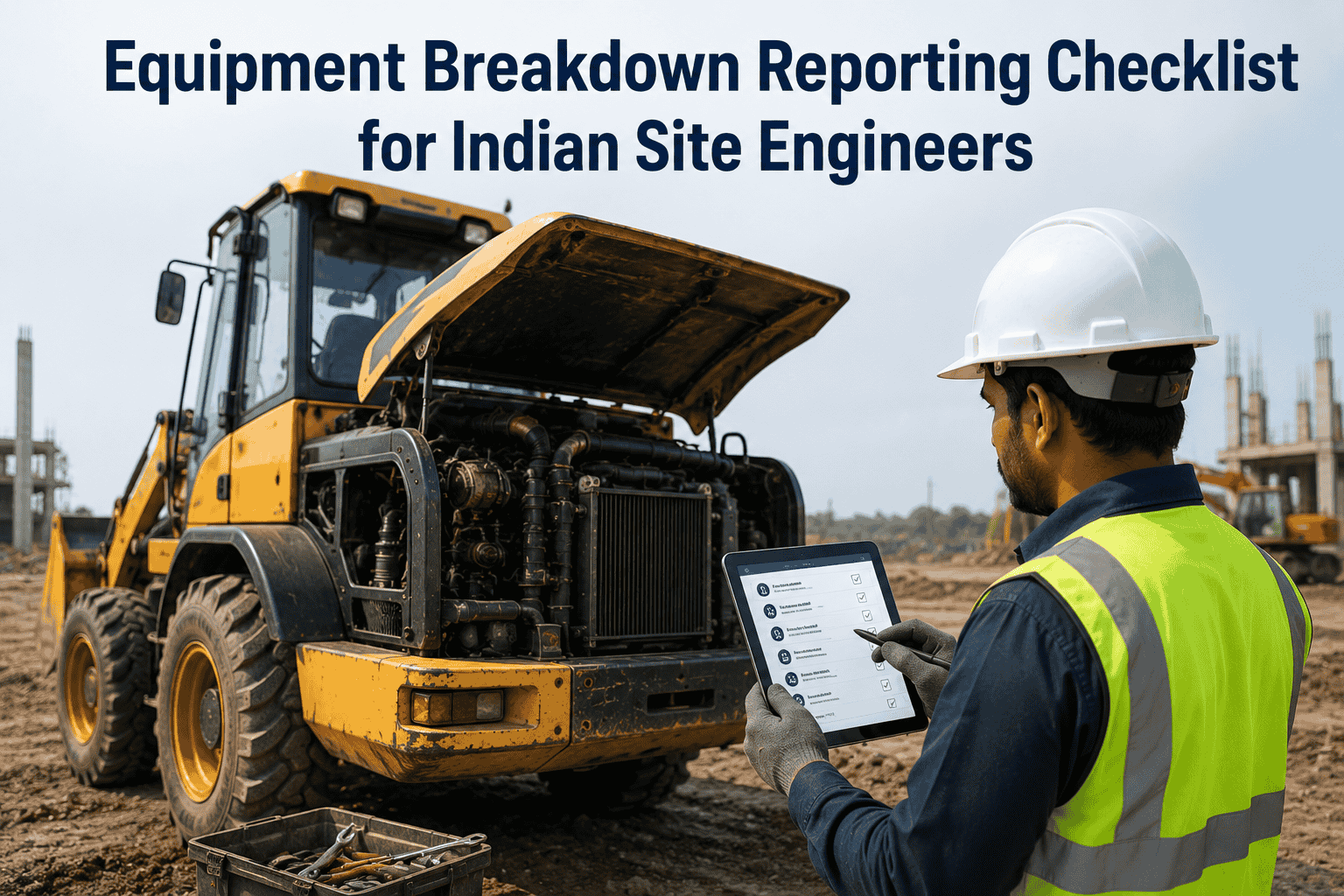
When heavy equipment breaks down on an Indian construction site, the next 60 minutes determine whether it becomes a 2-hour fix or a 5-day saga. A site engineer who knows exactly what to capture, what to escalate, and what work order to trigger gets the equipment back in service before the workshop closes. A site engineer working from memory takes 3-4 hours just to assemble the right information, by which time the day's production is lost. This checklist gives the site engineer a time-anchored breakdown reporting protocol — phase by phase from T+0 minutes (failure happens) to T+24 hours (root cause closure). It covers JCB backhoes, Tata Hitachi / Komatsu excavators, Schwing batching plants, Vögele / Apollo pavers, Volvo / CAT loaders, and the Tata / Ashok Leyland / BharatBenz tipper fleet that moves the work. Built around the structured fields a project manager, workshop head, and equipment OEM service team will ask for the moment they get the call. Sign up free to run this protocol digitally on HVI with photo evidence and auto-generated work orders.
BREAKDOWN RESPONSE PROTOCOL · FIELD CHECKLIST
Equipment Breakdown Reporting Checklist · Indian Site Engineers
A 6-phase time-anchored response protocol for site engineers when heavy equipment breaks down on Indian construction, mining, and infrastructure projects. From T+0 minutes (failure occurs) to T+24 hours (root cause logged). 42 captured data points across 6 phases.
Why Breakdown Reporting Goes Wrong — And Why a Protocol Fixes It
A site engineer responding to a breakdown is dealing with multiple pressures at the same time: the operator wants the machine running, the project manager wants the report, the workshop needs the symptoms, the OEM wants the model and serial number, and the QC team wants the BOCW incident notification if anyone was injured. Without a structured protocol, the site engineer ends up making 6-7 separate phone calls, repeating the same information, missing details that the workshop later needs them to drive back to the breakdown site to verify. A 60-minute response becomes a 4-hour scramble. Book a demo to see how a structured digital protocol cuts breakdown response time in half on HVI.
Without Protocol
- Operator described symptoms in their own words — workshop translates incorrectly
- No photo of the failure point — workshop sends wrong spare parts
- Equipment serial number not captured — OEM warranty claim delayed by 48 hours
- Project manager notified verbally — no audit trail when client asks
- Work order created next day — by which time 2 production shifts already lost
- Root cause never recorded — same failure repeats on sister equipment in 60 days
With Protocol
- Symptom captured in standard categories — workshop diagnoses correctly first time
- Photo of failure point with timestamp + GPS — workshop ships right parts same day
- Equipment data card pulled automatically — OEM claim filed within 30 minutes
- PM notified by auto-generated alert — full audit trail in the system
- Work order auto-created and routed — workshop on-site within 2 hours
- Root cause logged within 24 hours — feeds back to PM schedule for sister assets
The 6-Phase Breakdown Response Protocol
The protocol divides the response into 6 time-anchored phases, each with its own actions and data capture. The phases run sequentially — completing each unlocks the next. Total response window: 60 minutes from breakdown to work-order dispatch, plus a 24-hour follow-up for root cause closure.
Stop & Secure
The first 5 minutes after failure. Operator stops the machine, secures the site, prevents secondary damage. Site engineer is informed.
Actions
Operator engages parking brake / lowers attachments
Engine OFF immediately if abnormal noise / smoke / overheating
Hazard area cordoned · workers cleared from danger zone
Operator calls site engineer / supervisor via radio or phone
If injury: trigger BOCW incident reporting protocol IMMEDIATELY
Capture
Time of stoppage (HH:MM)
Operator name & ID
Equipment registration / asset number
Location coordinates / GPS pin
Operating task at time of failure
Capture & Document
Site engineer arrives. Five minutes of disciplined evidence capture before anyone starts speculating about causes. Photos before the workshop arrives and rearranges things.
Actions
Photograph the failure point from 3 angles minimum
Photograph the operator's panel showing warning lights / error codes
Photograph fluid leaks (oil, fuel, coolant) at the puddle on ground
Note all warning lights, gauges, dashboard readings before shutdown
Note ambient conditions (temperature, weather, recent rain)
Capture
Hour meter / odometer reading
Last service date / hours since last PM
Engine status before stoppage (idle / load / cold start)
Symptom in operator's exact words
Fuel level & coolant temperature at stoppage
Diagnose & Categorize
Site engineer categorises the failure into one of the standard system categories. This routes the report to the right workshop technician and orders the right spare parts.
Actions
Identify primary failed system (engine / hydraulic / electrical / structural / transmission / cooling)
Identify failure mode (sudden / progressive / intermittent)
Determine severity tier (TIER 1 minor / TIER 2 moderate / TIER 3 critical)
Estimate downtime impact (hours of production lost)
Check OEM operator manual for known failure modes matching the symptoms
Capture
Failed system category code
Subsystem affected (e.g. hydraulic pump vs hose)
Suspected failure mode
Severity tier assigned
Production impact estimate (hours / ₹ lost)
Escalate & Notify
Right stakeholders informed in the right order with the right information. Done correctly, this triggers parallel actions — workshop preparing, project manager planning resequencing, client notification if contractually required.
Actions
Notify workshop head with full data card + photos
Notify project manager with downtime estimate + production impact
For TIER 3 critical: notify the Engineer / client representative
For OEM warranty equipment: open OEM service ticket parallelly
For rented equipment: notify hire vendor with photos for liability
Capture
Time of each notification
Person notified (name, designation)
Channel used (call / WhatsApp / email / system)
Acknowledgement received Y/N
OEM ticket reference number (if applicable)
Trigger Work Order
Work order created. Workshop technician dispatched with the right spare parts and tools. Recovery plan documented including any temporary workarounds (rental backup machine, work resequencing).
Actions
Work order generated with full breakdown report attached
Spare parts list confirmed with workshop (in stock / order needed)
Technician dispatch time confirmed
Backup machine arranged if downtime exceeds 4 hours
Work resequencing instructions issued to crew
Capture
Work order number
Spare parts required & availability
Technician dispatched (name, ETA)
Backup arrangement (machine / hire vendor)
Production resequencing decision
Root Cause & Closure
After the equipment is back in service, the breakdown report closes with root cause analysis. This is the step most often skipped — and the reason the same failure recurs on sister equipment 60-90 days later.
Actions
Workshop technician documents what was actually found
Root cause categorised (operator error / wear / fluid / electrical / OEM defect)
Spare parts consumed logged against the asset's lifetime spend
Preventive action assigned to similar equipment if pattern detected
Breakdown report closed and filed with full evidence chain
Capture
Actual root cause (workshop finding)
Parts replaced (part numbers + cost)
Labour hours consumed
Total downtime (T+0 to back-in-service)
Preventive action assigned to sister assets
Symptom-to-System Categorisation Reference
The single most useful thing a site engineer can do during phase 3 is correctly categorise the failure. Wrong category = wrong technician dispatched = wrong spare parts ordered = breakdown extends by hours. This reference table maps common observable symptoms to the failed system category. Sign up free to use guided categorisation prompts on HVI.
Engine won't start · slow crank · battery weak
ELECTRICAL / STARTING
Check battery voltage, starter motor, ignition switch
Engine starts but stalls · runs rough · loses power
FUEL / AIR / ENGINE
Check fuel filter, air filter, fuel quality, injector spray
Engine overheating · coolant temp warning · steam from radiator
COOLING SYSTEM
STOP IMMEDIATELY. Check coolant level (cold), radiator fins, fan, thermostat
Hydraulic functions weak / slow / no movement
HYDRAULIC SYSTEM
Check hydraulic oil level, oil temperature, hose leaks, pump pressure
Major hydraulic oil leak · oil on ground · functions failed
HYDRAULIC FAILURE
STOP. Photograph leak source. Engine OFF. Hydraulic isolation
Abnormal noise from drivetrain · vibration · grinding
TRANSMISSION / DRIVETRAIN
Stop machine. Do not engage gear. Check fluid level, listen for bearing failure
Brakes weak / soft pedal / pull to one side
BRAKING SYSTEM
Park immediately. Wheel chock. Check brake fluid, drum / disc condition
Visible structural crack · bent frame · weld separation
STRUCTURAL FAILURE
STOP. No further movement. Photograph. OEM consultation required
Warning lights · error codes on display · sensor alerts
ELECTRONIC / SENSOR
Record exact error code. Refer OEM error code guide. Reset only if guide allows
Tyre / undercarriage / track damage during operation
UNDERCARRIAGE
Photograph damage. Note operating surface. Check for foreign object
Severity Tier Reference — TIER 1 / TIER 2 / TIER 3
Severity tier assigned in phase 3 drives everything that follows. A TIER 1 minor issue may not need workshop dispatch. A TIER 3 critical event requires immediate client notification. Get this classification right and the subsequent phases run smoothly. Book a demo to standardise severity classification across your sites on HVI.
TIER 1
Minor · Operator-Fixable
Downtime < 1 hour expected
No spare parts needed
No safety risk to operator or others
Operator can resolve with on-board tools
Examples: minor hose adjustment, filter cleaning, fluid top-up
Action: Log entry only · No work order · Operator resumes
TIER 2
Moderate · Workshop Required
Downtime 1-8 hours expected
Spare parts likely needed
Workshop technician needs to attend
No structural / safety-critical failure
Examples: hydraulic seal failure, electrical sensor, brake adjustment
Action: Full work order · Workshop dispatch · PM notified
TIER 3
Critical · Major Failure / Safety Event
Downtime > 8 hours expected
Major spare or OEM service needed
Structural / safety / engine seizure failure
Personnel injury OR significant property damage
Examples: engine seizure, structural crack, rollover, fire
Action: Full protocol + client notification + BOCW (if injury)
Common Reporting Mistakes — What NOT To Do
The mistakes that delay breakdown response by hours are remarkably consistent across sites. Most are avoidable. The protocol above prevents most of these — but knowing the failure modes of breakdown reporting itself helps the site engineer recognise them in real-time. Book a demo to enforce protocol-driven reporting that prevents these mistakes on HVI.
×
Diagnosing before documenting
Site engineer arrives, starts troubleshooting before photos are taken. Workshop later cannot see the original failure state — they only see what's been disturbed by the diagnosis. Fix: photos first, diagnosis after.
×
Notifying verbally then forgetting to log
Calls workshop head, calls PM, calls OEM — no written record. When the client asks for the breakdown report 3 days later, none of these calls exist in the audit trail. Fix: every verbal notification followed by a system entry within 5 minutes.
×
Restarting the equipment to "check"
Operator or site engineer attempts to restart the equipment to confirm the symptom. If a serious failure (hydraulic, electrical short, overheating), restart can cause secondary damage that turns a ₹40,000 repair into a ₹4,00,000 rebuild. Fix: do not restart until workshop authorises.
×
Skipping the hour-meter / odometer reading
Hours since last PM and lifetime hours are the single most important data point for OEM warranty and workshop diagnosis. Often missed in the rush. Fix: hour-meter reading is non-negotiable in phase 2.
×
Operator's words paraphrased by site engineer
Operator says "engine made khat-khat noise". Site engineer writes "engine knocking". Workshop reads "knocking" and orders piston rings. Actual failure was a loose belt. Fix: operator's symptom captured verbatim in their words.
×
Closing the report without root cause
Equipment back in service, everyone moves on. Workshop's "what was actually found" never gets logged. The same failure recurs on sister equipment 60-90 days later because no preventive action was triggered. Fix: phase 6 is mandatory, not optional.
The 10 Data Points That Matter Most
Across the 42 data points captured in the full protocol, 10 are the ones that determine whether the breakdown response succeeds or fails. If the site engineer captures only these 10, the workshop can usually dispatch the right technician with the right parts. The rest of the data is for post-mortem analysis and audit trail. Sign up free to make these 10 data points mandatory in every breakdown report on HVI.
10 Must-Capture Data Points
1Time of stoppage & operator name
2Equipment asset number & registration
3Hour-meter / odometer reading
4Last service date / hours since last PM
5Symptom in operator's exact words
6Photos of failure point (minimum 3)
7Warning lights / error codes on display
8System category assigned (engine / hydraulic / etc)
9Severity tier (TIER 1 / 2 / 3)
10Production impact estimate (hours lost)
Quick Reference Answers
What is the difference between a breakdown report and a downtime log?
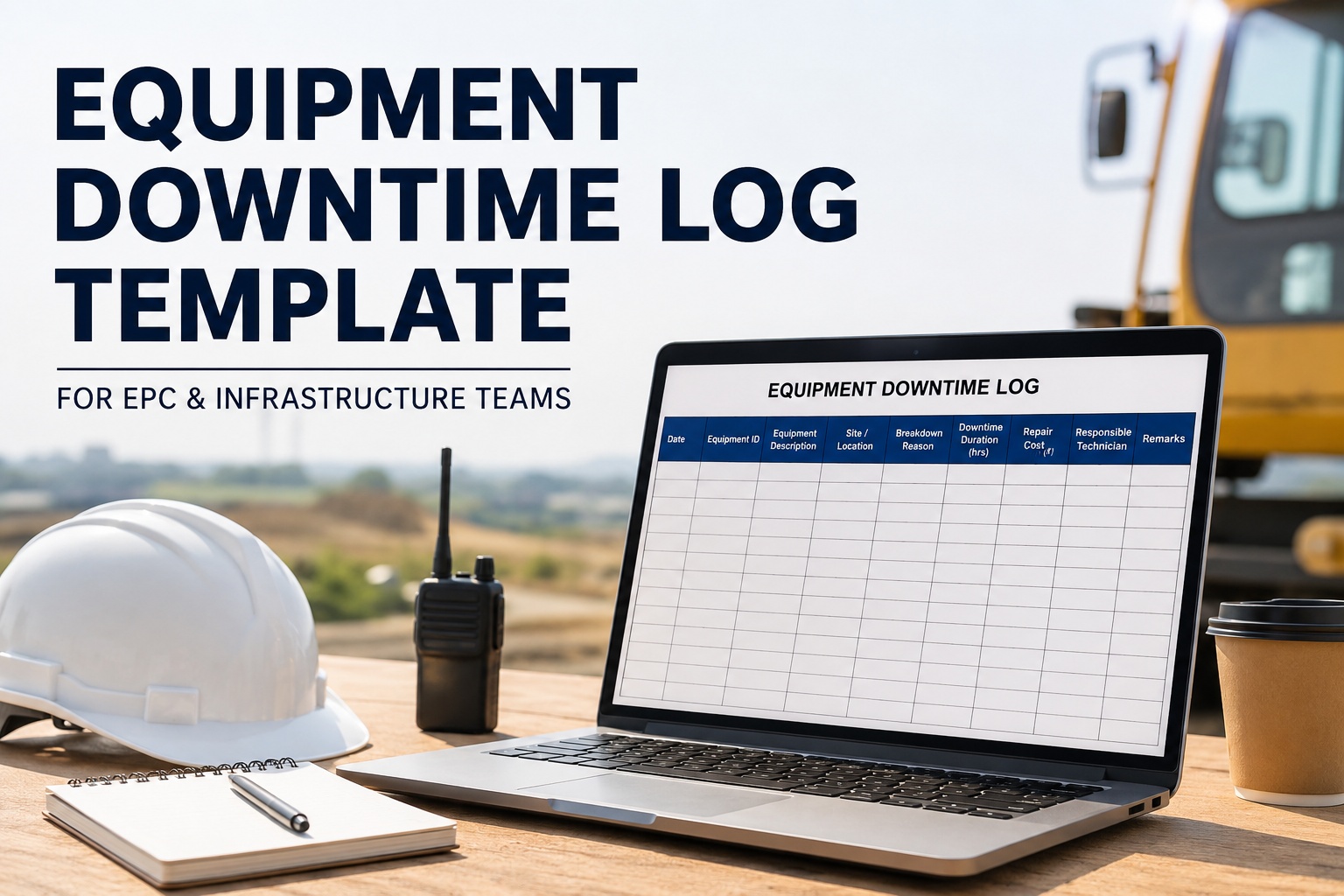
A breakdown report is the structured incident record created the moment an equipment fails — capturing symptoms, photos, root cause, parts consumed, and time-stamps for that single failure event. A downtime log is the running spreadsheet or system view that aggregates downtime hours across all equipment over time for KPI reporting and trend analysis. Every breakdown report feeds into the downtime log, but the breakdown report is the field-level action document, while the downtime log is the management reporting view. Indian project sites need both — and the same digital system should generate the downtime log automatically from breakdown reports rather than requiring duplicate manual entry.
Who completes each phase of the breakdown reporting protocol?
Phase 1 (Stop & Secure): The equipment operator and immediate supervisor. Phase 2 (Capture & Document): The site engineer arriving at scene. Phase 3 (Diagnose & Categorise): Site engineer with input from operator. Phase 4 (Escalate & Notify): Site engineer with workshop head pulled in. Phase 5 (Trigger Work Order): Workshop head leads; site engineer attaches the report. Phase 6 (Root Cause & Closure): Workshop technician documents what was found; site engineer reviews and closes the report. On sites running HVI, each phase is assigned and tracked digitally so no phase is dropped because someone forgot or assumed someone else would handle it.
When is BOCW incident reporting triggered alongside breakdown reporting?
Whenever the equipment breakdown causes — or has the potential to cause — injury to any worker, BOCW reporting is triggered in parallel with the breakdown report. Under the Building & Other Construction Workers Act 1996, any incident causing more than 48 hours of work absence, any hospitalisation, or any fatal injury must be reported to the State BOCW Welfare Board within 24 hours. The same incident also typically triggers reporting under the Factories Act (where the project meets factory definition) and the NHAI EHS Manual (on NHAI contracts). The breakdown report and the incident report share data but serve different audiences — the breakdown report goes to workshop and PM, the incident report goes to regulatory authorities. Both must be filed; they cannot substitute for each other.
How long should the entire breakdown response take?
For TIER 2 (moderate) failures — the most common category — the target is 60 minutes from T+0 (failure occurs) to T+60 (work order dispatched). TIER 3 critical failures can take longer because of escalation and OEM service ticket opening, but the documentation should still be complete within 60 minutes even if the equipment takes days to repair. TIER 1 minor failures often close within 15-20 minutes with just a log entry. The single biggest predictor of total downtime is how fast phase 1-2 happens — every minute saved at the start saves 10-20 minutes downstream because workshop dispatch happens earlier, parts arrive earlier, technician arrives earlier. Sites running structured digital protocols see average TIER 2 response drop from ~3 hours to under 90 minutes within the first quarter.
How does HVI automate breakdown reporting?
HVI gives the site engineer a phone-based 6-phase breakdown reporting form that mirrors the protocol on this page. Phase 1 is triggered by the operator from the equipment's own mobile QR code — the equipment's asset number, model, registration, last PM date, and lifetime hours auto-populate. Phase 2 photo capture is built into the form with mandatory shot prompts (failure point, dashboard, fluid leak). Phase 3 categorisation uses guided dropdowns mapped to the OEM error code library. Phase 4 escalation auto-routes notifications based on severity tier — TIER 3 instantly notifies the project manager and client representative without the site engineer making manual calls. Phase 5 auto-generates a work order with the full breakdown report attached. Phase 6 root cause logging gets sent back to the breakdown report when the workshop technician closes the work order. Sites running this end-to-end see breakdown documentation completeness reach 95%+ from a baseline of 30-40% on paper-based reporting.