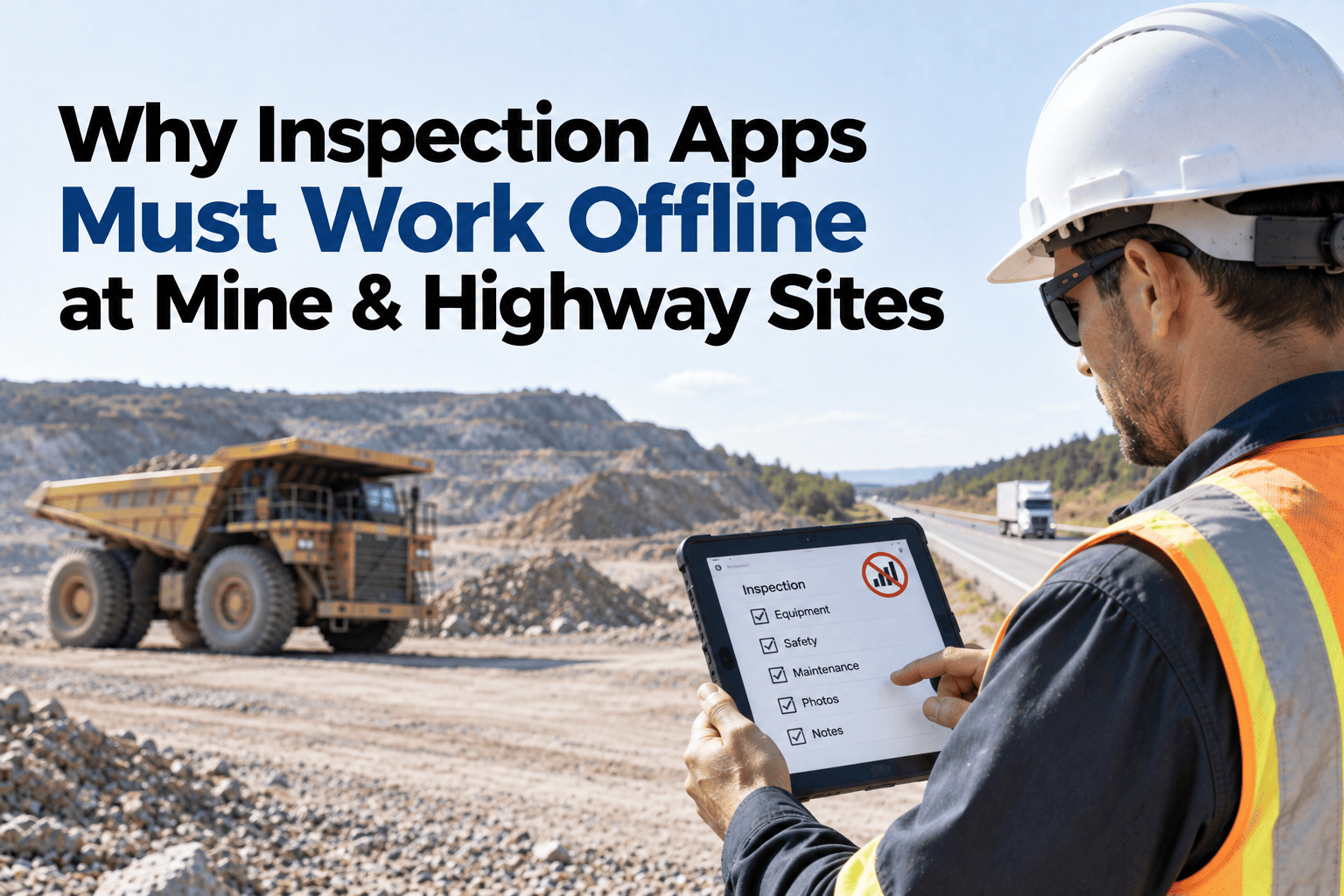
Almost every fleet system claims to work offline, and the claim covers an enormous range of actual behaviour. Some applications show you cached data and refuse any input. Some accept input but lose it if the app closes before signal returns. Some capture text but silently discard photos. All of them are described the same way in a brochure, and the difference only becomes apparent at a coal face in Jharkhand when an operator finishes an inspection and it disappears. Knowing which questions to ask is the whole of it, and you can test the answers against your own sites in a free 30-minute session.
No Signal, No Problem — If Offline Means What You Think It Means
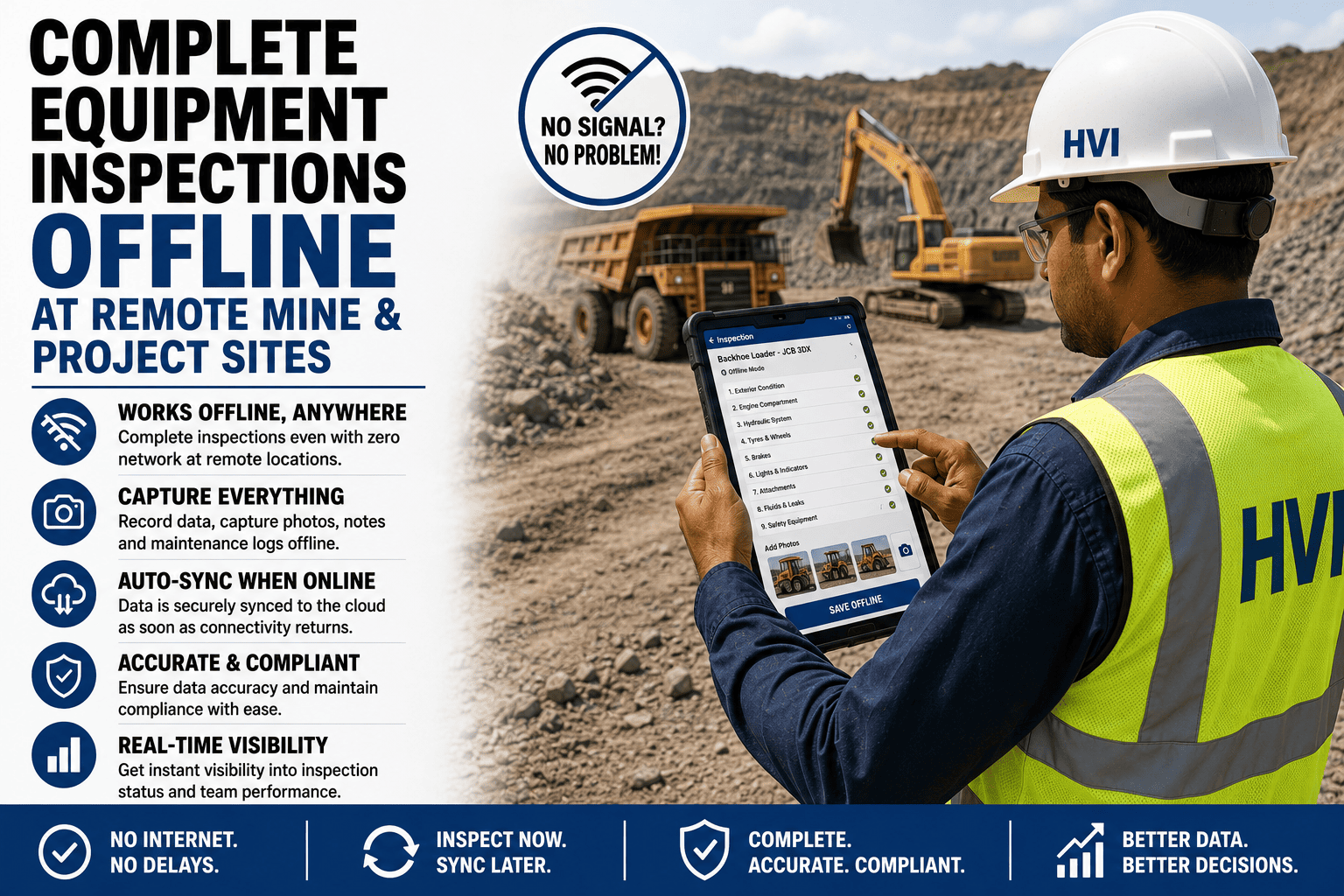
Full inspections completed at remote mine and highway sites with no connectivity, including photo evidence, syncing when the device reaches coverage.
Four Things "Offline" Can Mean
All four get described as offline support. Only the last one is useful at a site with no coverage.
You can see data that was loaded earlier. You cannot enter anything. Useful for reference, useless for inspection.
You can fill a form, but the data lives in memory. Close the app, lose the battery, or switch tasks and it is gone.
Text is saved to the device and survives a restart, but photos and attachments are dropped or fail silently on sync.
Everything the connected version does, including starting new records and attaching photos, stored durably on the device and synced whole when coverage returns.
Questions Worth Asking Any Vendor
Can an operator start a completely new inspection with no signal at all?
Some systems only allow continuation of work that was loaded while connected, which fails on a machine that arrived on site overnight.
Do photos and voice notes queue, or only text?
Attachments are the largest payload and the first thing to be dropped. They are also the evidence that makes a defect record useful.
Which timestamp is kept — capture or sync?
If the record shows the sync time, every inspection at a remote site is dated wrongly, which undermines the record for any later review.
What happens if the device is lost before syncing?
A genuine limit of any offline system. Worth knowing the exposure rather than discovering it.
What happens when two people edited the same record offline?
Conflict handling is where offline systems differ most. Silent overwriting is the worst answer and a common one.
Test It Where the Signal Actually Fails
Not in an office with the network disabled, but on the site that prompted the question in the first place.
What Sync Has to Get Right
Preserve the original time
The record must carry when the inspection happened, with sync time as separate information rather than a replacement for it.
Survive interruption
Coverage at a remote site often returns briefly and drops again. Sync has to resume rather than restart, or large records never complete.
Sync completely or not at all
A half-uploaded inspection missing its photos is worse than one still queued, because it looks finished.
Tell the operator what is pending
Visible queue status matters. An operator who cannot tell whether their work uploaded will either redo it or assume it was fine.
Handle conflicts explicitly
When the same record changed in two places, someone should be told rather than one version quietly winning.
Frequently Asked Questions
How long can a device stay offline?
Practically, as long as the device has storage, though the sensible limit is however long you are comfortable with the data existing only on one phone. Sites with weekly coverage trips work fine; the exposure is device loss rather than duration. You can discuss what suits your sites on a call with our team.
Does offline work for everything or just inspections?
Capture works offline. Anything that genuinely needs current central data — checking stock at another site, for instance — cannot, and no design changes that.
Do operators need to do anything to sync?
No. Sync runs automatically when coverage returns. The queue is visible so they can confirm, but it does not require an action.
What about sites that never get coverage at all?
Devices usually reach coverage when they leave site or return to a camp with connectivity, which is enough. Genuinely permanent isolation needs a deliberate sync routine rather than relying on chance.
How should we test this before committing?
Take a device to the worst site you have, complete a full inspection with photos, close the app, and check the record arrives intact with the right timestamp. Start with a free trial and do exactly that.
Ask What Offline Actually Covers
Check whether new records can be started with no signal, whether photos queue, which timestamp survives, and what happens on conflict — then test it at the site that made you ask.