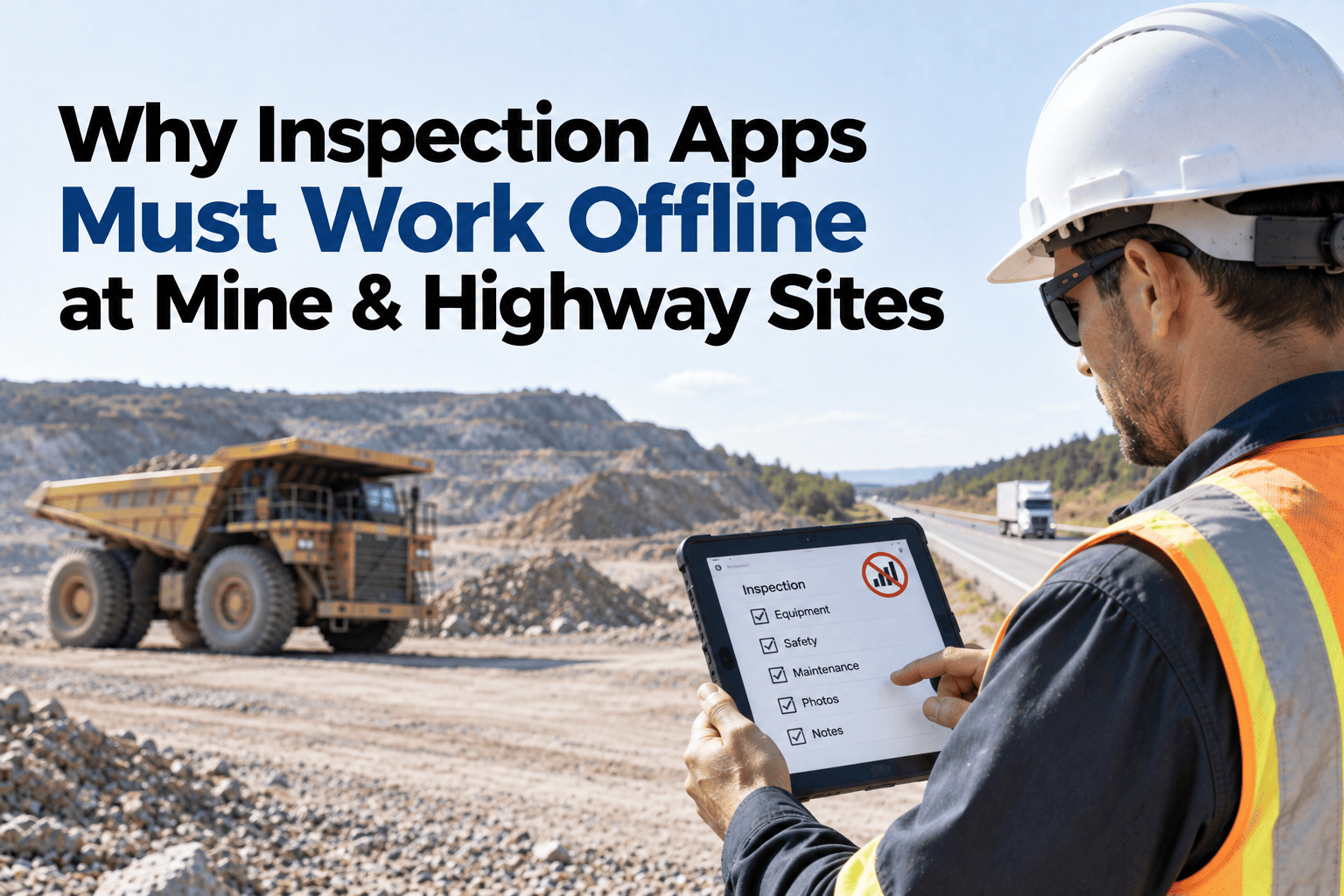
Every fleet software demo looks flawless on office Wi-Fi — and falls apart 40 metres down a quarry bench where the day's actual work happens. Indian fleets run in the least-connected places in the country: underground mines where no signal has ever reached, dam and tunnel faces dark for days, highway packages that cross dead zones every few kilometres, and pit bottoms where a phone is just a camera. So sites fall back to paper, and paper quietly costs everything digital was meant to fix — inspections that never get typed in, defect photos stranded in WhatsApp, registers batch-filled from memory at week end, and a compliance trail that starts falling apart the moment an auditor picks a date. HVI is built offline-first: the full app — inspections with photos, work orders, parts issues, meter readings, incident reports, toolbox talks, fuel logs — runs with zero connectivity for days or weeks, timestamps everything at capture, and syncs the moment any signal returns, feeding the same live dashboards, DGMS records, and SAP, Oracle, or Tally links as a connected site. The pit stops being an excuse and starts being covered — sign up free and run tomorrow's inspection in airplane mode.
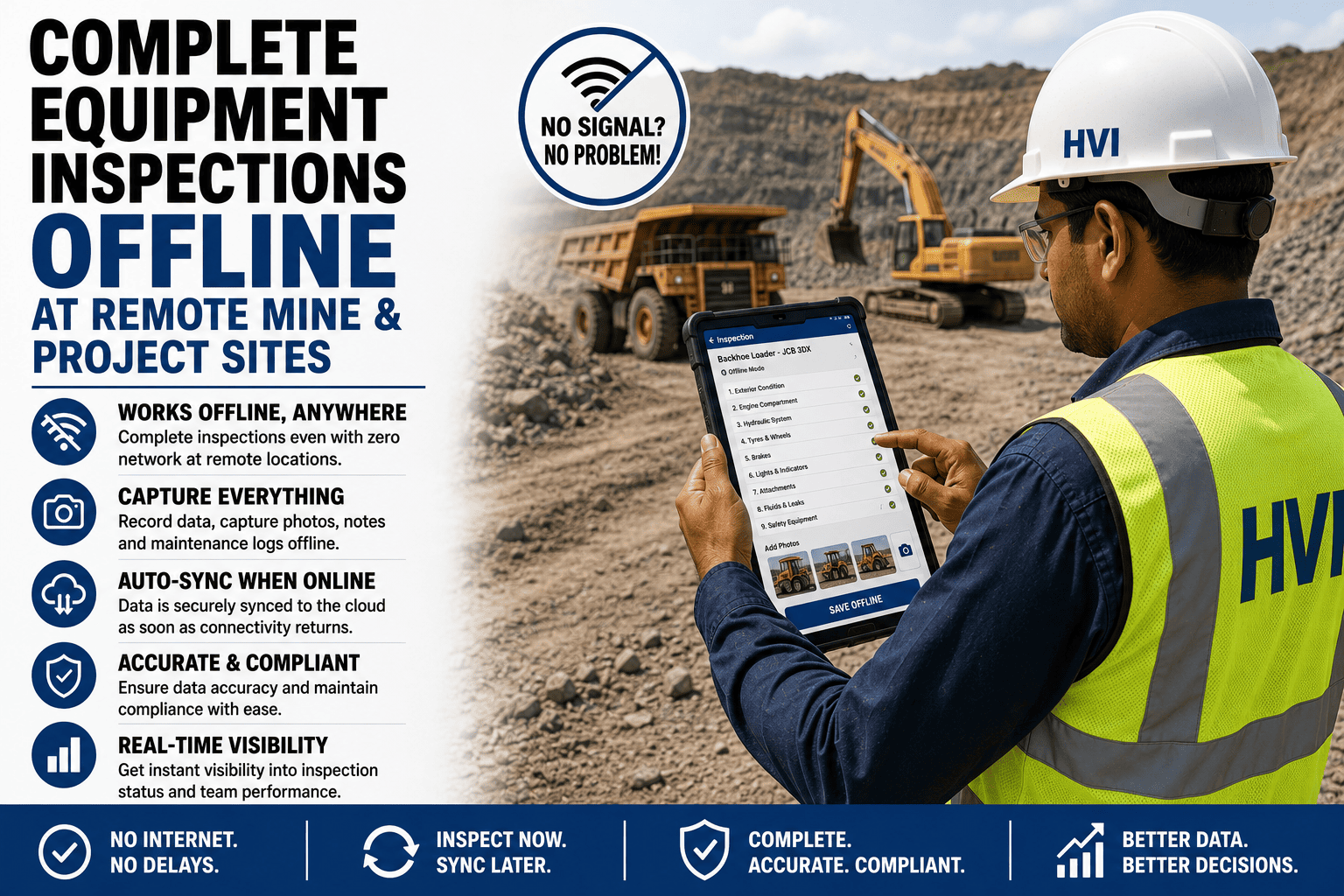
Complete Equipment Inspections Offline at Remote Mine & Project Sites
Full inspections, photos, work orders, and registers captured with zero connectivity — underground, at the pit bottom, or on the remotest highway stretch — auto-syncing with capture-time stamps the moment signal returns.
One Workday, Four Signal Zones — The App Doesn't Notice
Full Signal
The day's checklists, schedules, and assignments download to every device automatically — including new checklist versions pushed from head office overnight.
Patchy Signal
The app never waits for a bar to decide — everything saves locally first, and sync rides along opportunistically whenever a pocket of coverage appears.
Zero Signal
Full inspections with photos, defect reports, meter readings, and parts issues — complete, not a stripped "offline mode." The operator cannot tell the difference.
Dark for Days
Weeks of work queue safely on the device — an underground section or tunnel crew surfaces once a day, or once a week, and the record catches up in minutes.
Everything Works Offline — Not a Cut-Down Version
The only thing that needs connectivity is watching other sites' live data — everything a field crew does in a shift works at zero bars. That is the difference between "has an offline mode" and offline-first.
The Sync Moment: What Happens When Signal Returns
Queue Uploads Automatically
No sync button to remember — the moment the device sees any connectivity, even one bar at the canteen, queued records start flowing, photos compressed and resumable.
Capture-Time Stamps Preserved
Every record carries the time and GPS of when it was actually done, not when it synced — the 6 AM inspection stays a 6 AM inspection in every register and audit.
Conflicts Resolved Safely
Two devices touching the same machine while offline merge cleanly — entries append with author and time, and nothing silently overwrites anything.
Dashboards Update, Freshness Marked
KPIs, registers, and SAP / Oracle / Tally feeds absorb the new records instantly — and every site shows its last-sync time, so managers always know what they are looking at.
Watch a Full Inspection Run in Airplane Mode — Then Sync Live
In a 30-minute session, our India team switches a phone to airplane mode, completes a real inspection with photos and a defect report, then restores signal and shows the records land — capture-timestamped — on the dashboard and in the registers. Bring your most connectivity-cursed site's scenario; underground, tunnel, or dead-zone highway, the flow is the same.
Zero-Signal Site, Two Ways to Run It
| The Task | On Paper | Offline-First App |
|---|---|---|
| Daily equipment inspection | Filled at the machine, typed into Excel days later — or never | Completed on mobile at the machine; digital the moment it happens |
| Defect with photo evidence | Photo in someone's WhatsApp, defect in a register, never joined | Photo, GPS, and severity attached to the defect record itself |
| Work order at the pit | Verbal instruction; parts and labour reconstructed from memory | Assigned, executed, and costed on device; syncs complete |
| Statutory register entry | Batch-filled at week end — dates that cannot survive an audit | Built automatically from capture-timestamped records |
| Head-office visibility | A phone call and a promise | Everything on the dashboard at next sync, freshness marked |
Engineered for the Field, Not the Demo
Weeks of Capacity
Checklists, records, and photos store efficiently on ordinary Android devices — an underground crew can work disconnected for weeks without touching storage limits, syncing whenever they surface.
Device Loss Isn't Data Loss
Records sync at every opportunity, so a phone dropped in the sump costs at most the entries since the last pocket of signal — and a replacement device picks up the user's queue and assignments in one login.
Built for Site Hands
Big touch targets for gloved fingers, Hindi and English flows, photo-first capture, and battery-light operation through a 12-hour shift — designed around how field crews actually work.
Frequently Asked Questions
How long can a device stay fully offline?
Days or weeks — the practical limit is device storage, and typical usage with photos runs comfortably for extended underground or remote deployments. Sync can happen opportunistically at the canteen, the site office, or a weekly town run; the records neither expire nor degrade while they wait.
What if two people work on the same machine while both are offline?
Both sets of records survive — entries merge by author and capture time, so the operator's morning inspection and the fitter's afternoon repair both land intact even if they sync hours apart. Nothing is overwritten silently, and any genuine clash is flagged for the supervisor rather than auto-resolved.
Are offline records acceptable for DGMS and Factories Act evidence?
They are typically stronger than paper — each record carries capture time, GPS, author, and photos, which is exactly the authenticity an inspection probes. Registers print in statutory-style formats from these records, with none of the batch-filled-Sunday handwriting that undermines paper books.
Do photos and parts issues reach SAP, Oracle, or Tally after sync?
Yes — once synced, offline-captured records are indistinguishable from connected ones: parts consumption, labour, and fuel flow to your ERP on the same integration, and photos sit on the work orders and inspections they belong to. The remotest site closes its month exactly like the connected one; sign up free and connect your first remote site.
What devices do crews need?
Ordinary Android phones or tablets — no rugged-device mandate, no special hardware. Many sites run one shared device per crew or machine group with individual logins keeping accountability per person. See it running on a plain phone in a 30-minute demo with our India team.
Your Remotest Site Deserves the Same System as Your Best-Connected One
For years, remote sites struggled with weak records because software depended on connectivity. Offline-first changes that. Underground sections, dam faces, and remote highways can run the same inspections, work orders, and registers as head office—with records stamped at capture and synced later. No connectivity gaps, no compliance excuses. Start free or see it work offline in a 30-minute demo.