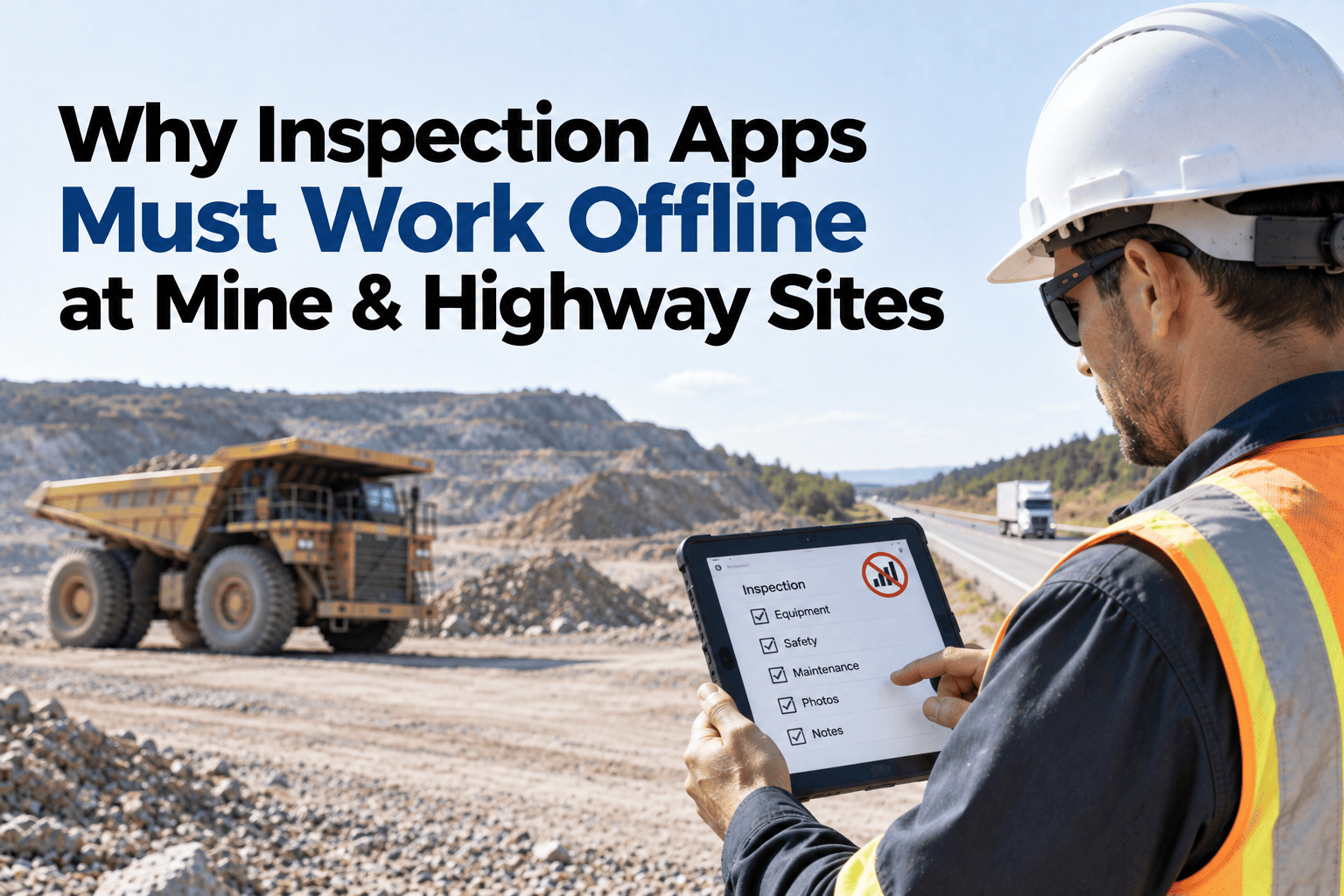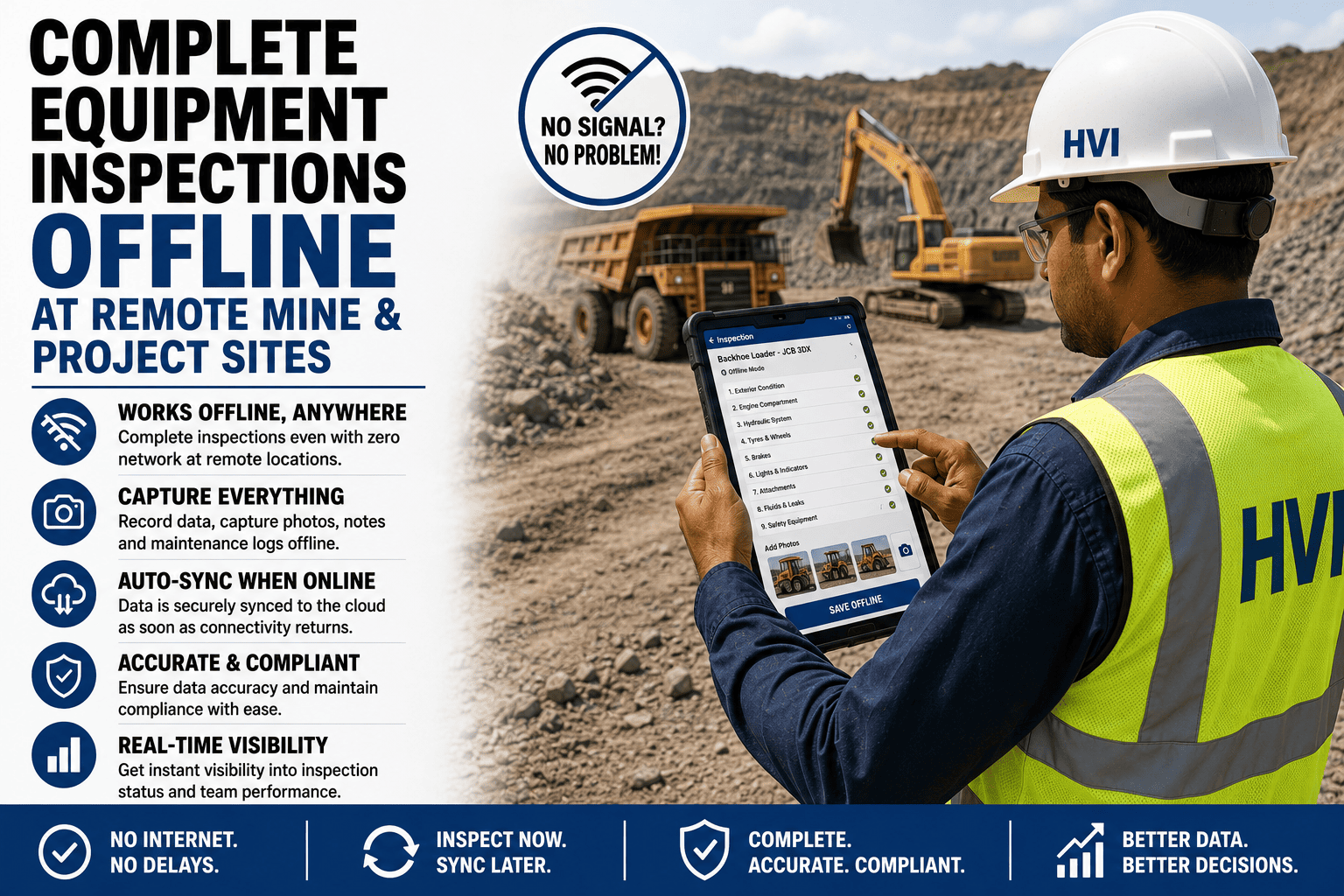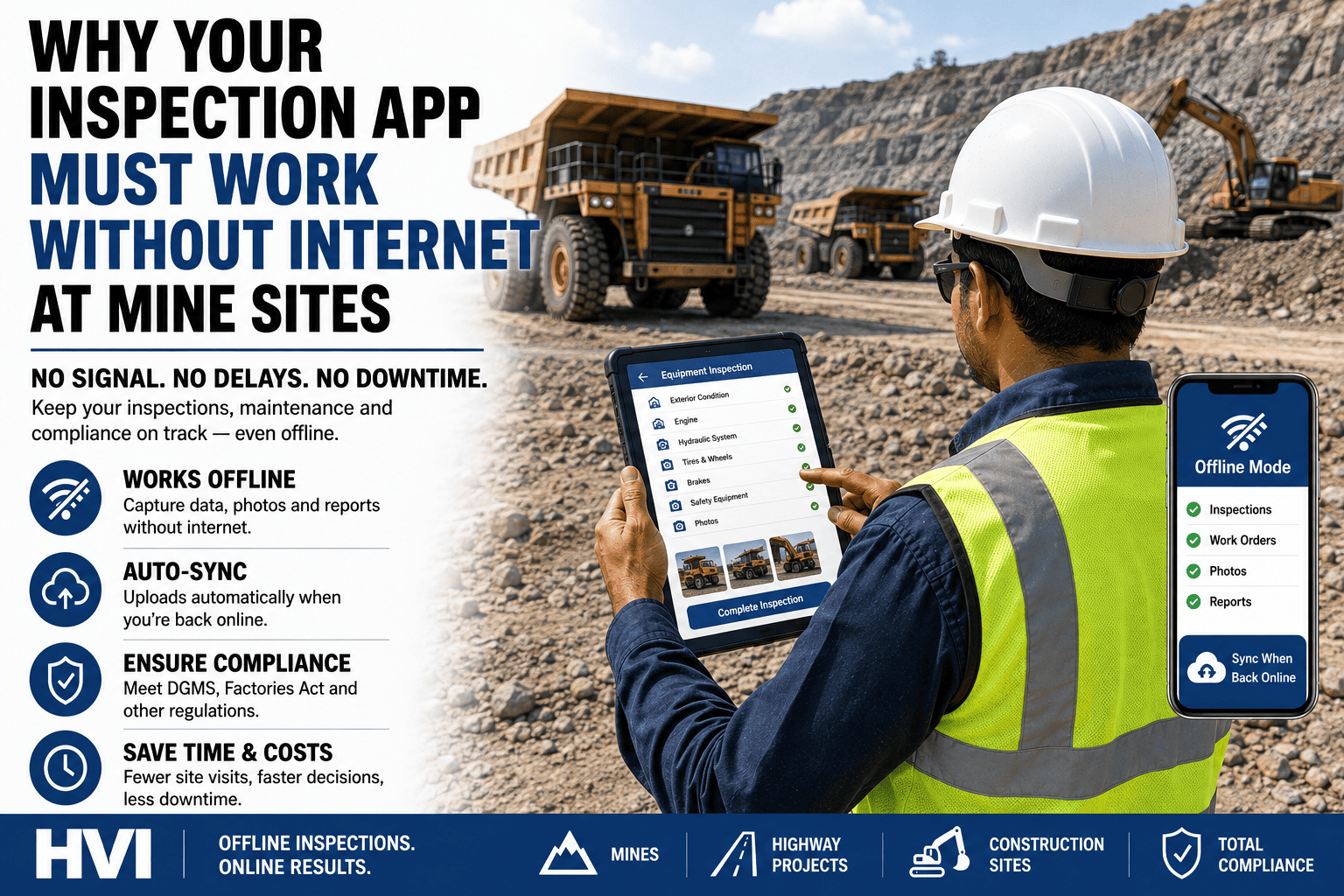
For Indian fleet managers, offline capability is not just a feature—it directly impacts costs, compliance, and data quality. Connectivity-dependent apps push remote sites back to paper, causing delayed defect reports, stale meter readings, incomplete statutory records, and unreliable downtime data. This is especially critical for underground sections, dam faces, and dead-zone highway sites operating under strict DGMS and Factories Act scrutiny. True offline-first apps store records locally, timestamp them at capture, and sync when connectivity returns. This guide covers real field failures, site connectivity challenges, common gotchas, and ten questions to test any vendor—including a live airplane-mode demonstration. Read it before you sign anything — then sign up free and put HVI through the airplane test yourself this week.
Why Your Inspection App Must Work Without Internet at Mine Sites
What connectivity-dependent apps actually cost on Indian mine and highway sites, the five ways "works offline" claims fail in the field, and the ten questions that expose them before you buy.
Three Sites, One Lesson
Rolled out a well-known inspection app; the pit floor had no coverage. Within three weeks operators were photographing paper checklists "to upload later." Six months of subscription bought a more expensive version of the old register — and the defect that stranded a loader had been written down, on paper, four days earlier.
The app technically saved offline — but timestamps were applied at sync. Inspections done at 6 AM across a 60 km dead zone all landed as 7:45 PM entries from the site office, and one look at a register full of evening timestamps ended its usefulness as statutory evidence.
Forms worked offline; photos did not. Defect reports surfaced from underground with every picture missing, "queued" until the app was reopened on the surface — which shift-end crews never did. The evidence trail existed only in theory, exactly where DGMS scrutiny is highest.
The Connectivity Reality of Indian Sites
| Site Type | Connectivity Reality | What the App Must Handle |
|---|---|---|
| Underground mine | Zero signal below ground — for entire shifts, sometimes weeks per device | Full functionality dark for weeks; sync in minutes when the crew surfaces |
| Open-pit mine / quarry | Patchy at the rim, dead at the floor and faces | Offline as the default state, opportunistic sync on any passing bar |
| Highway / rail corridor | Rolling dead zones across tens of kilometres of package | Work captured across zones all day; one sync at camp reconciles everything |
| Dam / tunnel / metro underground | No coverage at the face; office coverage hundreds of metres away | Photo-heavy records queuing reliably; capture-time stamps for compliance |
| City depot / plant | Good coverage with basement and yard shadows | Seamless switching — no user decision about being "in offline mode" |
Five Ways "Works Offline" Fails in the Field
Saves only on submit: the form works offline until the final tap needs a server. A dropped connection at submit loses twenty minutes of inspection — once bitten, crews go back to paper for good.
Photos need signal: text syncs, images "queue" — and quietly expire, cap out, or wait for an app-open that never comes. An inspection record without its photos is half a record, and the missing half is the evidence.
Timestamps at sync, not capture: the audit killer. Registers full of evening-sync timestamps read exactly like batch-filled paper books — the credibility digitisation was supposed to buy, gone.
Read-only offline: you can view yesterday's data but not create today's — no new work order from the pit, no parts issue at the field store. The half of the workflow that matters is the half that is missing.
A day of storage: built for a subway commute, not an underground fortnight — the cache fills, old records get evicted, and the longest-offline site loses the most data. Capacity for weeks is the real requirement.
Run the Airplane Test on HVI — Before You Trust Anyone's Brochure
In a 30-minute session, our India team puts a phone in airplane mode and runs your worst-case scenario end to end: full inspection with photos, a defect raised, a work order created, parts issued — then restores signal and shows every record land with its capture-time stamp intact. Bring the ten questions below; we will answer all of them on a live device.
The Ten Questions That Expose an Offline Claim
Frequently Asked Questions
Is testing in airplane mode really a fair evaluation?
It is the minimum fair evaluation — airplane mode is cleaner than a real dead zone, which adds flapping half-signal that breaks naive sync logic even harder. If an app cannot survive airplane mode in a conference room, it has no business at your pit bottom; if it can, test it next through one full shift on the actual site.
What about real-time alerts if the site is offline?
Physics wins: an alert cannot leave a dead zone until something syncs. The honest design queues the critical with its severity and fires the escalation the instant any device touches signal — and sites pair this with radio or muster protocols for the minutes in between, exactly as they always have.
Do shared crew devices work, or does everyone need a phone?
Shared Android devices per crew or machine group work fine — individual logins keep every record attributed to a person, and the offline queue belongs to the device, syncing regardless of who logs in next. Many remote sites run exactly this way to keep hardware simple.
How should we pilot offline capability before committing fleet-wide?
Pick your single worst-connectivity site and run a two-week pilot there — if the system holds at the dam face or underground section, every other site is easy. Track three things: records captured per day versus the paper baseline, sync completeness, and whether crews stop carrying the register; sign up free and start that pilot this week.
Does HVI pass its own ten questions?
Yes — and we prefer to prove it rather than claim it: full offline workflow, capture-time stamps, weeks of storage, automatic background sync, conflict-safe merging, and identical downstream records. Bring the list and your own checklist to a 30-minute demo and score us question by question.
The Sites With No Signal Are the Sites That Need the System Most
Your underground section, dam face, and dead-zone highway package run the biggest machines and face strictest DGMS scrutiny—yet connectivity-dependent apps often push these sites back to paper. Offline-first is essential on Indian projects. Test every vendor in airplane mode and make your remotest site the standard. If it works there, it works anywhere. Start free with HVI or see your worst-case scenario handled live in a 30-minute session.