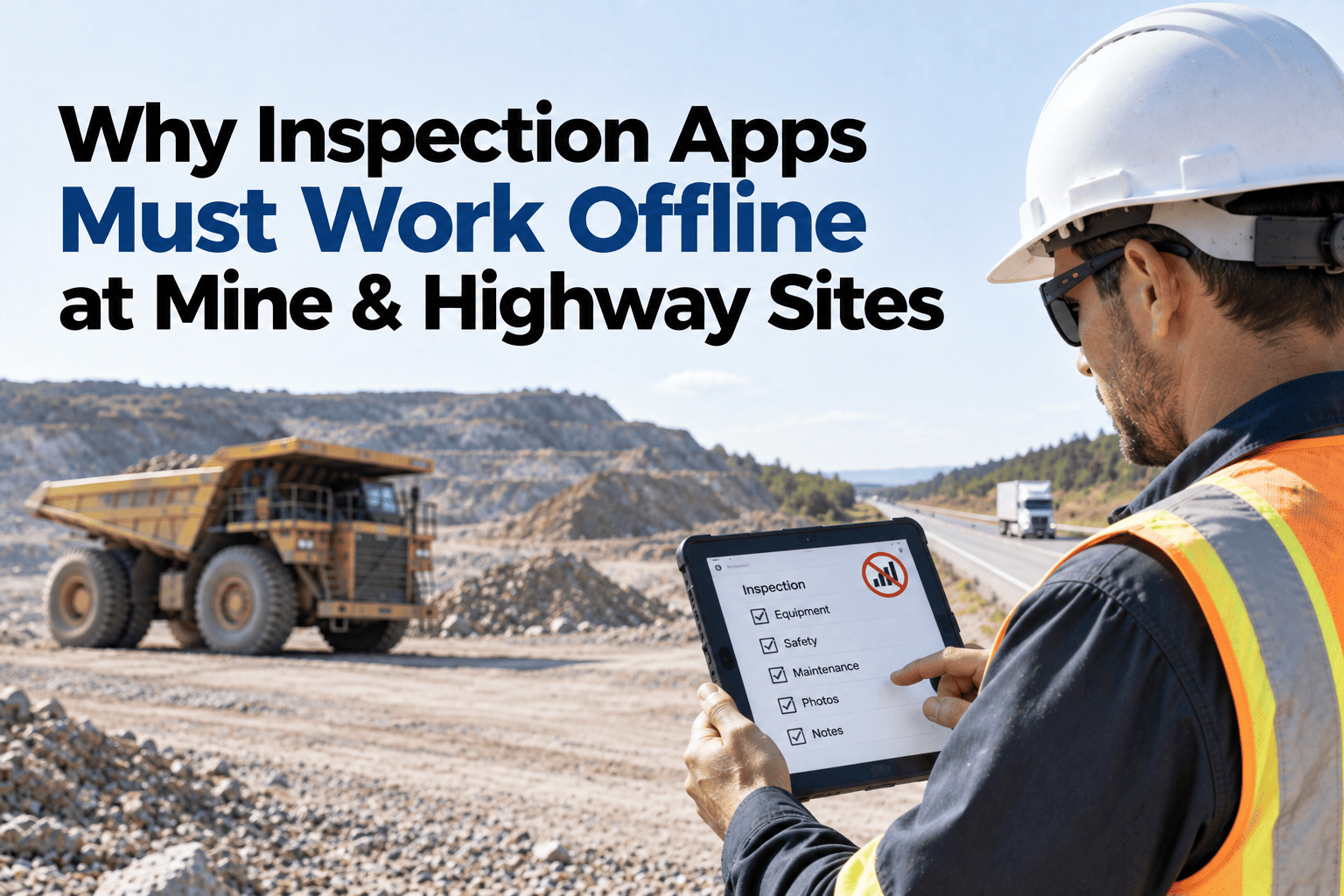
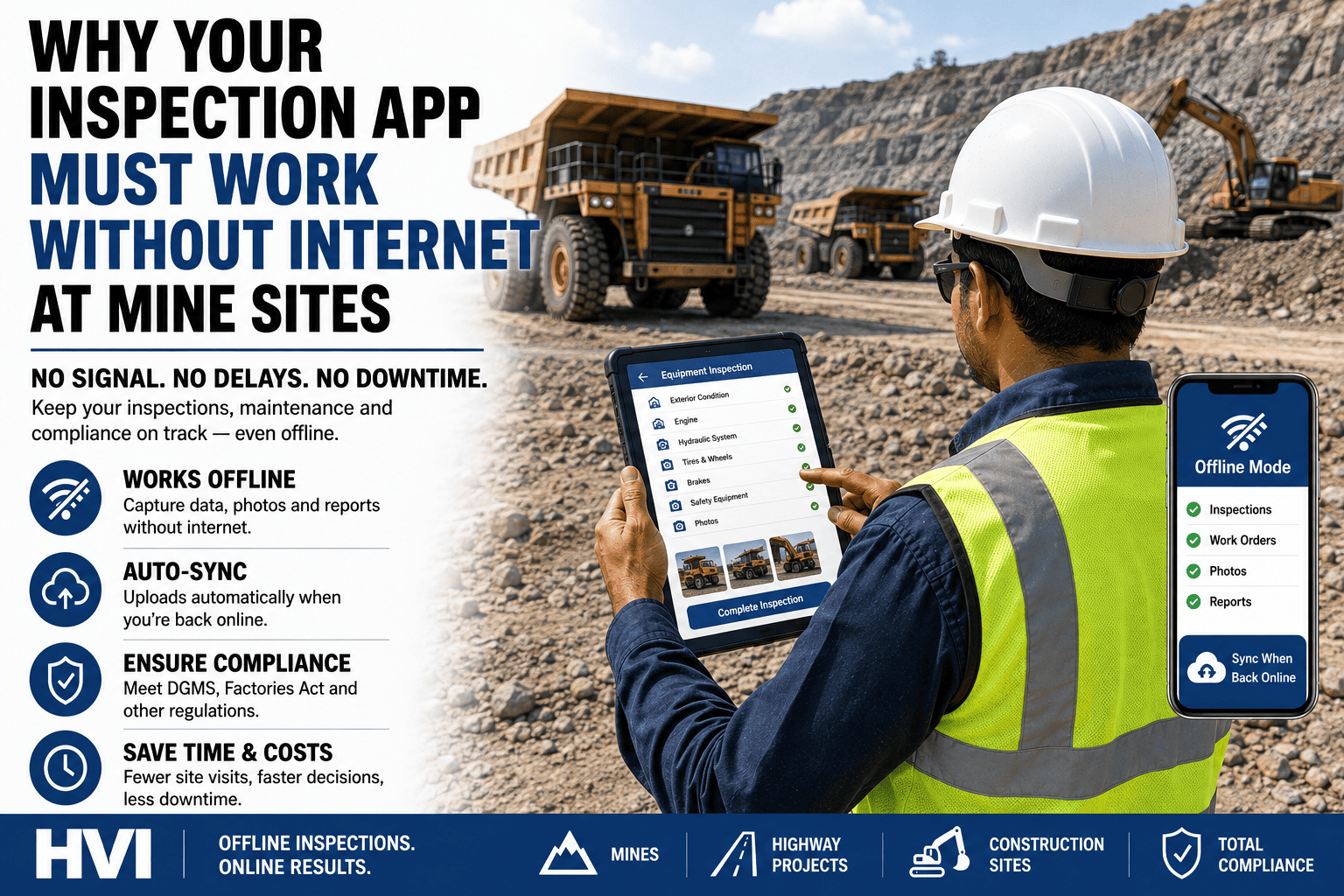
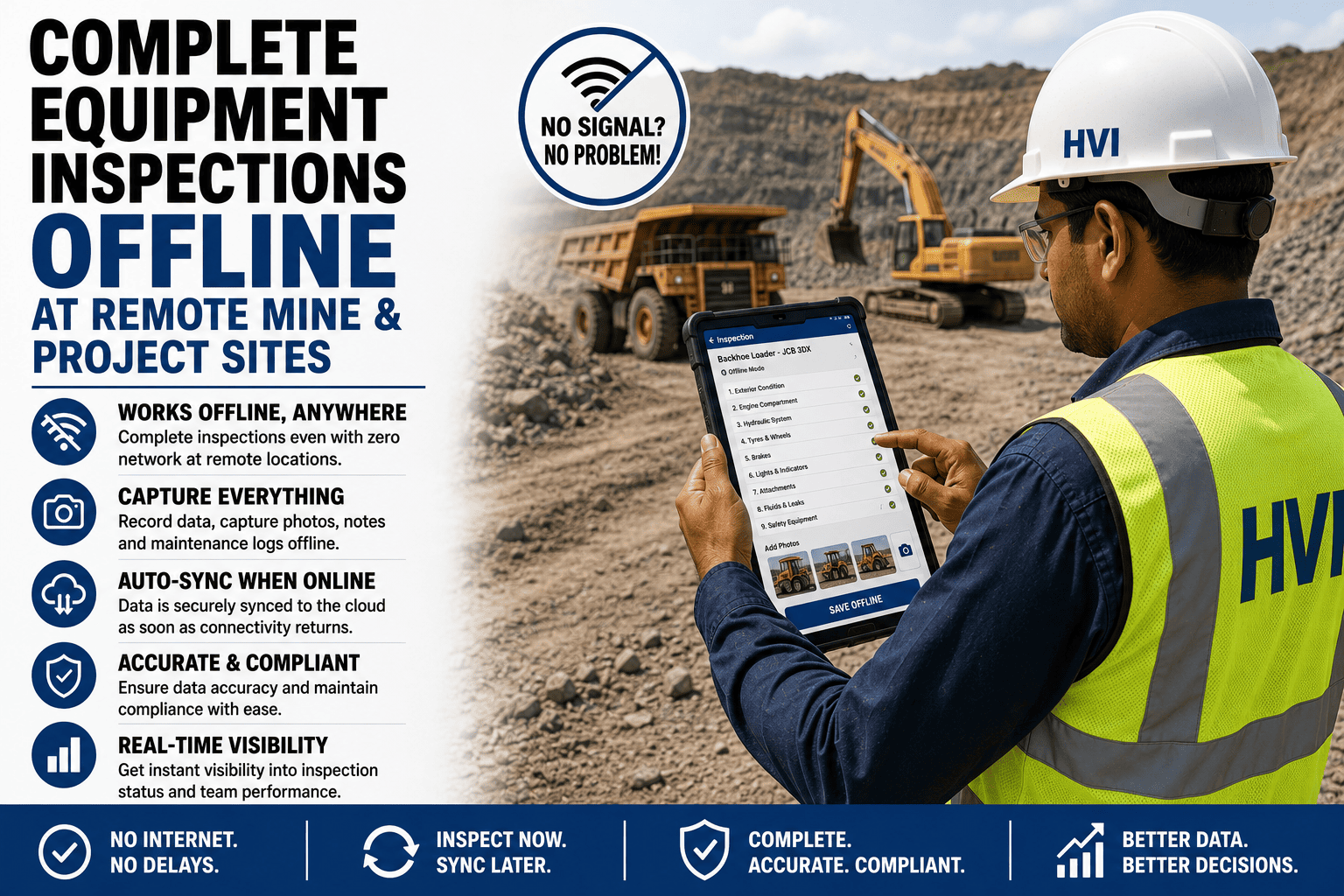
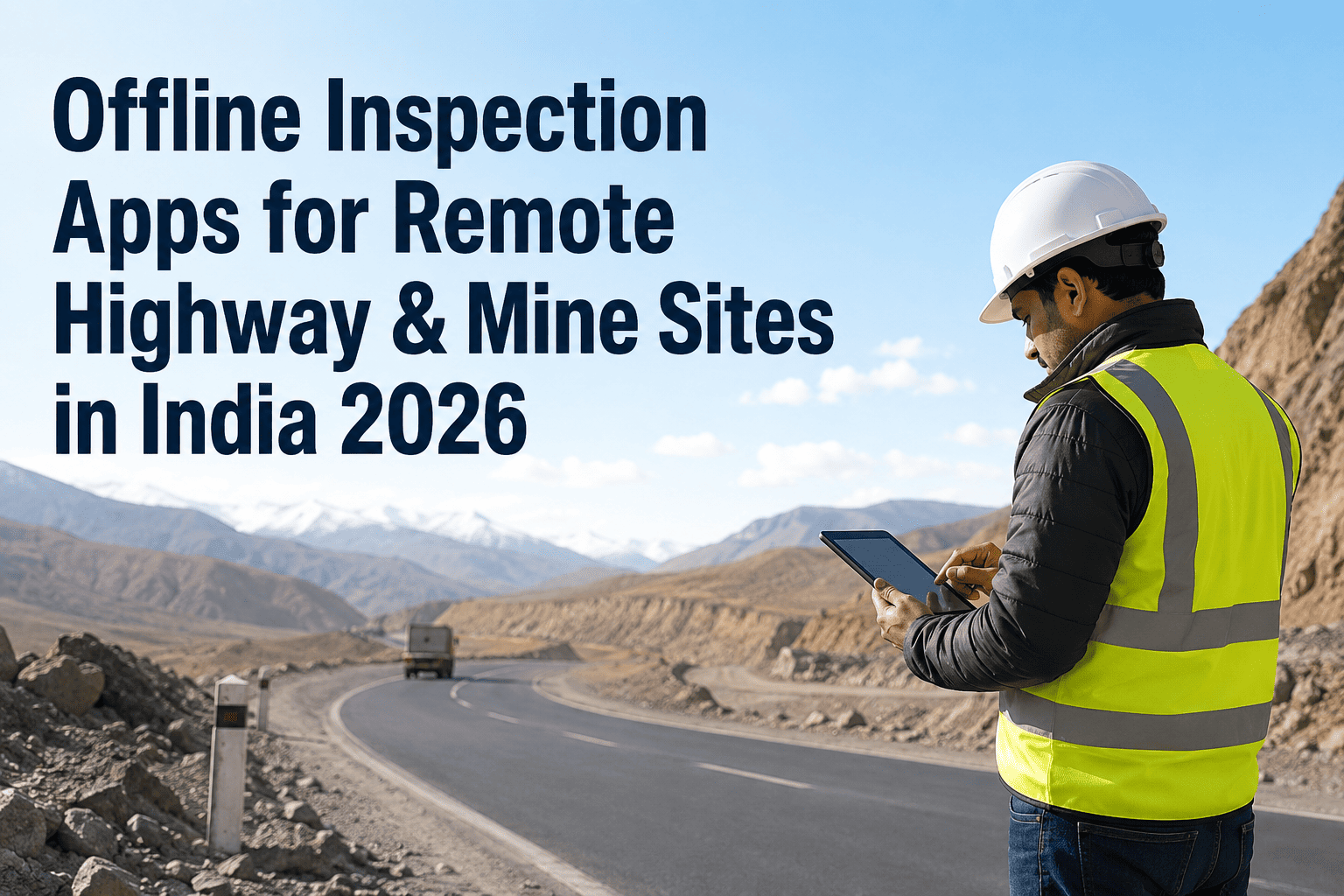
A surface highway site loses signal because of distance from a tower. An underground mine loses signal because rock itself blocks the radio waves, GPS doesn't function at all below surface, and the coverage that did exist last month may not reach this month's heading because the tunnel geometry has physically changed since then. These aren't the same problem, and an inspection app built only for "spotty coverage" often assumes a connection is delayed, not genuinely absent for the length of an entire shift. Underground and deep remote sites need an app that was designed assuming zero connectivity is the normal case, not the exception. Here's what that actually requires, and how HVI is built for sites where the network simply isn't there.
Underground or Remote Site? Your Inspection App Must Work Without Internet
Inspections completed underground, in valleys, or in network-dead zones sync automatically the moment connectivity returns — no re-entry, no lost records.
Why Underground Connectivity Is a Different Problem
Rock Blocks the Signal Directly
Radio waves attenuate significantly passing through rock and earth, which is a fundamentally different challenge than the distance-based signal loss on a surface site.
GPS Doesn't Function Below Surface
Satellite positioning signals can't penetrate solid rock, so location tagging that works fine on a highway site simply isn't available underground at all.
Coverage Shifts as Mining Advances
New headings and intersections change the tunnel geometry, which can weaken or eliminate coverage that existed in the same physical area weeks earlier.
Infrastructure Has to Physically Move
Access points and repeaters placed along a tunnel often need repositioning as work advances, meaning connectivity is a moving target, not a fixed installation.
See how inspections captured underground or at your most remote site sync the moment a technician surfaces or reaches coverage.
What "Built for Zero Connectivity" Actually Means
The app assumes offline is normal, not exceptional
Every core function — starting an inspection, adding a photo, completing a checklist — works identically whether the device has signal or not, rather than degrading or locking when connectivity drops.
No dependency on GPS for underground records
Location context for an underground inspection needs an alternative to satellite positioning, since GPS simply isn't available at depth.
A sync queue that survives an entire shift offline
Records captured across a full shift underground need to persist locally without loss, ready to sync the moment the technician surfaces or reaches a coverage zone.
No manual step required to trigger the sync
The moment a device reconnects, queued inspections upload automatically — a technician shouldn't need to remember a manual sync action after a long underground shift.
Surface Remote vs. Underground: What Changes
| Factor | Surface Remote Site | Underground |
|---|---|---|
| Cause of signal loss | Distance from tower infrastructure | Physical blocking by rock and earth |
| GPS availability | Generally available | Not available below surface |
| Coverage stability over time | Relatively stable once installed | Shifts as mining advances |
| Typical offline duration | Hours to a few days | Can be an entire shift, routinely |
Frequently Asked Questions
How does location tagging work for an underground inspection without GPS?
Underground records typically rely on a manually selected location, zone, or heading identifier rather than satellite positioning, since GPS signals cannot reach below surface.
Does the app need to be reconfigured every time the mine's coverage layout changes?
No — because the app is built to function fully offline regardless of coverage, a shifting or temporarily absent network doesn't require any reconfiguration; it simply syncs whenever the device next reaches a connected zone.
Can a full shift's worth of inspections really be captured with zero connectivity the entire time?
Yes — every inspection, photo, and checklist item is written to the device first, so an entire shift underground with no signal at all still results in a complete, unlost record once the device reconnects.
Does this integrate with our SAP, Oracle, or Tally systems after sync?
Yes — once inspection data syncs, it flows into these systems the same way a fully connected session would, so an underground shift doesn't create extra manual reconciliation work.
How would we confirm this works reliably at our own underground site before relying on it?
Running a full shift's worth of inspections in a genuinely disconnected heading and confirming everything syncs correctly afterward is the most direct test; sign up free to try that against your own site.
Built for Where the Network Isn't
An inspection app that assumes occasional connectivity gaps will fail exactly where it matters most — underground, where zero signal for a full shift is routine, not rare. Start free and test genuine offline capture at your most disconnected site, or bring your underground connectivity challenges to a 30-minute session with our India team.