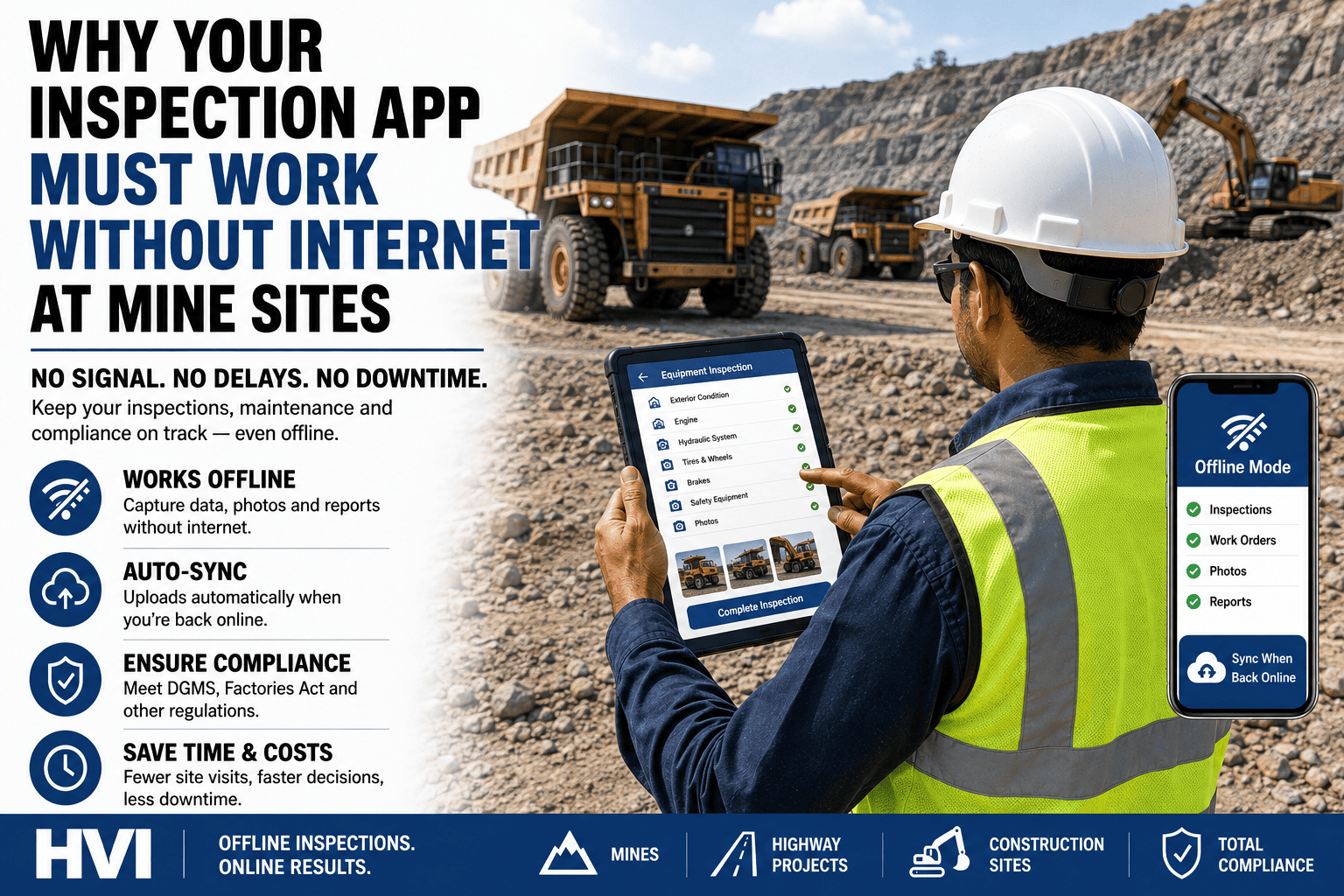
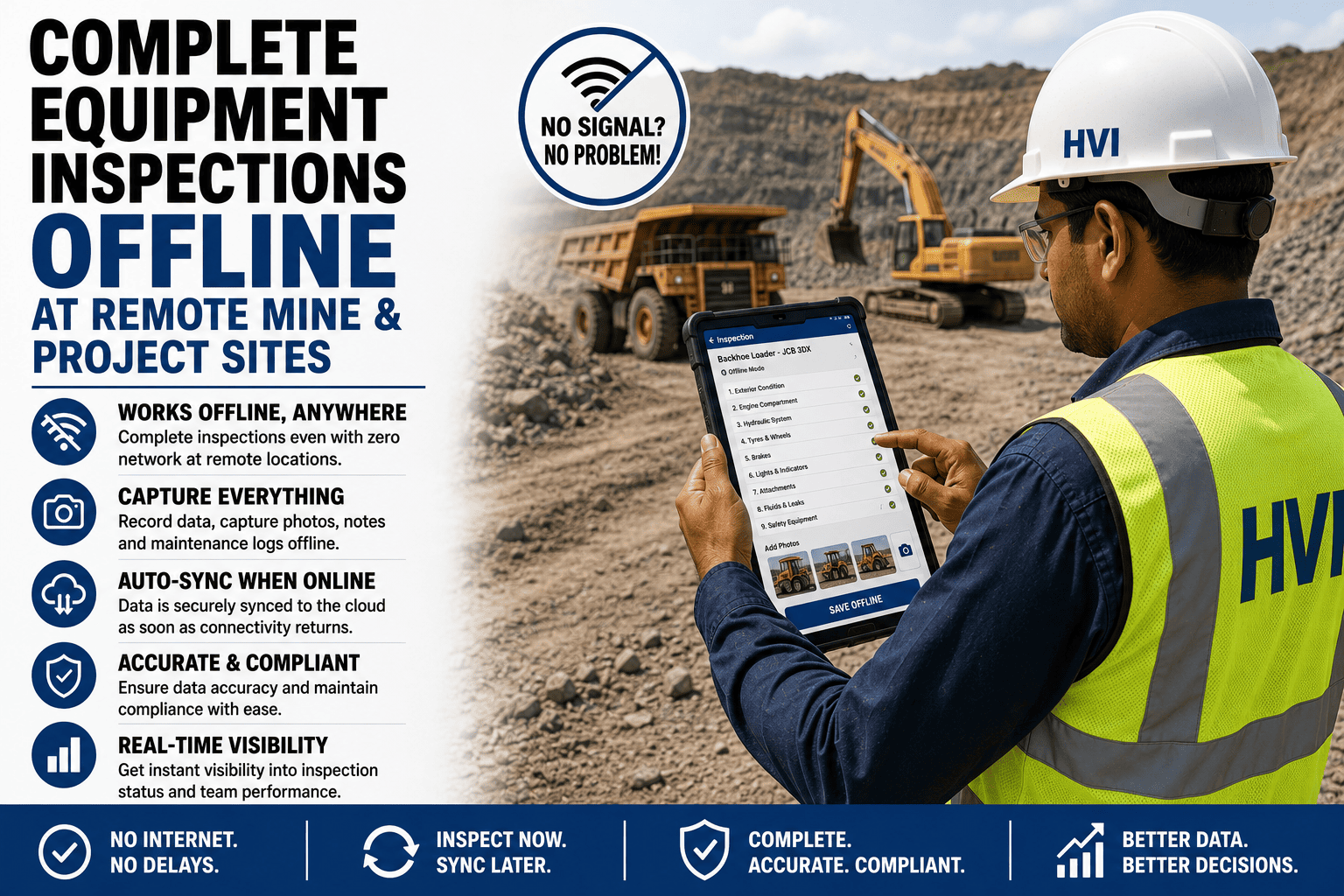
Your fleet of excavators, dumpers, and pavers is working on a highway package deep inside Arunachal Pradesh. It is 5:30 in the morning. The site has zero mobile network. Your operators need to complete their pre-shift inspection before machines move. Your fleet inspection software — if it needs internet to work — is completely useless right now. This is not an edge case. It is the daily reality for hundreds of Indian infrastructure, construction, and mining sites spread across remote corridors of Rajasthan, Odisha, Jharkhand, Himachal Pradesh, and the Northeast. Offline fleet inspection software is not a nice-to-have feature — it is the difference between a system your team can actually use and one that sits idle while paper registers get filled retroactively at the site office. This guide explains exactly what true offline capability means, why it matters for Indian remote sites, and what to look for when evaluating whether a fleet inspection app is genuinely offline-capable or just marketing its way around the limitation. Start your free HVI trial and run inspections that work anywhere — with or without internet.
Offline Capability Deep-Dive — 2026
Offline Fleet Inspection Software: Why It Matters for Remote Infrastructure Sites
For highway projects, mine sites, tunnel works, and rural infrastructure — internet connectivity cannot be a prerequisite for equipment inspection. Here is what offline-capable really means, and why it matters more than any other feature on remote Indian project sites.
Works With Zero Network
Android & iOS
Photos Stored Locally
Auto-Sync on Reconnect
Compliance-Ready Reports
The Real Connectivity Problem on Indian Infrastructure Sites
India is building infrastructure at a pace and in locations that test the limits of digital connectivity. The Bharatmala Pariyojana programme is constructing highways through some of the country's most remote terrain — mountain passes in Uttarakhand and Himachal Pradesh, dense forest corridors in Chhattisgarh, and coastal alignments in Odisha and Andhra Pradesh. Railway doubling and new line projects push deep into tribal districts. The Sagarmala ports programme operates at isolated coastal nodes. Mining operations in Jharkhand and Odisha are often 40 to 80 km from the nearest town, let alone reliable 4G signal.
According to the Telecom Regulatory Authority of India, mobile broadband penetration in rural India reached 58% in 2024 — but that figure masks enormous variation. In practice, project sites in hilly or forested terrain, underground mine tunnels, remote NH alignments under construction, and coastal infrastructure often have no data signal at all, or a signal too weak and inconsistent to support any cloud-dependent application. According to a 2023 survey by the Confederation of Indian Industry, over 70% of infrastructure project sites across India experience daily connectivity outages of more than two hours during working shifts.
For fleet managers overseeing these sites, the consequence is simple: any software tool that requires a live internet connection to capture inspection data, submit checklists, or flag defects is unreliable at best and useless at worst. When a machine fails mid-shift and the site manager needs to pull the last three inspection records to understand the defect history, they cannot wait for a network connection to return. The inspection record must already be on the device and on the server.
70%+
of Indian infra project sites experience daily connectivity outages during working shifts (CII, 2023)
58%
rural mobile broadband penetration in India — with heavy variation across remote project areas (TRAI, 2024)
34,800 km
of highway corridors under Bharatmala — many through zero-connectivity terrain
1,200+
coal mines in India, most in low-connectivity states: Jharkhand, Odisha, Chhattisgarh (Ministry of Mines)
What "Offline Capable" Actually Means — And What It Doesn't
The phrase "offline capable" is used loosely by inspection software vendors. Before you commit to any platform for remote site deployment, you need to understand what the term actually covers in practice. There are three very different levels of offline support, and only one of them works reliably on a remote Indian project site.
Level 1 — Online-Only (Useless on Remote Sites)
The app requires a live internet connection to load checklists, submit forms, and save data. The moment network drops, the operator cannot complete their inspection. Common in older web-app based inspection tools that were built for office environments. Completely unacceptable for any remote infrastructure or mining deployment.
Level 2 — Partial Offline (Unreliable in Practice)
The app caches some data locally and can submit basic form responses offline — but photos fail to attach, GPS tagging is lost, defect records may not save properly, and sync errors are common when reconnecting. Many "offline-friendly" apps fall in this category. They work in the office when network is briefly interrupted, but fail in sustained zero-connectivity environments like underground mines or mountain construction sites.
Level 3 — True Offline (Required for Remote Sites)
The entire inspection workflow — checklist loading, form completion, multi-photo capture with GPS tagging, defect flagging, operator sign-off, and local report generation — works with zero network from start to finish. All data is stored securely on the device. The moment any connection is detected (Wi-Fi on surface, 2G signal at site boundary, or back at base), everything syncs automatically in the background without any action from the operator. This is the only acceptable standard for Indian remote infrastructure and mining sites.
How True Offline Inspection Software Works — Step by Step
Understanding how a genuine offline-capable fleet inspection app works helps you evaluate vendor claims and ask the right questions during a product demo. Here is the full workflow from operator login to manager dashboard, operating entirely without internet at every step on site.
Step 01
App opens and loads checklists from local storageWhen the operator opens the inspection app on their Android phone, the app loads all inspection checklists, machine assignments, and site configuration from local device storage — not from the cloud. This local data was pre-loaded during the last sync, so it is always available even if the device has been offline for days. The operator sees their assigned machines and the correct checklist for each one without any network request.
Step 02
Inspection completed at the machine — photos and GPS capturedThe operator walks around the machine, tapping through each checklist item on their phone. When they flag a defect — a crack in the boom, low hydraulic fluid, worn brake lining — they photograph it using the phone camera. The app captures the GPS coordinates and precise timestamp automatically, attaching both to the photo in the local database. No network is involved. The photo, location, and time are committed to device storage the moment the shutter fires.
Step 03
Operator certifies and submits — record locked locallyAfter completing all checklist items, the operator reviews the summary and submits the inspection with their digital sign-off. The completed record is written to the device's encrypted local database with a tamper-evident hash. It is time-stamped, operator-identified, and immutable from this point forward. The operator's screen confirms submission. The record is now inspection-complete and legally defensible — entirely offline.
Step 04
Defect work order queued for syncAny defect flagged during the inspection generates a maintenance work order record in the local queue. The work order includes the defect description, photos, GPS location, operator ID, and machine number. This record sits in the local sync queue, ready to push to the server the moment connectivity returns. The machine is also flagged in the local app as having an open defect — visible to anyone opening the app on the same device or on any synced device at the site.
Step 05
Automatic sync the moment any connection returnsWhen the device picks up any connection — 2G, 3G, 4G, Wi-Fi at the site office, or the satellite-based connection some remote sites run — the app detects it automatically and begins syncing in the background. No action is needed from the operator. All queued inspection records, photos, GPS data, and work orders upload to the cloud server. The site manager's dashboard updates within seconds. The workshop supervisor receives their work order notification. The compliance record is now in the cloud and available to anyone with access.
Step 06
Manager sees complete fleet status — even from off-siteOnce synced, the site manager, regional equipment head, or compliance officer can pull the full inspection record from any browser or device — the dashboard shows every machine, every shift, every defect, and every open work order. If a DGMS officer or NHAI auditor asks for inspection records for any machine going back three months, the report is available in seconds. The entire workflow — from offline capture to cloud-available record — is seamless and requires zero manual data entry or file transfer.
Remote Site Types in India That Need Offline Inspection Software
Offline capability is not just relevant for extreme locations. Any Indian project site where connectivity is unreliable — which is the majority of active infrastructure and mining sites outside major cities — needs a fleet inspection tool that works independently of network. Here are the site categories where offline inspection is most critical.
Bharatmala, NHDP, and state highway packages in hilly, forested, and tribal districts often have no mobile data for stretches of 20 to 80 km. Equipment fleets operating on these alignments need pre-shift and inter-shift inspections captured offline and synced when vehicles return to camp.
Coal mines operated by BCCL, MCL, SECL, and private miners in Jharkhand, Odisha, and Chhattisgarh have zero mobile signal underground. LHD loaders, underground dumpers, and shuttle cars must be inspected before each shift — entirely offline — with records syncing when the machine or operator surfaces.
NHIDCL and BRO projects in the Northeast and Himalayan region involve tunnelling through mountain ranges with no connectivity inside the tunnel face. Drill jumbos, muck haulers, and shotcrete equipment need inspection logging that works deep inside the heading without any signal.
New railway lines and doubling projects in states like Assam, Meghalaya, Manipur, and Chhattisgarh push into remote tribal and forest zones with minimal telecom infrastructure. Equipment fleets on these projects — track machines, cranes, ballast tampers — need reliable offline inspection capability throughout the project duration.
Open-cast coal blocks in Korba, Singrauli, Talcher, and Ib Valley often have patchy signal on the pit floor and none at depth. 50T to 120T dumpers, surface miners, and draglines working these blocks must have inspection data captured locally so a connectivity gap at 4 AM does not mean an uninspected machine entering service.
Large irrigation infrastructure projects — dam construction, canal lining, check dam programmes — in remote districts of Maharashtra, Madhya Pradesh, and Karnataka involve earthmoving fleets operating at reservoir sites with no connectivity. Inspection software that works offline ensures these fleets remain compliant regardless of location.
Questions to Ask Any Vendor About Their Offline Mode
When evaluating offline fleet inspection software for Indian remote sites, the marketing brochure is not enough. Ask these specific questions during any product demo or trial evaluation. A vendor that cannot answer these clearly does not have true offline capability.
Can a new operator log in for the first time on a device that has never connected to the internet?
This is the hardest offline test. Most apps require at least one online login to download user credentials and checklist data. Acceptable answer: initial setup requires one connection, after which the device is fully offline-capable indefinitely. Unacceptable answer: the app requires internet for every login session.
Do photos attach correctly when the device is offline, and are GPS coordinates captured?
Photo attachment is the most common failure point in partial-offline apps. GPS coordinates from the device's hardware GPS (not network-based location) should work without internet. Ask to see a test: take a photo offline and confirm the GPS tag is present on the saved record. If the vendor cannot demonstrate this, the app does not have true offline photo capability.
How long can the device operate offline before data must sync?
For underground mines or week-long remote assignments, a device may not connect for several days. The app must store all inspection data, photos, and queued records without any data loss for at least 7 to 14 days of offline operation. Ask specifically: is there a maximum offline duration before data expires or the app locks?
What happens if the device is lost, damaged, or stolen before syncing?
For remote sites, device loss or damage is a real risk. Ask whether offline data is recoverable from another device or whether the records are permanently lost. The answer reveals how the app handles local storage encryption, backup queuing, and conflict resolution on the server when a device reappears after replacement.
Does sync happen automatically or does the operator need to trigger it?
Requiring the operator to manually trigger sync introduces a human failure point. The correct answer is automatic background sync — the moment the OS detects any connection, the app begins uploading queued records without any user action. Operator-triggered sync will result in missed uploads, especially for less tech-familiar field staff.
Expert View: What a Remote Site Fleet Manager Learned the Hard Way
We made the mistake of deploying an inspection app that claimed offline support. It worked fine in our Nagpur office, and even at our Nashik site where signal is decent. Then we deployed it at our Arunachal package — the one near the Chinese border, no signal for the entire working zone. The app would open and show the checklist, but when the operator tried to submit, it would spin for thirty seconds and then show an error. Photos would not attach at all. We ended up with operators reverting to WhatsApp groups and paper — exactly what we were trying to replace. The second time around, we tested properly. Before any new platform, we tested it in actual airplane mode for two full shift cycles. Submitted inspections, took photos of defects, flagged work orders — and then reconnected and checked whether everything appeared on the dashboard. Only the platform that passed that test got deployed. Real offline mode is not a checkbox in a feature list. You can see and test it or you cannot. There is no in between.
How HVI Offline Mode Works in Practice
HVI — Heavy Vehicle Inspection — is built with offline-first architecture. This means the offline experience is not an afterthought — it is the primary design principle. Every feature, from checklist loading to photo capture to defect work orders, is built to function completely without network, with cloud sync as the secondary layer.
The entire HVI app is designed to run on local device storage first. Checklists, machine data, operator assignments, and historical inspection records are all pre-loaded on the device. The app never waits for a network response to display data or accept an input.
Photos taken during offline inspections use the device's hardware GPS chip — independent of network — to capture precise coordinates. Every photo is tagged with latitude, longitude, and timestamp before being committed to local storage. Network-based location is never required.
All offline inspection data — including operator credentials, inspection records, and photos — is stored in an encrypted local database on the device. Data cannot be accessed by other apps or read if the device is lost. Records are cryptographically signed on creation, making them tamper-evident even before sync.
HVI monitors network availability in the background. The moment any connection is detected — mobile data, Wi-Fi, or even a temporary burst of signal — the sync queue activates automatically. The operator does not need to open the app, tap a button, or even be aware the sync is happening. Records appear on the dashboard within seconds.
Even offline, HVI can generate a basic inspection report on the device for immediate reference — useful when a supervisor needs to review a defect record before the shift starts and the device has not yet synced. Full PDF reports with all photos are generated in the cloud after sync and available instantly.
HVI offline mode is optimised for low-end Android smartphones common on Indian construction and mining sites — devices with 2 GB RAM and Android 8 or above. The app does not require a premium device to run offline inspection workflows reliably. This matters enormously for fleet-wide deployment where not every operator has a high-end phone.
Test HVI Offline Mode Yourself — Free
Create an account, download the app, and run a complete inspection in airplane mode. See every feature — checklists, photo capture, GPS tagging, defect flagging — work without any network connection.
Conclusion: Offline Capability Is the First Feature to Evaluate, Not the Last
When Indian infrastructure companies, mining operators, and EPC contractors evaluate fleet inspection software, offline capability is often buried in a feature comparison table — listed alongside dozens of other items. It should be at the top. If the platform fails the offline test, none of the other features matter, because the tool cannot be used on the sites that need it most.
The right offline fleet inspection software for Indian remote sites delivers complete inspection workflows — structured checklists, multi-photo defect capture with GPS, operator certification, automatic work order creation — without any internet dependency. It syncs the moment connectivity returns, without operator action, and makes the records available to managers and compliance teams instantly. It works on basic Android phones, in underground mines, on mountain highway alignments, and inside tunnel headings as reliably as it does in the office. Sign up for HVI and deploy offline-capable inspection on your remote sites today.
Frequently Asked Questions
QDoes offline fleet inspection software work underground in mines?
Yes — provided the app uses true offline-first architecture. HVI stores all checklists, machine data, and operator credentials locally on the device. Underground operators complete their full pre-shift inspection — including photo capture using the device's hardware GPS — without any network connection. All records sync automatically when the device surfaces and picks up a connection. This is the only viable approach for underground coal and metal mines across Jharkhand, Odisha, and Chhattisgarh where no mobile signal exists below surface.
QWhat is the difference between offline-capable and offline-first inspection software?
Offline-capable means the app can function without internet under certain conditions — often with limitations on photos, GPS, or data volume. Offline-first means the app is architected to run entirely on local storage as its primary mode, with cloud sync as an add-on layer. For remote Indian sites, offline-first is the correct requirement. An offline-capable app may fail under sustained zero-connectivity conditions; an offline-first app is designed to handle them indefinitely. When evaluating vendors, ask explicitly which architecture their app uses.
QHow long can HVI operate offline before a sync is required?
HVI has no mandatory sync interval. The app can operate indefinitely offline — operators can complete multiple shifts of inspections across many days without any connectivity, and all records are preserved on the device. There is no data expiry timer, no forced logout after a period of offline use, and no restriction on how many inspections can be queued before sync. The only practical limit is device storage capacity, which on a typical Android phone with 32 GB storage can hold thousands of inspections including photos before filling up.
QCan managers see inspection results in real time from remote sites?
Managers see inspection results as soon as the operator's device syncs — which happens automatically whenever any connection is available. On remote sites with periodic connectivity (a brief 3G signal at shift changeover, Wi-Fi at the camp mess, or satellite internet at the site office), managers typically have dashboard visibility within an hour of each shift inspection being completed. On sites with continuous connectivity, updates appear within seconds. The dashboard itself runs in any browser and requires no app installation on the manager's device.
QDoes offline inspection software meet NHAI and DGMS documentation requirements?
Yes — provided the software captures all required elements. HVI's offline inspection records include operator identity, machine number, inspection timestamp, GPS location of inspection, all checklist responses, defect descriptions, and photo evidence. After sync, these records generate PDF reports that contain all the documentation elements required for NHAI maintenance compliance, DGMS pre-shift inspection records under the Mines Act 1952, and MoRTH road safety inspection requirements. The fact that records were captured offline does not affect their compliance standing — what matters is completeness and integrity, both of which HVI's offline-first architecture guarantees.
Ready to Deploy Offline Inspection on Your Remote Sites?
HVI's offline-first architecture means your fleet inspection process never stops — on mountain highways, underground mines, tunnel projects, or anywhere else in India where internet is unreliable.
No credit card required. No hardware needed. Offline mode active from day one.