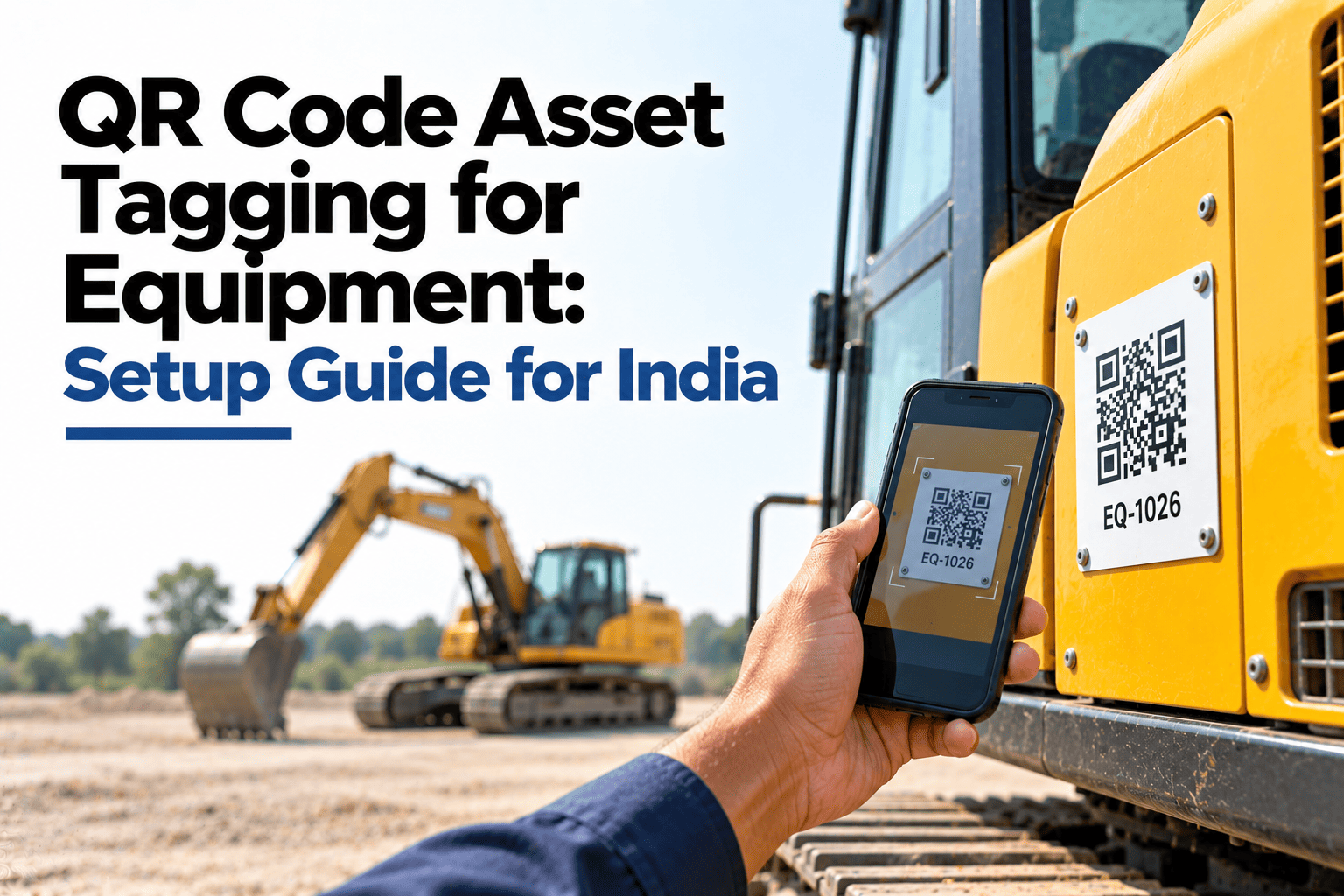
On most sites, an inspection sheet can be filled in from anywhere: the canteen, the office or the cab of a different machine. Nobody can prove the operator ever stood next to the excavator he signed for. A simple QR code tag changes that. One scan opens the right checklist for the right machine, stamps the time and place, and shows the full service history to the mechanic standing in front of it. This guide explains how to choose, place and roll out tags, and how HVI generates and uses QR tags for every asset.
QR Code Asset Tagging for Equipment: Setup Guide for India
Speed up inspections, stop entries made away from the machine and give every technician instant access to service history with a tag that costs very little.
Choose a Tag That Survives Your Site
A tag that fades in the sun or peels off in the first monsoon is worse than no tag. Match the material to where the asset works.
| Tag material | Durability outdoors | Best for | Relative cost |
|---|---|---|---|
| Laminated paper sticker | Low | Indoor tools, office assets, short trials | Lowest |
| Vinyl or polyester label | Medium | Truck cabs, DG set panels, forklifts | Low |
| Anodised aluminium tag | High | Excavators, cranes, outdoor plant | Medium |
| Etched stainless steel plate | Very high | Mining, quarries, heavy washing and heat | Higher |
Where to Place the Tag on Each Asset
Put the tag where the operator naturally stands before starting work, and away from heat, oil spray and pressure washing.
Trucks and buses
Inside the driver door frameProtected from rain and washing, and seen at every start.
Excavators and loaders
Inside the cab, near the hour meterThe operator scans while noting hours before the shift.
Cranes
Cab entry and the boom baseOne tag for daily checks, one for structural inspections.
DG sets
Beside the control panelClear of the exhaust and easy to reach during rounds.
Forklifts
Under the overhead guardShielded from bumps and visible from the seat.
Tools and attachments
Flat face away from wear edgesBuckets, breakers and tool boxes can be tracked too.
How QR Scanning Stops Fake Inspections
When an inspection can only start with a scan at the machine, filling forms from the office stops being easy.
- Any machine can be picked from a list, even the wrong one
- Forms can be filled from the canteen or office
- Several days of checks can be ticked at once
- No proof of who stood at which machine
- The checklist opens only for the scanned machine
- Time and location are captured with each scan
- Photos can be made compulsory for key items
- Supervisors see exactly who checked what, and when
Give Every Machine Its Own Scan-to-Inspect Tag
HVI creates a QR code for each asset, opens the right checklist on scan and keeps the inspection, photos and history linked to that machine.
Roll Out QR Tags in Six Steps
Most fleets can tag and go live in days, not months. Start with one site, then extend.
List assets
Every vehicle, machine and key attachment.
Assign IDs
One clear ID per asset, like EXC-04.
Generate codes
Create one QR code for each asset ID.
Print tags
Use the right material for each site.
Fix and test
Fit each tag and scan it once to confirm.
Train teams
Show operators and mechanics the scan routine.
QR Code vs Barcode vs RFID
All three identify assets. For most Indian fleets and sites, QR codes give the best balance of cost and ease.
| Point | QR code | Barcode | RFID |
|---|---|---|---|
| Reader needed | Any smartphone camera | Phone or barcode scanner | Dedicated RFID reader |
| Tag cost | Low | Lowest | Higher |
| Works if partly damaged | Often, due to built-in error correction | Less tolerant | Usually, if the chip and antenna are intact |
| Scan distance | Close range | Close range | Can be longer range |
| Best fit | Inspections and history on site | Stores and parts | Gate counts and bulk tracking |
What a Mechanic Sees After Scanning in HVI
A sample scan result. Everything needed to inspect or repair the machine appears in seconds, right at the asset.
Other ways teams use the same tag
Rental handover checks Asset audits and stock takes Defect reporting by anyone on site Tool and attachment check-out Parts lookup for the modelQR Asset Tagging FAQs
How do QR codes help with equipment inspections?
The operator scans the tag on the machine, which opens the right checklist for that asset without searching a list. The scan records the time and place, so the inspection is linked to the actual machine. It saves time and makes records far more reliable.
Which QR tag material is best for construction equipment?
For machines that work outdoors, anodised aluminium or etched stainless steel tags last much longer than stickers. Polyester labels can work inside cabs and on panels. Choose based on sun, rain, washing and heat at your sites.
Can QR codes really stop fake inspection entries?
They make fake entries much harder. When an inspection can only start from a scan at the machine, with time, location and compulsory photos recorded, filling forms from the office stops working. Teams that use QR inspections in HVI can see exactly when and where each check was done.
What happens if a QR tag gets damaged?
QR codes have built-in error correction, so many still scan when partly scratched or dirty. If a tag fails, print a replacement for the same asset ID and the history stays linked. Keep a few spare tags for each site.
Do operators need a special scanner?
No. Any smartphone camera can read a QR code, so operators and mechanics use the phones they already carry. That keeps the cost of rollout low. Book a demo to see QR scanning in HVI.
Tag Every Asset and Trust Every Inspection
Give each vehicle and machine its own QR code, start inspections with a scan at the asset and put full service history in every mechanic's hand. Faster checks, honest records and less time hunting for information.