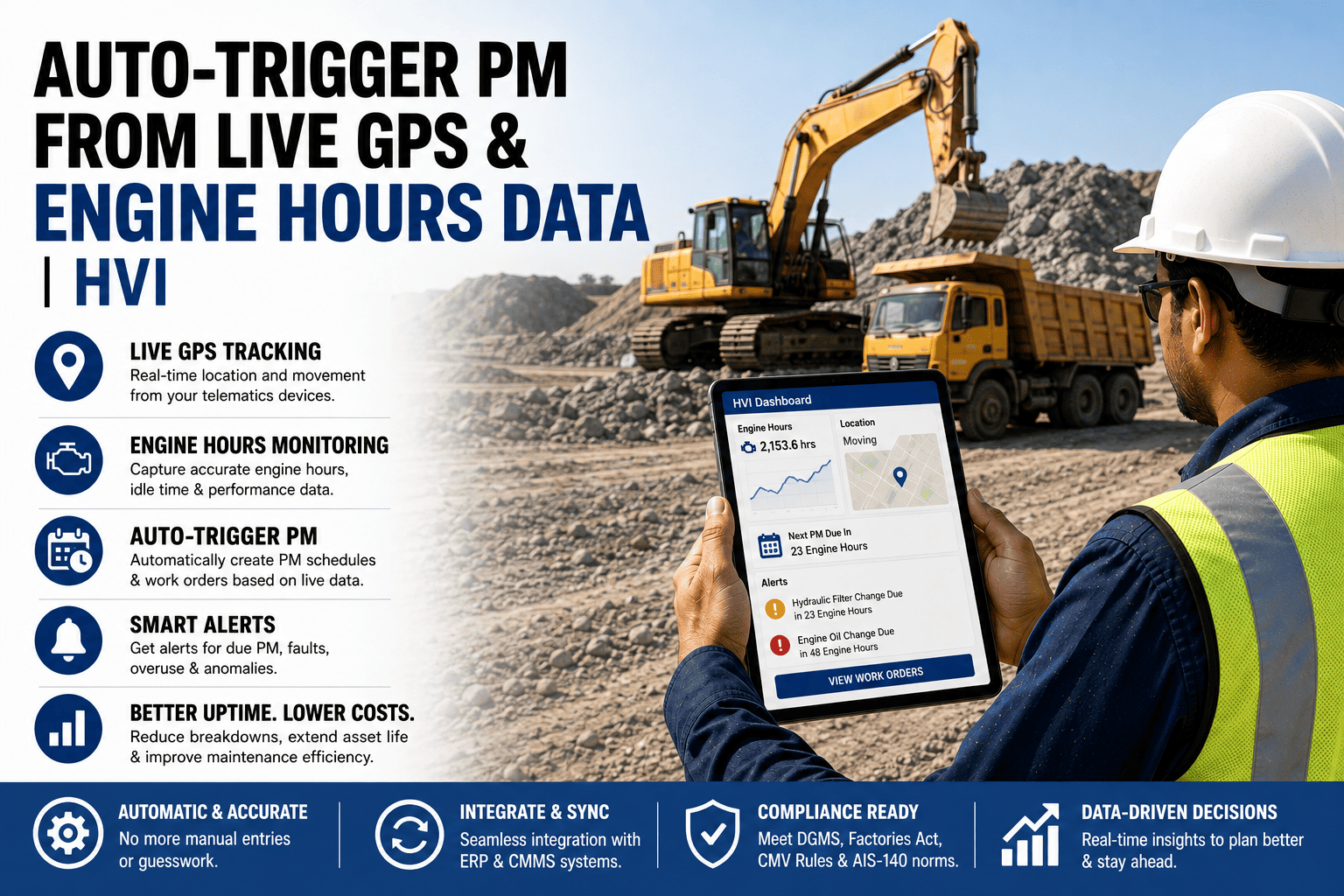
The telematics dashboard shows exactly how many hours every machine in the fleet has run today, updated live, accurate to the minute. The maintenance system, sitting one tab over, has no idea — it's still waiting for someone to type in last week's hour readings from a printed report, because the two systems were set up independently and nobody connected them. The fleet is paying for real-time engine hour data and then manually re-entering a stale version of it into the system that actually schedules PM work. That's not a data problem, it's a plumbing problem — the pipe between the two systems was never built. Here's what connecting them actually changes, and how HVI pulls engine hours straight from your telematics feed to trigger PM automatically.
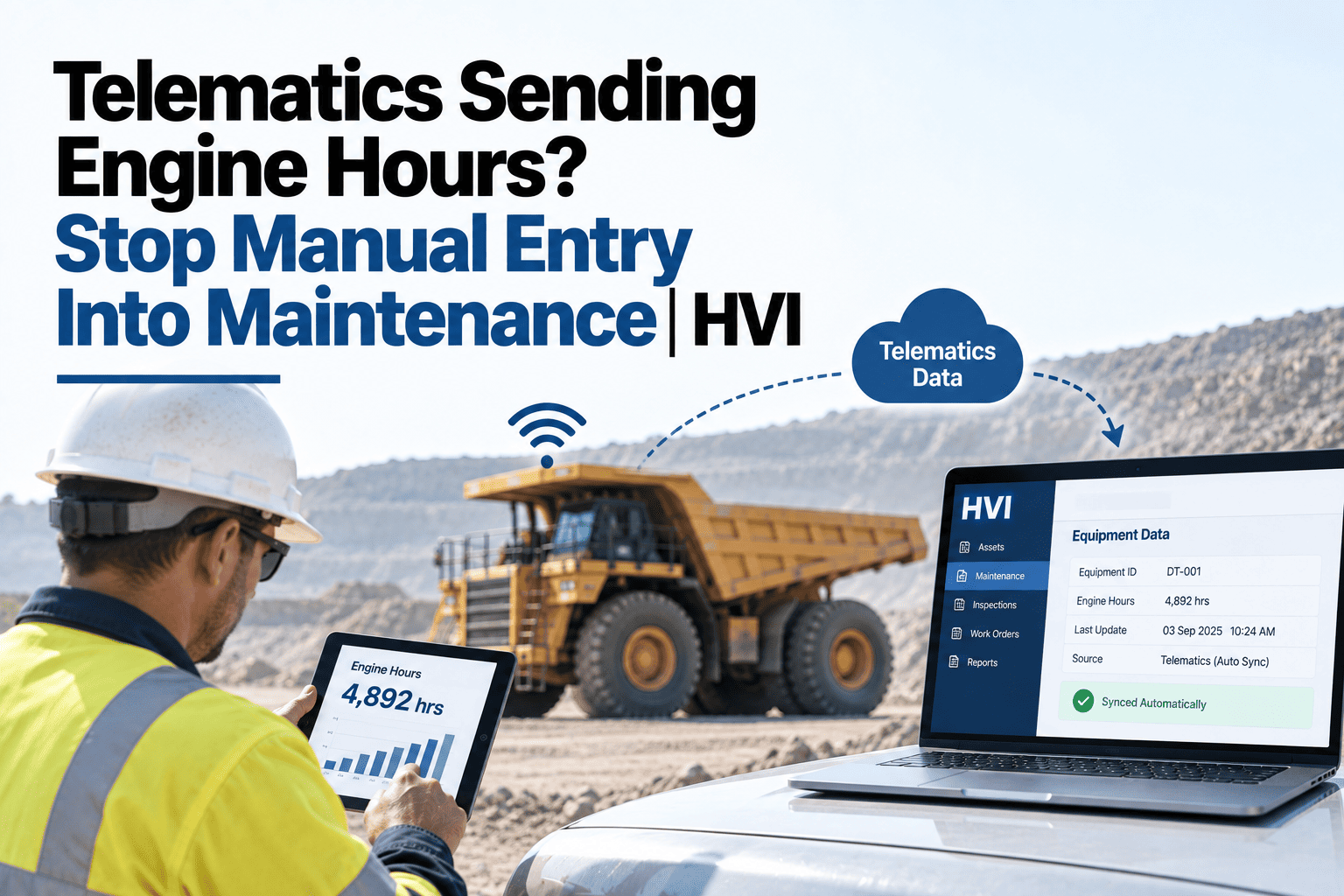
Telematics Sending Engine Hours? Stop Manual Entry Into Maintenance
Connect Samsara, Geotab, AIS-140 VLTD, or Verizon Connect to HVI. Engine hours and odometer data flow in automatically and trigger PM work orders without manual input.
What the Connection Replaces
Without the Connection
Telematics shows live engine hours; maintenance runs on hours typed in manually from a printed or exported report, often days out of date.
With the Connection
Engine hours flow directly from the telematics system into maintenance scheduling, so PM triggers on real usage, not a stale manual entry.
See your own telematics feed connected to automatic PM triggering, with no manual hour entry involved.
Platforms This Connects To
Samsara
Engine hours and odometer data sync directly into PM scheduling.
Geotab
Vehicle diagnostics and usage data feed into maintenance triggers.
AIS-140 VLTD
India-mandated vehicle tracking data connects for both compliance and maintenance use.
Verizon Connect
Fleet telemetry syncs to keep PM schedules current with actual usage.
What Automatic PM Triggering Actually Does
Step 1
Engine hours sync continuously
Live hour and odometer data flows in from the connected telematics platform, rather than being pulled in a batch or typed manually.
Step 2
A machine's actual usage is compared against its PM interval
Real hours run, not an estimate, determine how close a machine actually is to its next scheduled service.
Step 3
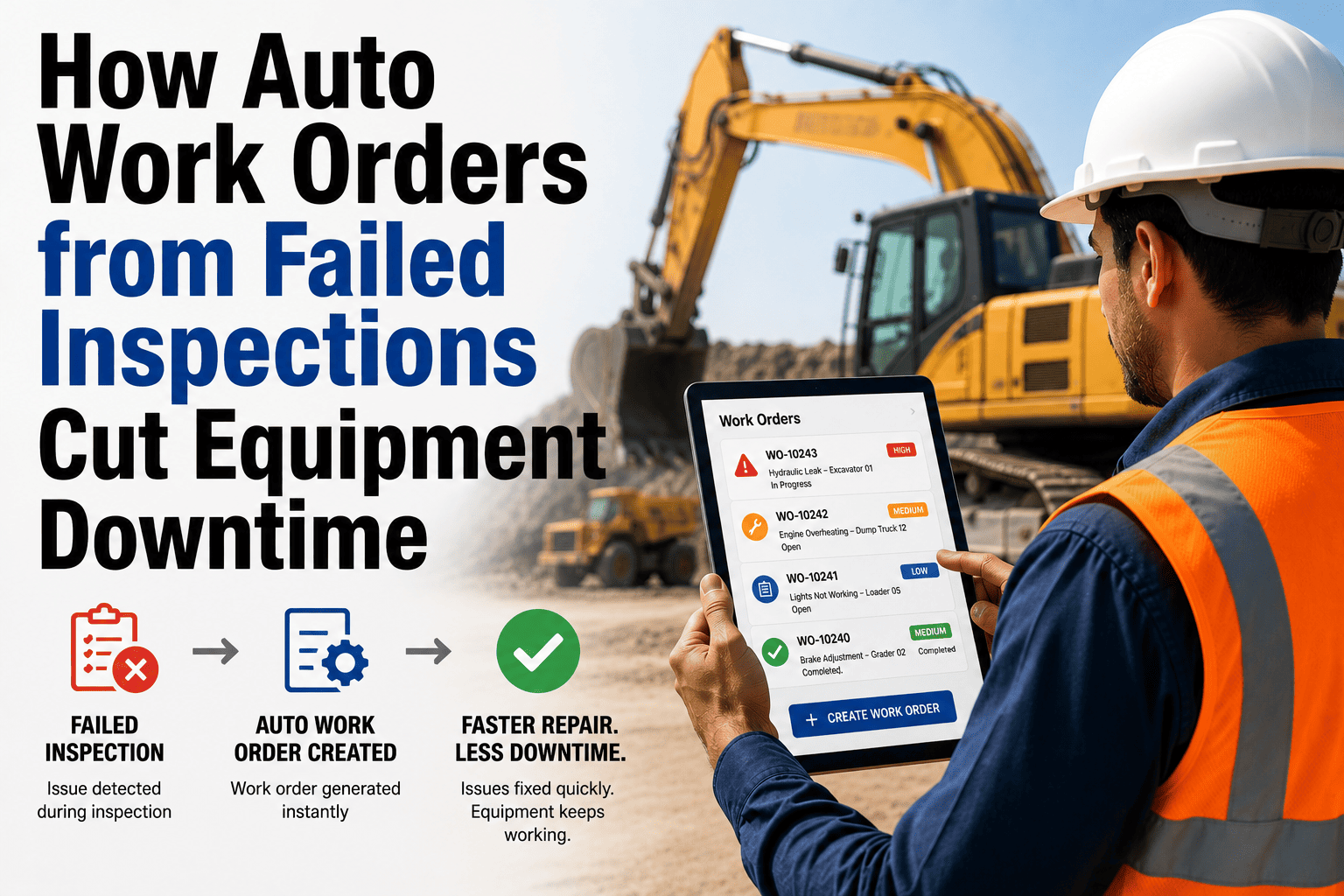
A work order raises automatically at the threshold
Once a machine crosses its interval, a PM work order generates without anyone needing to check hours manually and remember to schedule it.
Step 4
The schedule stays accurate as usage varies
A machine running harder than usual triggers its next service sooner automatically, rather than waiting for a fixed calendar date that assumes average usage.
Frequently Asked Questions
Do we need to replace our existing telematics provider to use this?
No — the connection works with your existing telematics platform, pulling the data it already collects rather than requiring a new provider or additional hardware.
What happens if the telematics feed drops for a period?
PM scheduling can fall back to the last known hours and standard intervals during a gap, and catches up automatically once the feed resumes, so a brief interruption doesn't disrupt maintenance planning.
Can we still log manual hour readings for machines without telematics?
Yes — manual entry remains available for equipment not yet connected to telematics, so a mixed fleet can use automatic triggering where data is available and manual entry elsewhere.
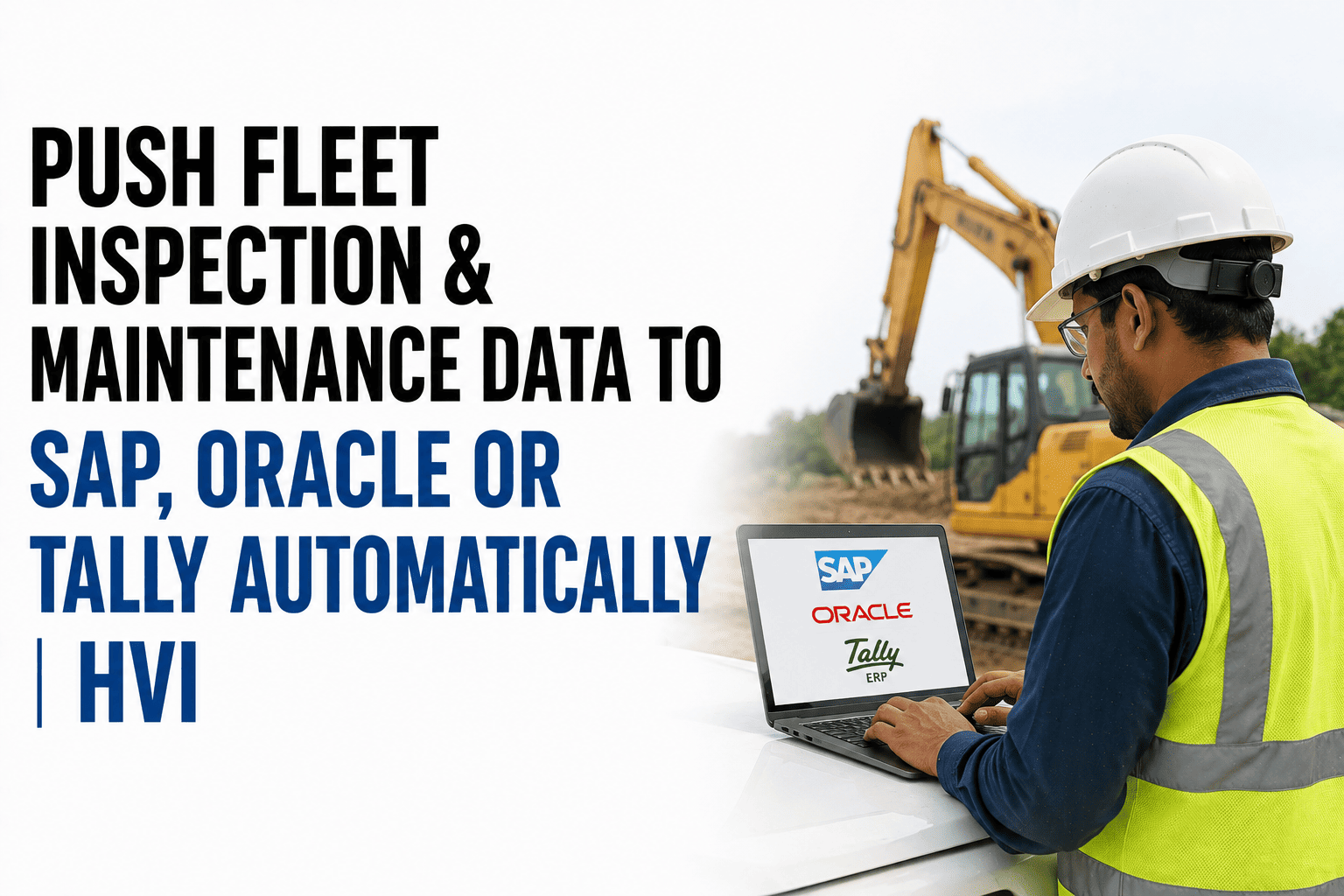
Does this integrate with our SAP, Oracle, or Tally systems as well?
Yes — PM work orders generated from telematics data sync with these systems the same way manually created work orders would, keeping cost and maintenance records consistent.
How soon could our own telematics data start triggering PM automatically?
Once your telematics platform is connected and PM intervals are configured, automatic triggering is active immediately; sign up free to connect your own feed.
Stop Typing In Data You're Already Collecting
If telematics is already sending live engine hours, maintenance shouldn't be running on a manually typed, days-old version of that same number. Start free and connect your telematics feed to automatic PM triggering, or bring your current setup to a 30-minute session with our India team.