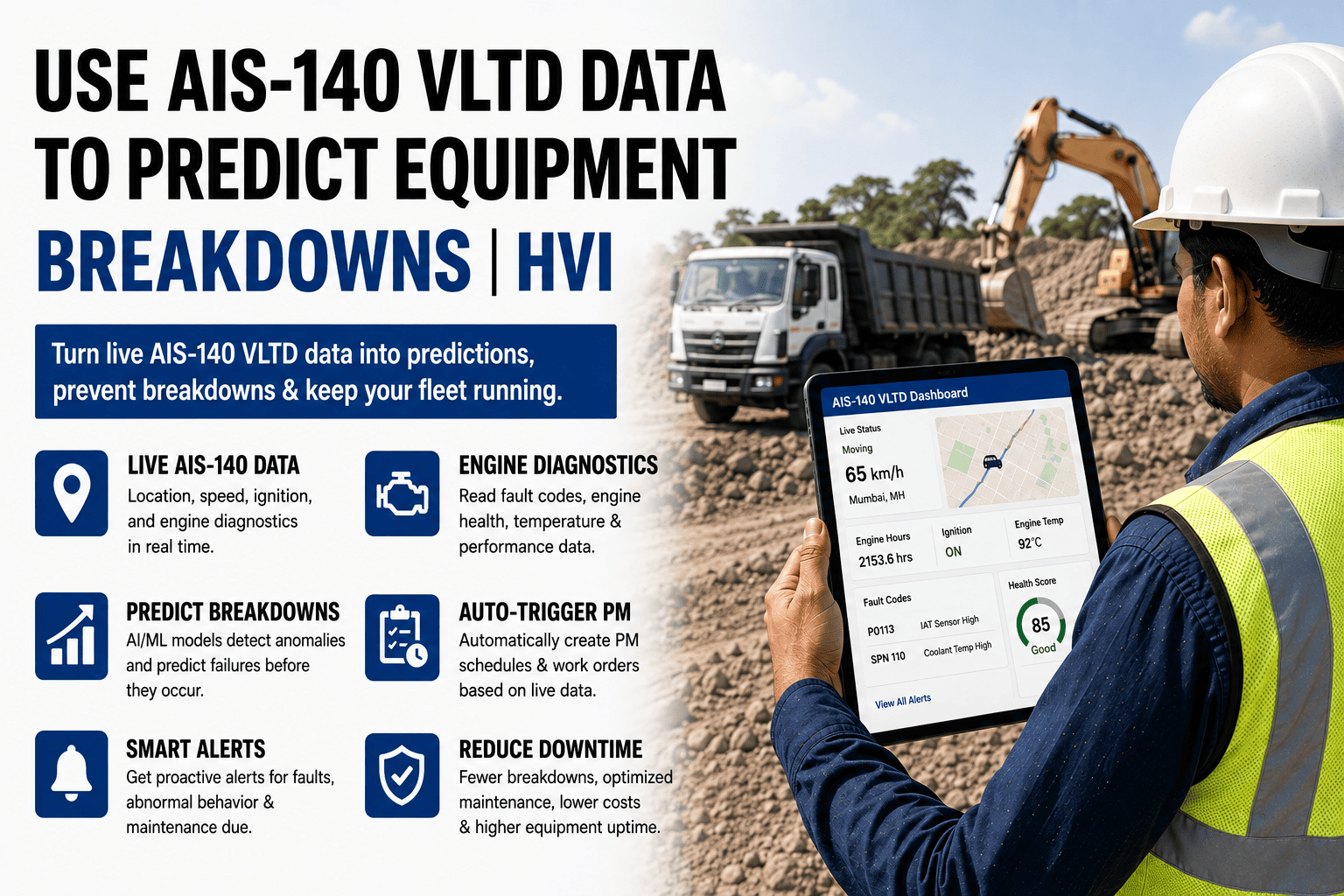
Every AIS-140-equipped vehicle already transmits the raw material of predictive maintenance — ignition, speed, idle, location, and often engine data — yet in most fleets it dies inside a tracking portal while the workshop learns about a failing alternator at 5 AM, eleven days after the voltage started sagging. The hardware is mandated and paid for; only the wiring into maintenance is missing. HVI does that wiring out of the box — sign up free and put the data you already pay for to work this week.
Use AIS-140 VLTD Data to Predict Equipment Breakdowns
Your vehicles already transmit ignition, speed, idle, location, and engine health signals — here is how that stream becomes early warnings, auto-triggered PM, and breakdowns that never happen.
What the VLTD Already Knows About Every Vehicle
The Three Maturity Levels of VLTD Use
Where Is the Vehicle?
The mandate's minimum and where most fleets stop: dots on a map, trip reports, the occasional overspeed SMS. Valuable for operations, invisible to maintenance — the data exists but no maintenance decision ever touches it.
Let the Data Drive the Schedule
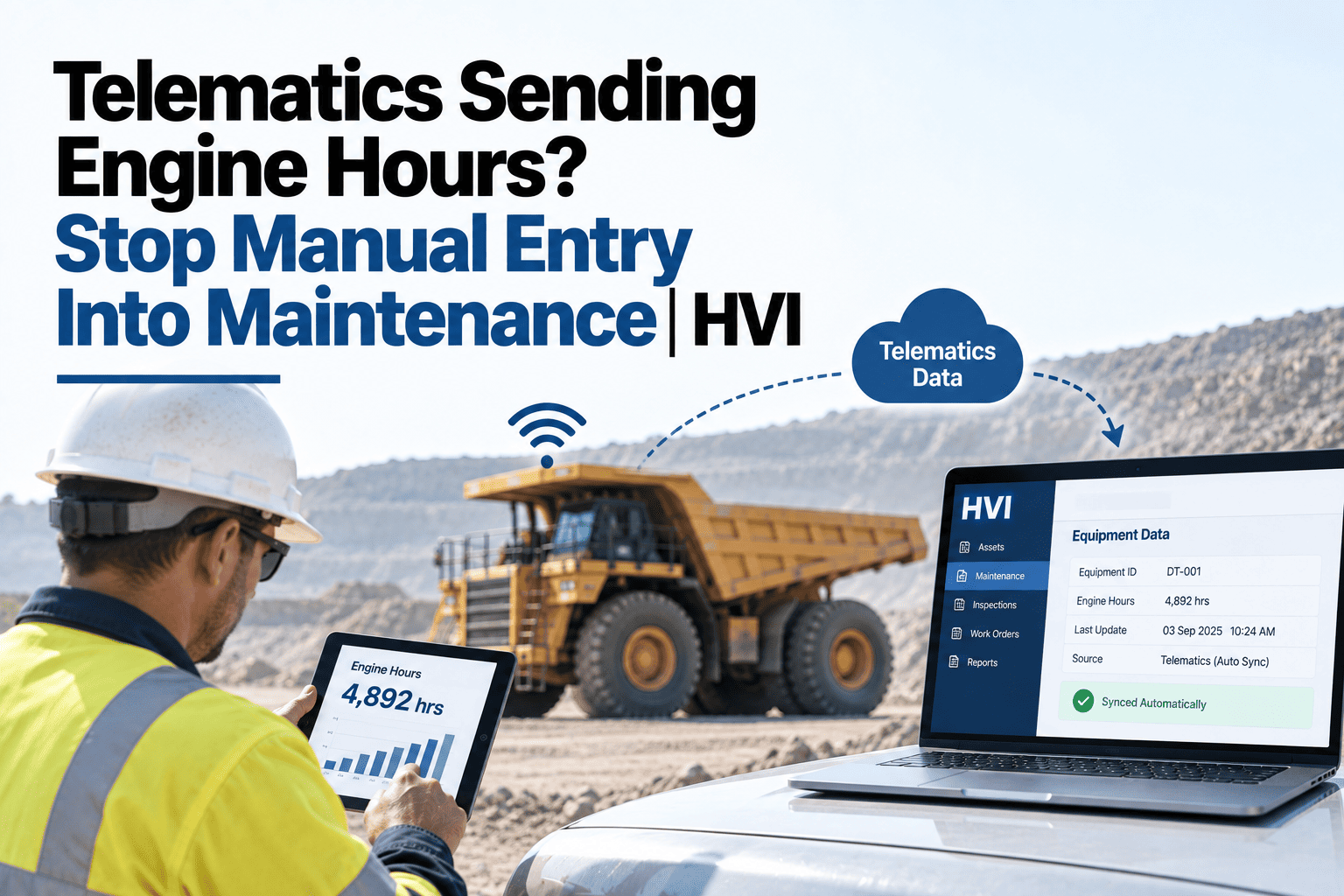
Run-time feeds hour-based PM so services trigger on true usage, not calendar guesses; geofence context routes the work to the right site's workshop. Most of the 30–40% downtime gains live at this level, and it needs no new hardware.
Catch the Failure Forming
Trend rules on the streams — voltage sagging week over week, idle share climbing, coolant creeping, fault codes repeating — raise inspection tasks with days or weeks of lead time, converting roadside breakdowns into scheduled bay visits.
An Honest Map of the Territory
What VLTD Data Sees Well
Usage truth (hours, trips, idle), behaviour truth (speed, braking), electrical health trends, location context, and — on CAN-connected devices — temperature and fault-code early warnings. Everything above is continuous, objective, and already being transmitted.
What It Cannot See
Hydraulic leaks, tyre cuts, pin wear, structural cracks, oil condition — the mechanical world below the data layer. That is why the predictive stack pairs VLTD trends with daily operator inspections: the device watches continuously, the human looks physically, and each covers the other's blind side.
Your Trackers Are Already Transmitting. Connect Them to Maintenance.
HVI connects to AIS-140 backends and major telematics platforms, pulls run-time and health streams per vehicle, and wires them into PM schedules, trend alerts, and work orders — no new hardware, no device swaps. Bring your current GPS vendor's name to a 30-minute session and our India team confirms the integration path live.
The Warning-Sign Playbook
| Signal Trend | Typical Lead Time | What to Do When It Fires |
|---|---|---|
| Voltage sagging across successive days | 1–3 weeks | Battery and charging-system inspection task; test before the no-start morning |
| Idle share climbing month over month | 2–6 weeks | Cooling-system check and operator review — find whether it is the machine or the habit |
| Coolant temperature creeping upward on similar duty | Days–weeks | Radiator, fan, and thermostat inspection before the gasket pays for the delay |
| Repeating fault codes after clearing | Varies | Diagnostic work order with the code history attached — recurring codes are messages, not noise |
| Harsh-braking events concentrated on one vehicle | Ongoing | Advance the brake inspection; pair the finding with driver coaching, not just parts |
| Cranking duration lengthening | 1–2 weeks | Starter, battery, and fuel-delivery check while it still starts |
Lead times are typical patterns, not promises — the value is directional: each trend buys days to weeks of warning over waiting for the failure, and each alert lands as an inspection task with the evidence attached, so the technician starts from the trend instead of from zero.
Eleven Days of Warning: One Water Tanker's Story
Frequently Asked Questions
Which vehicles and devices does this work with?
Any AIS-140 VLTD whose backend exposes data through APIs — which covers the mainstream device vendors — plus major fleet telematics platforms and OEM systems. Exact parameters vary by device: all provide ignition, location, and speed; CAN-connected units add engine data. The integration check takes minutes with your vendor's name.
Do we need to add OBD or CAN hardware to get value?
No — Level 2 automation (run-time-driven PM, geofenced context, idle analytics) and several Level 3 trends (voltage, cranking, idle share) work on standard VLTD streams alone. CAN data deepens the picture where devices support it, but the biggest step is wiring what already transmits into maintenance, not buying more sensors.
How do you keep trend alerts from becoming alarm spam?
Rules fire on sustained trends, not single readings — a voltage dip during a cold morning start is noise; eleven descending days is a signal. Thresholds tune per vehicle class, every alert becomes a task with evidence rather than an SMS, and closed tasks feed back so the rules sharpen instead of crying wolf.
Our excavators and dozers have no VLTD. Are they left out?
No — non-road HEMM joins through OEM telematics where available, or through operator-entered meter readings captured at daily inspection, which drive the same hour-based PM engine. The fleet runs as one system with different data sources feeding it; sign up free and register both kinds side by side.
We already pay a GPS vendor. Does this replace them?
No — your tracking vendor keeps doing tracking; HVI consumes the same feed and adds the maintenance layer they don't provide: PM automation, trend rules, work orders, and history per asset. It is the difference between owning the data and using it. See your own vehicles' feed wired in during a 30-minute demo with our India team.
The Breakdown Announced Itself for Eleven Days. Somebody Just Has to Listen.
Most breakdowns are trends nobody was watching, transmitted daily by a device you already pay for. Wire that stream into the workshop and downtime stops being fate — start free and connect your first vehicles this week, or bring your GPS vendor's name to a 30-minute session.