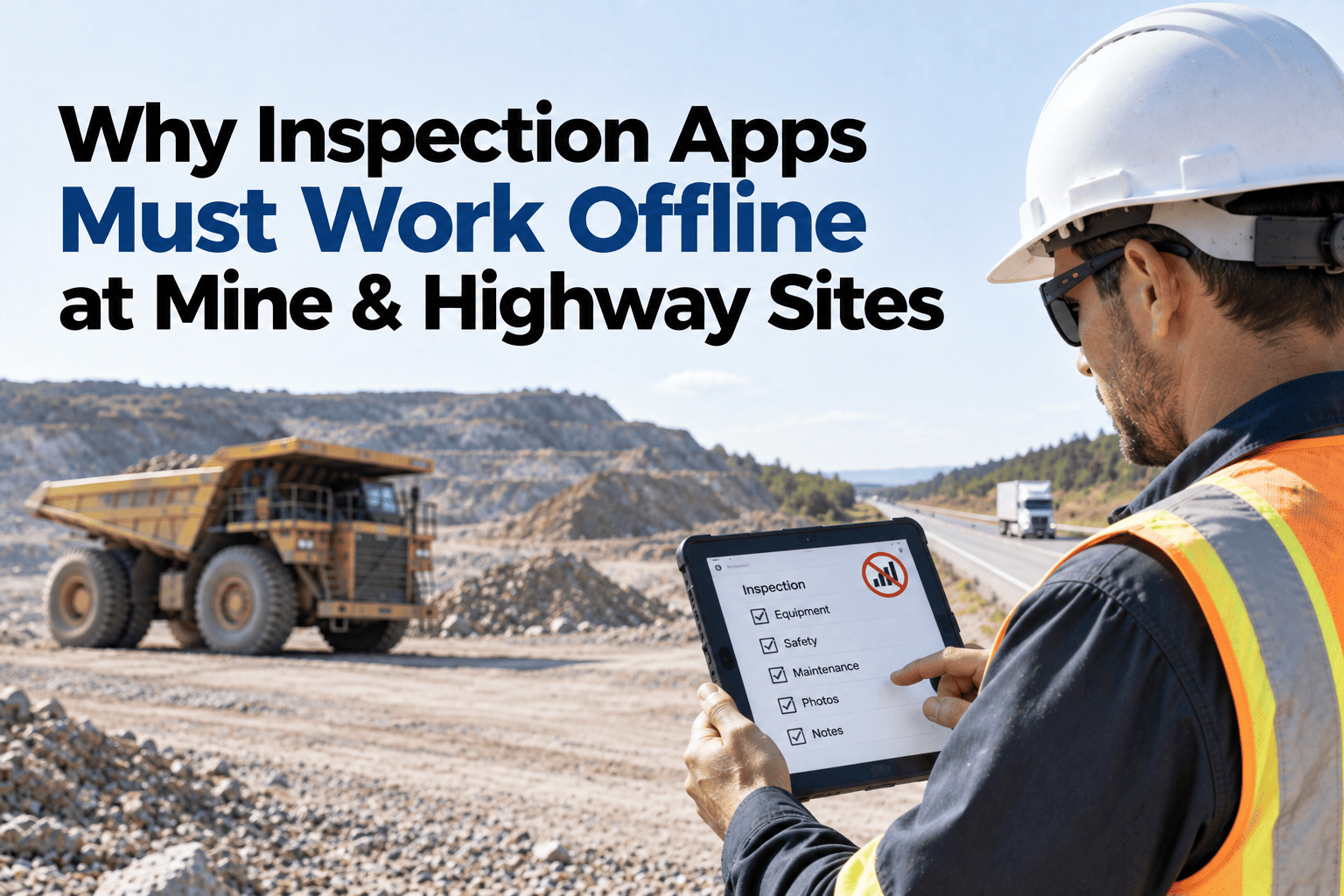
Most inspection apps look identical in a demo — clean forms, quick photo uploads, a satisfying submit button. The difference only shows up the moment signal drops, and it's the difference between an app that quietly keeps working and one that quietly stops. Some apps only cache the form template offline, meaning a technician can open the checklist but can't actually submit it until connectivity returns — which on a three-day network outage means three days of inspections either lost, scribbled on paper, or simply not done. The honest failure is the app that refuses to open at all offline. The dangerous one is the app that looks like it worked and silently didn't. Here's what genuinely happens to inspection data across a real signal outage, and how HVI's offline-first design keeps every record intact through it.
What Happens to Inspection Data When Your Site Loses Signal for 3 Days?
How paper fallback and poor offline-first apps lose critical inspection records at remote mine and project sites — and what genuine offline-sync design prevents.
Three Days, Three Different Outcomes
Paper Fallback
Inspections happen on paper because the app doesn't work, then someone re-enters everything once signal returns — if the paper survives, if it's legible, and if anyone has the hours to type it all in.
A Template-Only Offline App
The form opens, looks normal, and gets filled in — but can't actually save without a live connection, so three days of entries vanish the moment the app is closed or the device restarts.
Genuine Offline-First Design
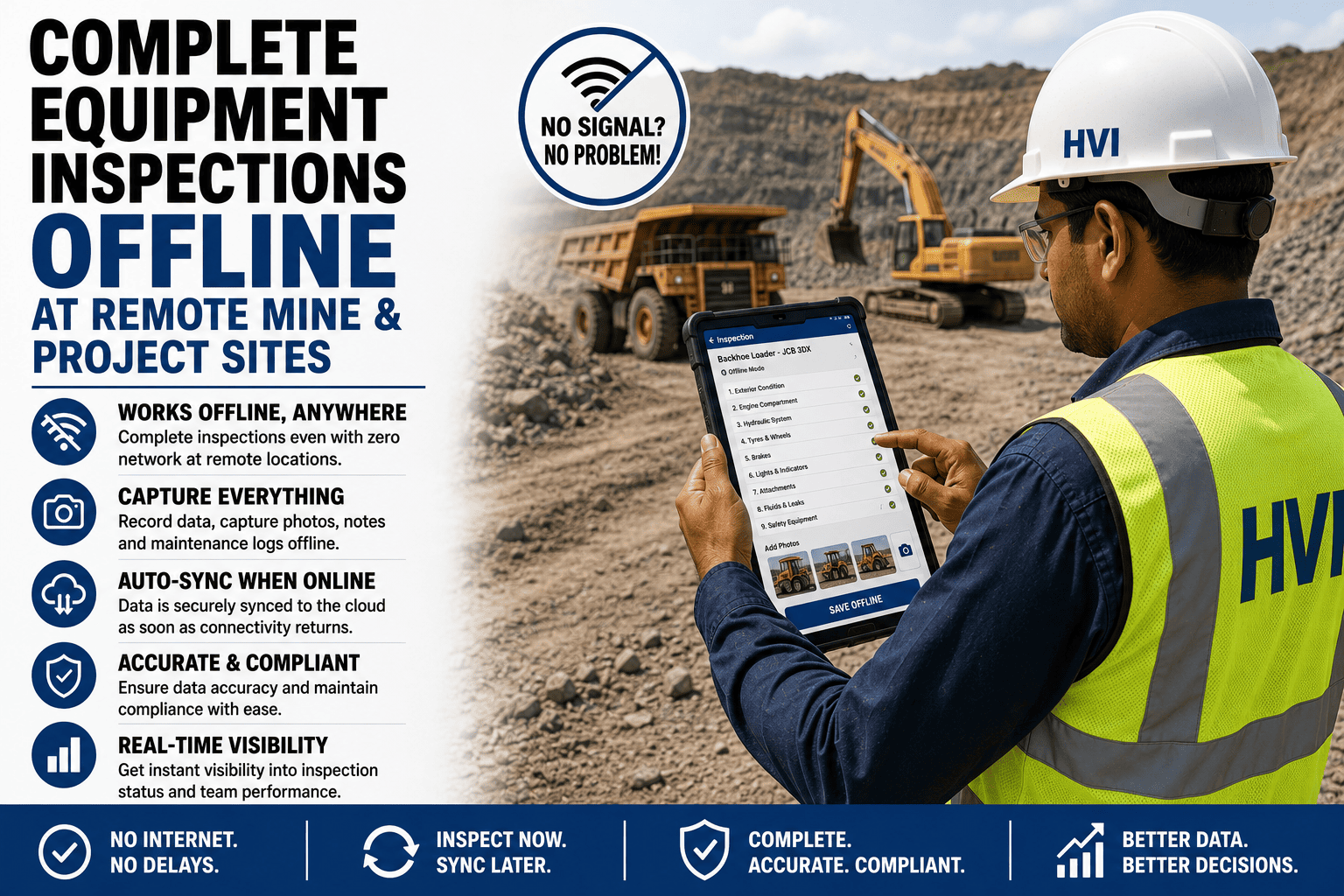
Every inspection, photo, and signature writes to the device first, queues locally, and syncs automatically the moment signal returns — nothing depends on the network being present at the moment of capture.
See what a genuinely offline-first inspection flow looks like, tested against your own site's connectivity.
What "Offline-First" Actually Requires
Local write, not just local view
The app must save every form, photo, and signature to the device itself before attempting a network call — not merely display a cached form that fails to submit. That distinction is what separates an app that genuinely works offline from one that only looks like it does until the moment a technician tries to save.
A queue that survives a restart
Data captured offline needs to persist through a device restart or a battery death, not live only in temporary memory that clears when the app closes. A record that survives these interruptions is what keeps a full shift's inspections intact even through the ordinary hazards of field work.
Automatic sync on reconnect
The moment signal returns, queued records upload without requiring the technician to remember to manually trigger anything. Removing that manual step means a busy technician doesn't need to add "remember to sync" to an already long list of end-of-shift tasks.
A defined conflict resolution rule
When the same record gets touched from two places before syncing, the system needs a clear rule for what happens next, rather than silently picking one version and discarding the other. Making that rule explicit, rather than leaving it to chance, is what prevents a genuine update from quietly disappearing during sync.
Why This Matters More at Mine and Highway Sites Than an Office
Outages last longer, not shorter
A dropped connection in a city resolves in minutes; a mine bench or highway stretch can genuinely lose signal for days at a time.
The inspections can't simply wait
A daily equipment checklist or safety observation loses its value if it's delayed three days — the whole point is catching an issue before the next shift, not after.
Paper doesn't scale across many sites
A single remote site falling back to paper occasionally is manageable; a fleet with several remote sites doing it routinely creates a re-entry burden that never actually gets caught up.
Compliance records need to be complete
A DGMS or Factories Act audit doesn't accept "the app was offline that week" as a reason for a gap in the inspection trail.
Frequently Asked Questions
How do we tell if an app is genuinely offline-first before we commit to it?
Ask directly whether the app writes data locally before attempting any network call, and test it by putting a device in airplane mode for an extended period to see whether inspections can actually be created, saved, and later synced.
What happens if two people edit the same inspection while both are offline?
A well-designed system flags the conflict explicitly rather than silently overwriting one version, so a person can review and resolve it instead of one technician's work disappearing without explanation.
Does photo and signature capture work the same as form fields offline?
Yes, in a genuinely offline-first app — photos and signatures are stored locally alongside the form data and sync together once connectivity returns, rather than being treated as a separate, connection-dependent step.
Can this integrate with our SAP, Oracle, or Tally systems once data syncs back?
Yes — once synced, inspection and work order data flows into these systems the same way it would from a fully connected session, so an offline period doesn't create a separate manual reconciliation step.
How would we know our own offline coverage is actually reliable before relying on it?
Testing the app under a genuine multi-day offline scenario at your most remote site is the most reliable way to confirm it; sign up free to try that test against your own connectivity.
Don't Find Out the Hard Way
A three-day outage will happen eventually at a remote site — the only question is whether your inspection data survives it. Start free and test genuine offline-first capture against your own connectivity, or bring your current app's offline behaviour to a 30-minute session with our India team.