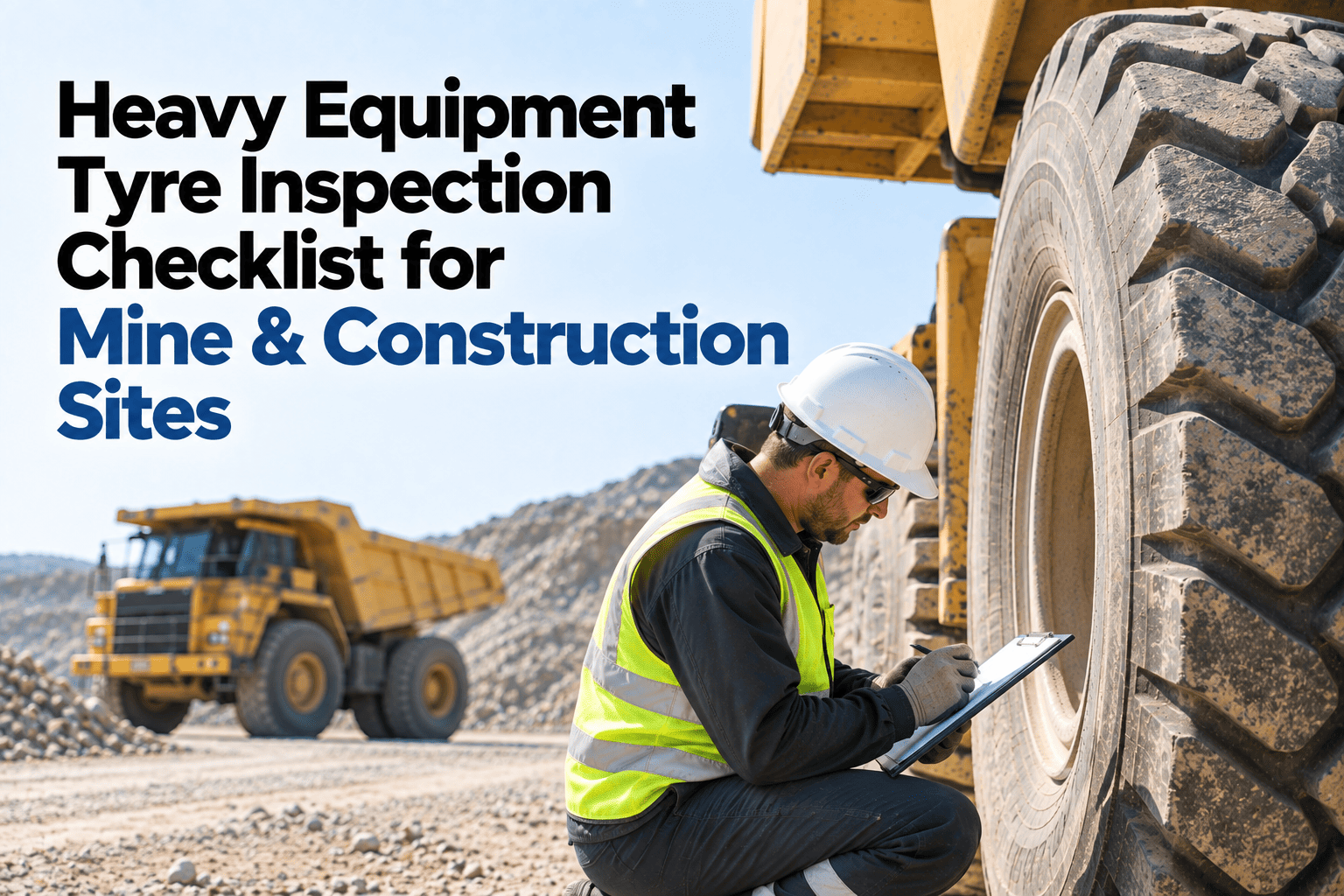
Every construction and mining site in India runs on the same quiet risk: a paper checklist that says an excavator or dumper was inspected, when nobody can prove what was actually checked, by whom, or when. Fleet owners running JCB, Tata Hitachi, BEML, Volvo and SANY equipment lose real money to this gap every month — not from one big accident, but from dozens of small defects that were "checked" on paper and missed on the machine. A cracked hydraulic hose, a worn bucket pin, a brake warning ignored because the form had no space to flag it. Site engineers and fleet managers who move their equipment inspection to a mobile app for HEMM see the pattern disappear within the first week of use, and you can book a 30-minute demo to see exactly how.
Stop Losing Equipment Defects to Paper Checklists
A mobile inspection app built for JCB, Tata Hitachi, BEML, Volvo and SANY fleets — photo evidence, GPS-stamped records, and instant defect alerts your maintenance team can act on before a small crack becomes a week of downtime.
What Paper Checklists Are Actually Costing Indian Fleets
60-70%
Typical completion rate for paper-based pre-shift inspections, meaning nearly a third of machines go out unchecked.
40-60%
Faster inspection completion reported by fleets that move from paper forms to a mobile inspection workflow.
15 Days
Average plant shutdown a single Indian unit faced after a surprise compliance inspection found gaps in its records.
Why Paper Inspections Fail on Construction and Mining Sites
A paper checklist cannot prove anything. It cannot timestamp when an operator actually walked around a Tata Hitachi excavator, it cannot attach a photo of a frayed hydraulic hose, and it cannot stop a flagged machine from going back out on site. Most sites only discover the gap when a defect turns into a breakdown mid-shift, or when an auditor asks for records that were filled from memory hours after the shift ended.
This is especially costly on remote highway, mining and infrastructure sites where a single dumper or loader going down can stall an entire crew. Machines running past their safe operating condition without a documented inspection are also a direct compliance exposure under the Factories Act and DGMS regulations, and that exposure sits quietly on the books until an inspector or an accident forces the issue.
A mobile-first inspection workflow closes this gap at the point of inspection itself, not after. The operator checks the machine on their phone, the defect is logged with a photo the moment it is found, and the record exists whether or not anyone remembers to write it down later.
How a Defect Moves Through HVI, Start to Finish
Operator Runs the Pre-Shift Checklist
Equipment-specific checklist opens on the operator's phone — a JCB backhoe checklist looks nothing like a BEML dozer checklist, and it shouldn't. Works fully offline at remote sites with zero signal.
Defect Is Flagged With Photo and GPS
Any failed item requires a photo before the operator can move on. The record is stamped with GPS location and exact time, so there is no ambiguity about where or when it was found.
Machine Is Held From Dispatch
Equipment with an open safety defect can be automatically held from going back out on site until the issue is cleared, so a known problem never quietly returns to work.
Alert Reaches the Maintenance Team Instantly
The fleet manager and maintenance head get a real-time alert the moment the defect is logged, instead of finding out during the next breakdown.
Audit-Ready Record Syncs Automatically
Once signal returns, every inspection syncs to the dashboard and integrates with SAP, Oracle or Tally, building a compliance trail that is ready before an inspector ever asks for it.
Paper Checklist vs. HVI Mobile Inspection App
| What You Need | Paper Checklist | HVI Mobile App |
|---|---|---|
| Proof of inspection | Signature only, no timestamp guarantee | GPS and time-stamped the instant it happens |
| Defect evidence | Written description, easy to under-report | Mandatory photo attached to every failed item |
| Works offline at site | Not applicable, always works | Full offline mode, auto-syncs on signal |
| Stops an unsafe machine from dispatch | Depends entirely on the operator remembering | Automatic hold until defect is cleared |
| Audit record retrieval | Hours or days searching physical files | Complete export by equipment or date in one click |
| Checklist accuracy per equipment type | One generic form adapted for every machine | Equipment-specific templates for JCB, Tata Hitachi, BEML, Volvo, SANY |
Built for the Equipment Actually Running on Indian Sites
Excavators and Backhoes
JCB and Tata Hitachi checklist templates cover hydraulic system checks, bucket and pin wear, and undercarriage condition specific to each model class.
Dozers and Loaders
BEML and Volvo templates include track tension, blade condition and ROPS structural checks aligned to mining safety expectations.
Cranes and Heavy Haul
SANY and other heavy-lift equipment get load-chart verification, wire rope inspection and outrigger checks built into the daily flow.
See It Running on Your Own Fleet Mix
Most sites are running their first digital inspection within a day, no IT team required. Bring your equipment list to a 30-minute walkthrough and see the exact workflow your operators would use tomorrow.
Common Questions From Fleet Managers
Does the app work at remote mine and highway sites with no network?
Yes. Operators complete the full inspection on the phone with zero signal, including photos and GPS tagging, and everything syncs automatically the moment connectivity returns. No inspection data is lost in the process, which matters most at exactly the sites where signal is weakest.
Can this replace our existing paper checklist process without retraining everyone?
Most fleets are running digital inspections within a day because the checklist mirrors what operators already check, just on a phone screen instead of a clipboard. You can walk through your specific equipment list on a 30-minute demo before rolling it out site-wide.
What happens when an operator finds a genuine defect during inspection?
The defect is logged immediately with a required photo, the fleet manager gets a real-time alert, and the machine can be automatically held from dispatch until the issue is verified as resolved. Nothing depends on someone remembering to follow up later.
Does HVI integrate with our existing ERP or fleet management systems?
Yes, HVI integrates with SAP, Oracle and Tally along with major telematics providers, so inspection data feeds directly into the systems your finance and maintenance teams already use rather than living in a separate app.
Is this only useful for large fleets, or does it work for a smaller site too?
It works for fleets of any size. A single-site contractor running five machines faces the same audit and safety exposure as a large mining operation, and the setup takes the same amount of time either way. You can start a free trial with your current fleet size and scale it as you add equipment.
Give Every Machine on Your Site a Record That Actually Holds Up
Stop finding out about a defect during a breakdown or an audit. Start a free trial today or book a 30-minute demo and walk through your own fleet with our team.