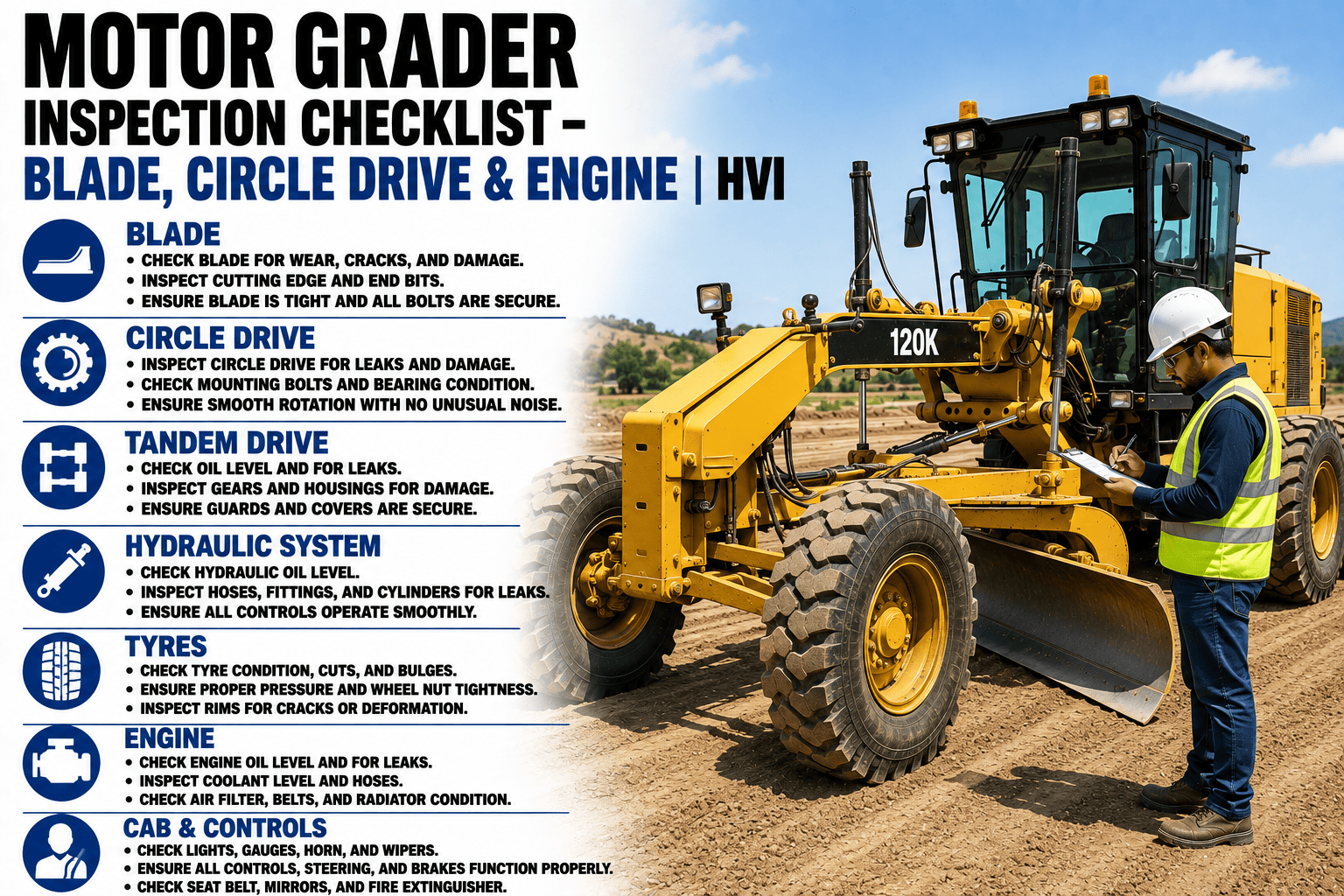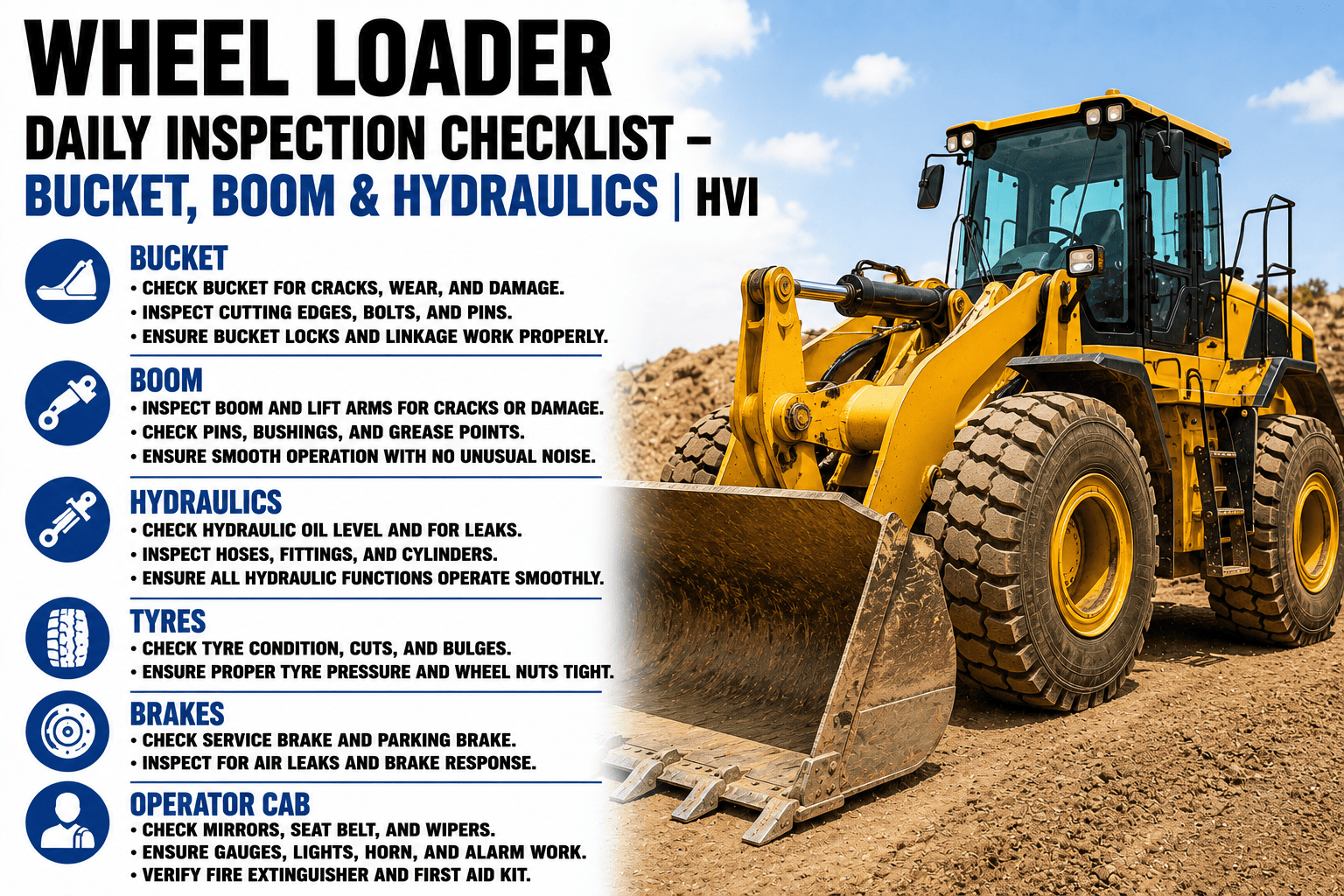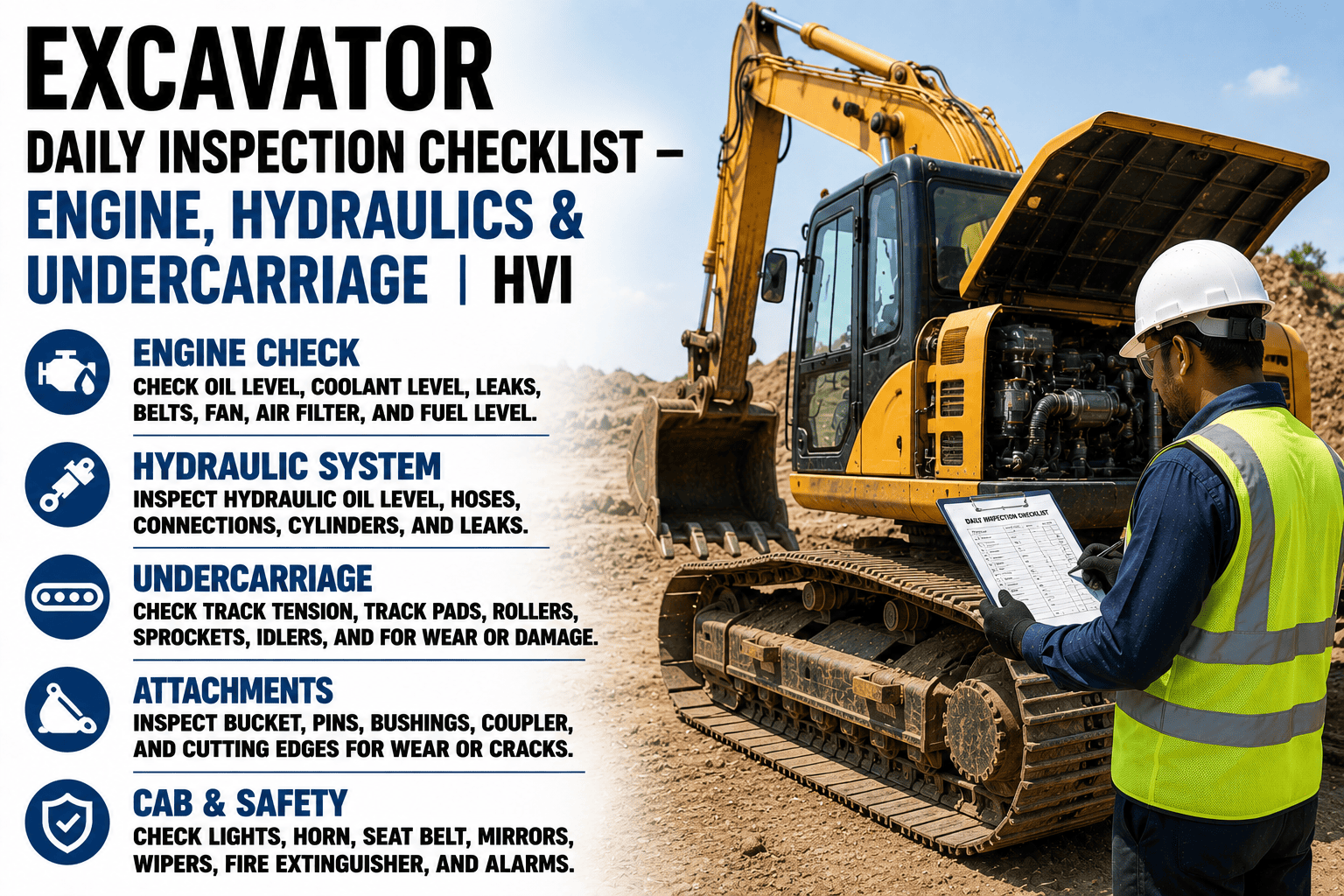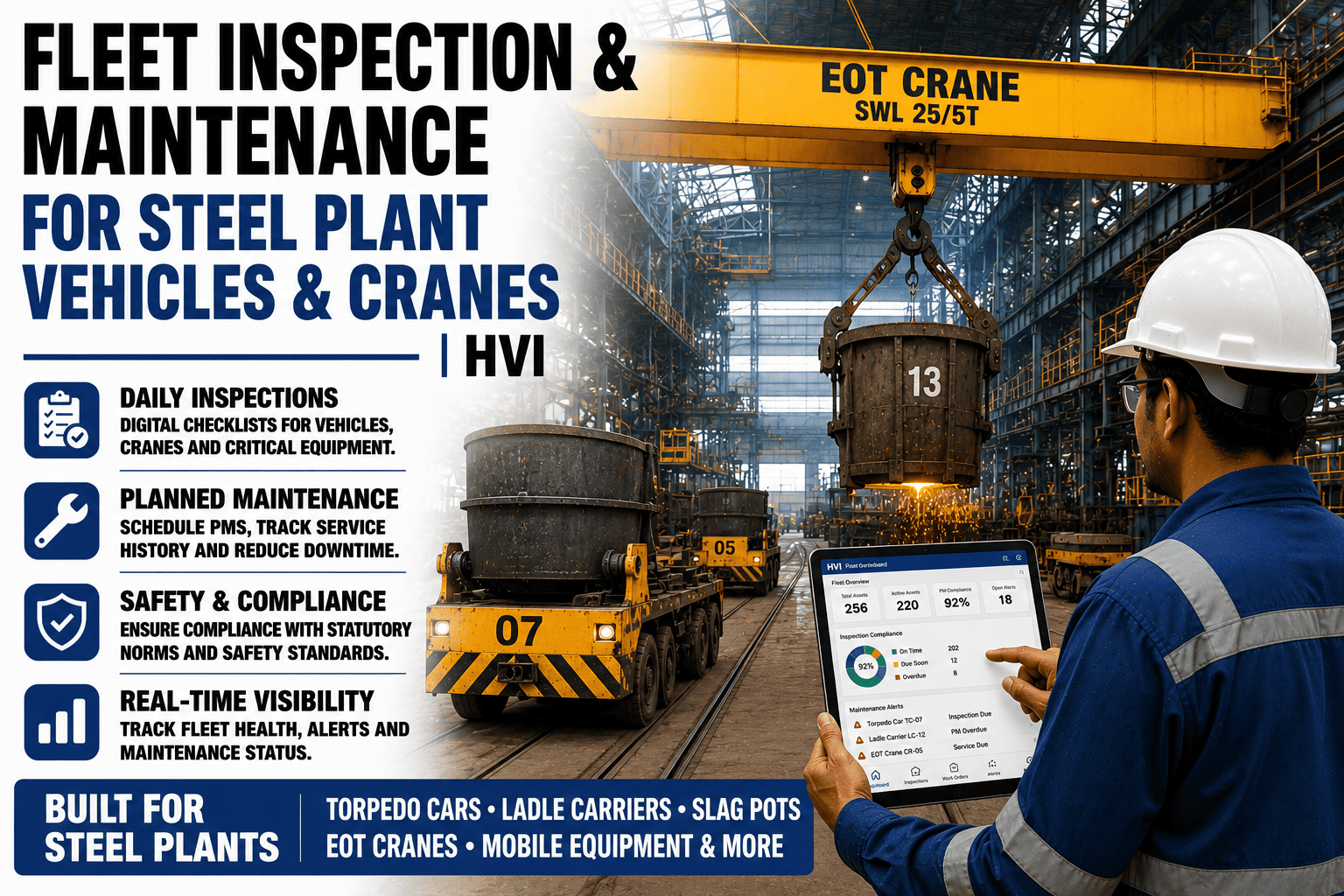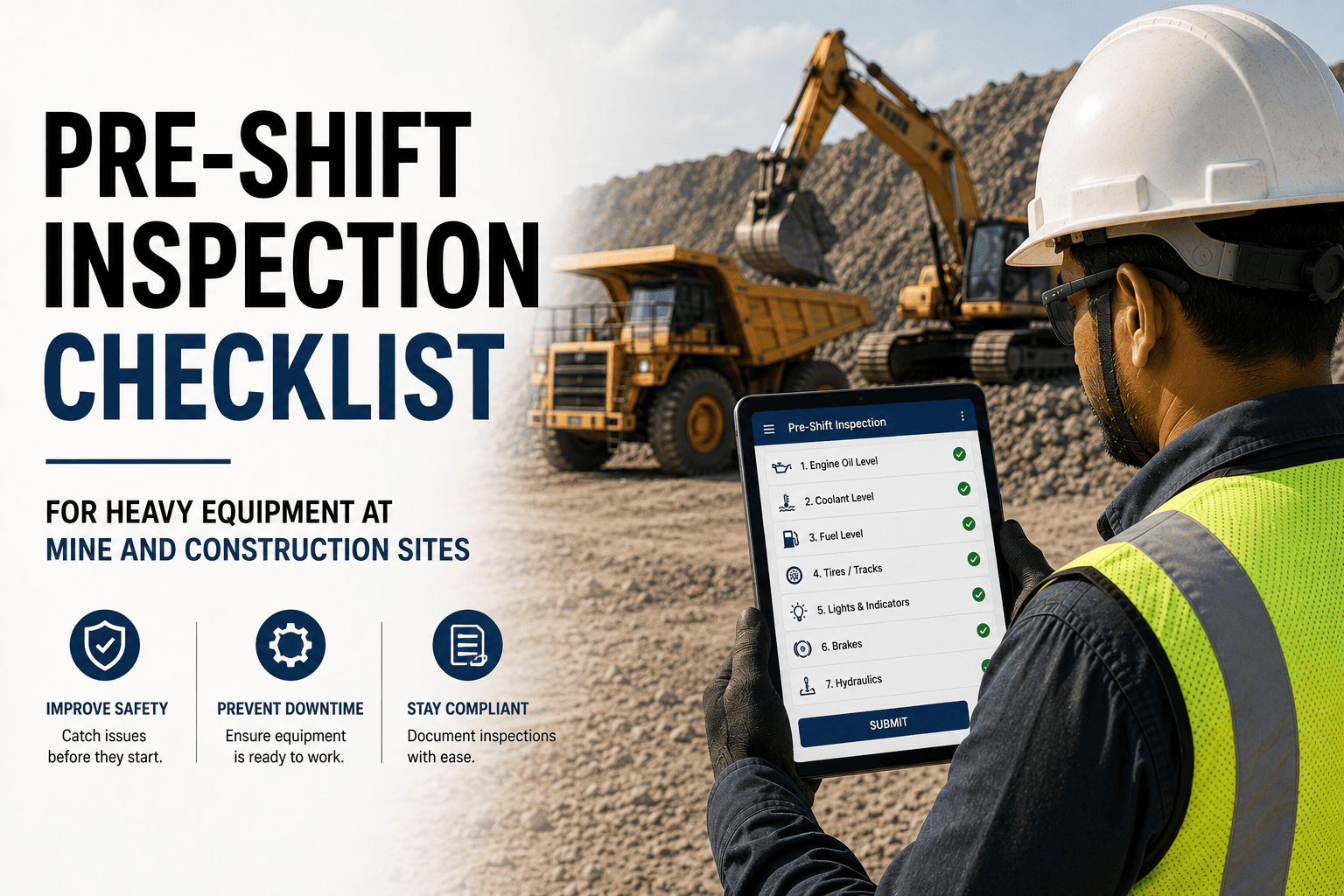
Every fleet has that one operator or workshop head who has been asking for a specific check to be added to the pre-shift form for 6 months — a monsoon-specific undercarriage check, an extra brake test for hilly sections, a chemical exposure step on the plant floor — and every time the answer is that IT will look at it. HVI's checklist builder deletes that entire conversation. Your safety officer, workshop head or fleet manager drags together any inspection checklist for any asset class in under 15 minutes, publishes it to the mobile app instantly and rolls it out fleet-wide with zero code, zero IT ticket and zero waiting. Templates for excavators, dumpers, cranes, DG sets, tippers and light vehicles ship with the platform, and every one is fully editable, and you can start a free trial and build your first custom checklist in the first hour.
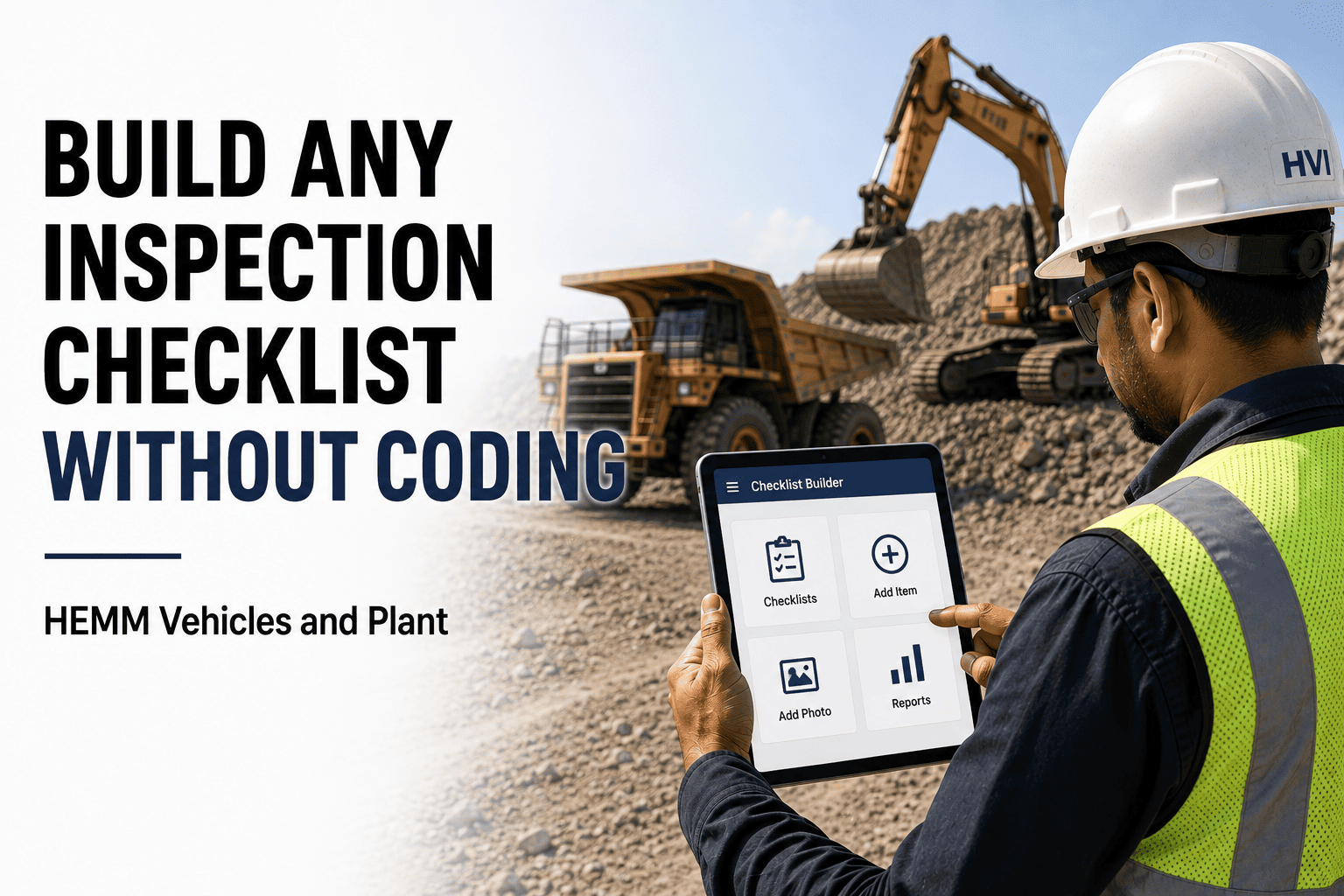
Build Any Inspection Checklist Without Coding
Cut equipment downtime and audit risk with a builder purpose-made for coal mines, highway sites and industrial plants. Works with your existing OEM manuals, DGMS formats and telematics data. Hindi and English UI, INR native cost tracking, GST compliant PO workflow.
See The Builder In Action
No Code · 15 MinutesA live-style mockup of what your safety officer or workshop head sees when building a new pre-shift checklist for a coal mine dumper.
Why A Real Builder Matters
Most inspection tools sell you a fixed template and charge for every edit. Six reasons that model is broken for Indian mining and construction fleets.
Every Site Is Different
Monsoon fault modes in Odisha are nothing like dust ingress in Rajasthan. A rigid template forces you to inspect for the wrong things at the wrong sites.
OEM Manuals Vary
A CAT 793F pre-shift check is not a Komatsu 730E pre-shift check. Your inspection needs to mirror the manufacturer manual for each specific asset, not a generic form.
Standards Keep Evolving
A new DGMS circular or client HSE update means the checklist must be updated tomorrow. Waiting for a vendor change request is not an option.
Fault Modes Emerge From Data
After 3 months of data, you see the same starter motor fault repeating. You need to add a specific check for it immediately, not next quarter.
Clients Demand Custom Formats
NHAI, NTPC, Coal India and private EPC contracts each have their own inspection formats. You need to publish client specific checklists per contract, not one generic version.
Local Language Matters
A checklist that reads in English only will not be actioned properly by operators who think and speak in Hindi. The builder ships with dual language support out of the box.
The 8 Block Types You Get
Every checklist is built from these 8 reusable question blocks. Mix them freely, add sections, set rules — no coding, no IT ticket.
Yes / No
Simple binary questions. "Any visible oil leaks under engine?" Yes on this can auto-fire a corrective work order to the workshop.
Pass / Fail
Structured pass or fail check with mandatory photo on fail. Ideal for safety-critical items like brakes, reverse alarms and seat belts.
Numeric Value
Operator enters a number — tyre pressure, engine hours, oil dipstick reading. Range limits trigger alerts when values fall outside spec.
Photo Capture
Camera opens directly in app. Photo stamped with GPS and timestamp. Ideal for fire extinguisher tags, insurance stickers and defect evidence.
Dropdown / Choice
Pre-set list of options. "Undercarriage wear level: Good / Fair / Replace." Standardises language and eliminates typing errors on gloved hands.
Signature
Operator, mechanic or supervisor signs directly on the screen with a finger or stylus. Signature is timestamped and permanently attached to the record.
Text Or Voice Note
Free text or voice recording for context. Operators who struggle to type long descriptions can speak in Hindi or a local language and attach as audio.
Section Divider
Group blocks into logical sections — Engine, Brakes, Tyres, Safety. Keeps the operator experience clean on a mobile screen and speeds completion.
From Blank Canvas To Live Checklist In 15 Minutes
Five plain-English steps that anyone in your safety, workshop or fleet team can follow. No IT ticket. No vendor call.
Pick An Asset Or Start From Blank
Choose a pre-built template for excavator, dumper, crane or DG set, or start with a blank canvas. Templates load with typical DGMS aligned sections already populated.
Drag Blocks Into Sections
Drag Yes/No, Pass/Fail, Numeric, Photo, Dropdown, Signature or Text blocks into named sections. Reorder freely, rename anything, delete what you do not need.
Set Rules And Severity
Mark critical items that lock the asset from dispatch on fail. Set numeric range limits. Configure which items auto-fire corrective work orders to the workshop.
Preview On Mobile
Scan a QR to preview the exact operator experience on your phone. Make edits live and re-preview until the flow feels right for your specific asset.
Publish To The Fleet
Click Publish. The checklist is live on every operator device in seconds. Assign to specific asset classes, sites or client contracts as needed.
Build Your First Custom Checklist In The Next Hour
Start a free trial and use the builder to create a checklist for your specific dumper, tipper or excavator model on your own site conditions. Live on your operator devices before the day is over.
The Template Library You Start With
Every template is DGMS aligned where relevant, editable in the builder and downloadable as PDF or Excel. Start here and customise for your site.
| Template | Asset Type | Frequency | Critical Checks |
|---|---|---|---|
| Dumper Pre-Shift | Rear dump trucks, articulated dumpers | Every shift | Brakes, reverse alarm, tyres, tipping mechanism |
| Excavator Pre-Shift | Hydraulic excavators, back hoes | Every shift | Hydraulic hoses, boom, bucket teeth, cabin controls |
| Dozer Pre-Shift | Crawler and wheel dozers | Every shift | Undercarriage, blade, ripper, transmission |
| Wheel Loader Pre-Shift | Front-end loaders and shovels | Every shift | Bucket, articulation, tyres, hydraulic system |
| Drill Rig Pre-Shift | Blast hole and exploration drills | Every shift | Drill string, compressor, stabilisers, dust suppression |
| Crane Pre-Lift | Mobile and crawler cranes | Every lift plan | Outriggers, wire rope, LMI, hydraulic system |
| DG Set Weekly Check | Diesel gensets 25 to 2000 kVA | Weekly | Engine, alternator, fuel, cooling, control panel |
| Tipper Daily Check | Highway tippers and mixers | Daily | Brakes, tyres, tipping cylinder, safety devices |
| Highway Site Vehicle | Utility, staff transport, water tankers | Daily | Fluid levels, lights, brakes, first aid, PUC |
Who Builds Checklists In Your Team
The builder is designed for the people who actually know the asset — not IT. Here is who typically owns different checklists in HVI-enabled fleets.
Safety & Compliance Forms
Owns statutory formats — DGMS pre-shift, Factories Act inspection registers, client HSE audit checklists. Updates as circulars change.
Maintenance Inspections
Owns pre-shift, weekly and monthly inspection templates per asset class. Updates when new failure modes emerge from asset history data.
Site Specific Overrides
Adds site-specific checks — monsoon undercarriage, dust ingress, hilly section brake tests. Publishes to the site fleet without affecting other projects.
Enterprise Standards
Locks certain critical checks fleet-wide, allows site-level additions on top, and pushes new templates when clients demand contract-specific formats.
Frequently Asked Questions
Build The Exact Checklist Your Site Actually Needs
HVI's no-code checklist builder is live on construction, mining and infrastructure fleets across India, giving safety, workshop and fleet teams full control over inspection standards without a single IT ticket. Start a free trial or block 30 minutes with our team to see the builder running on your fleet.