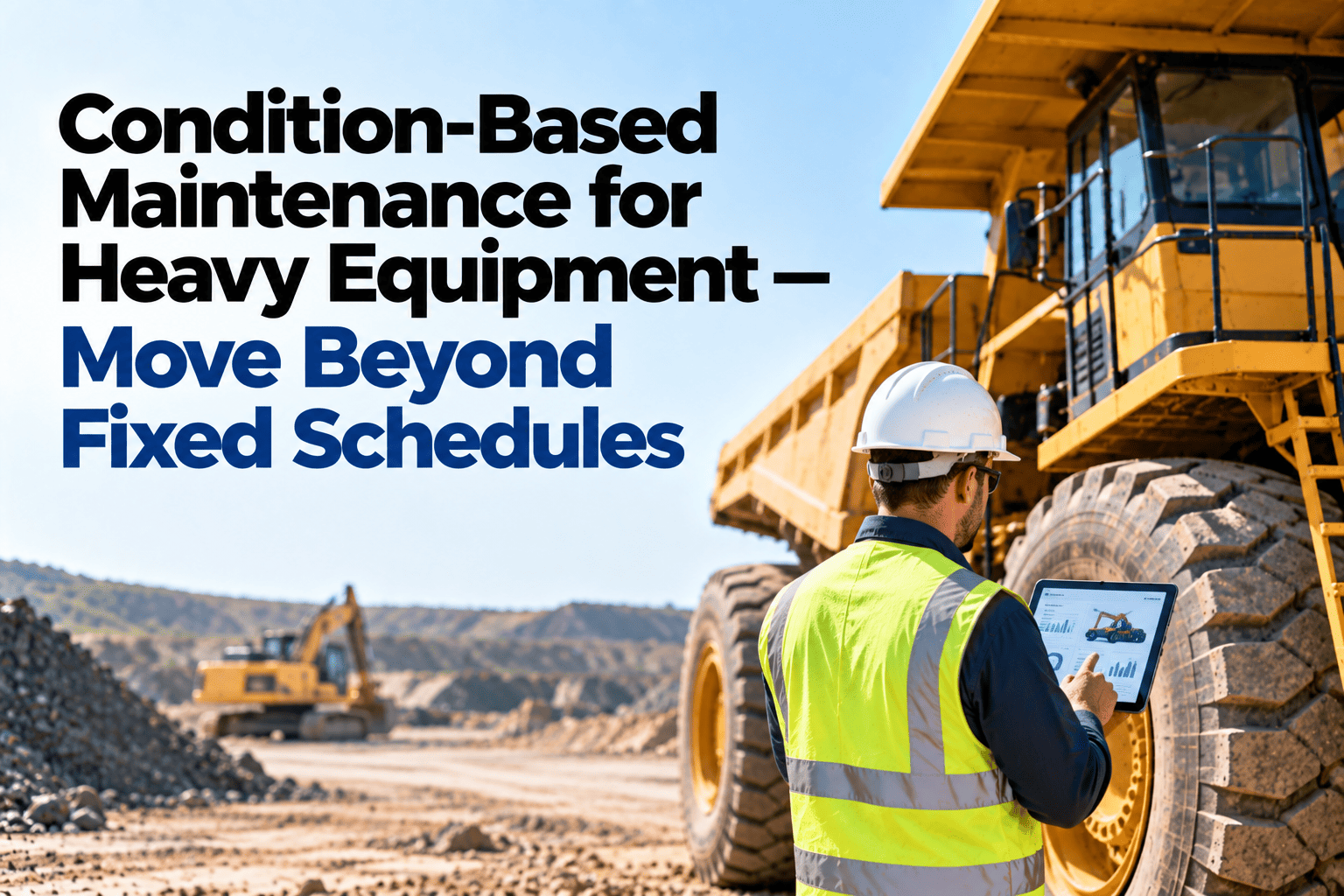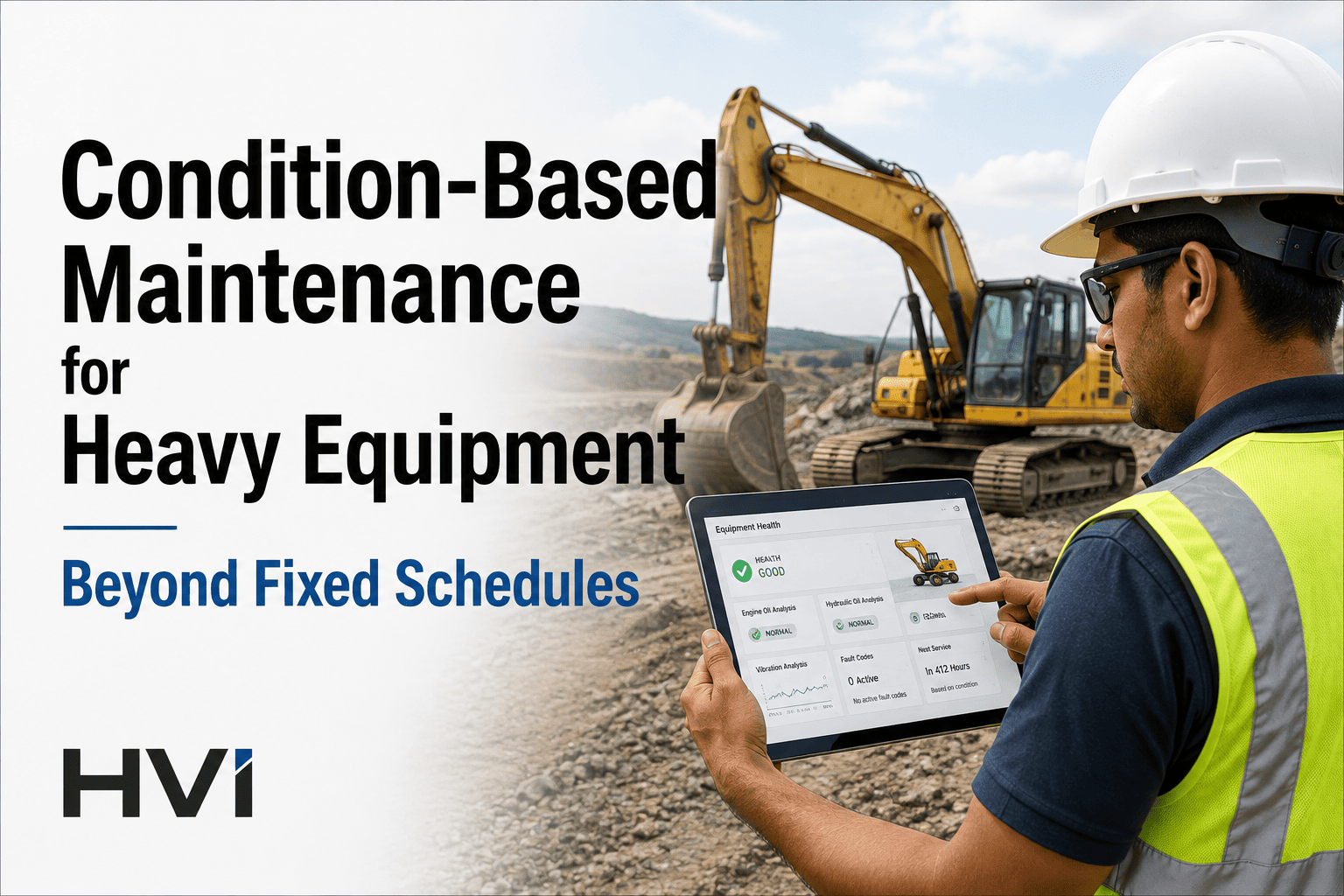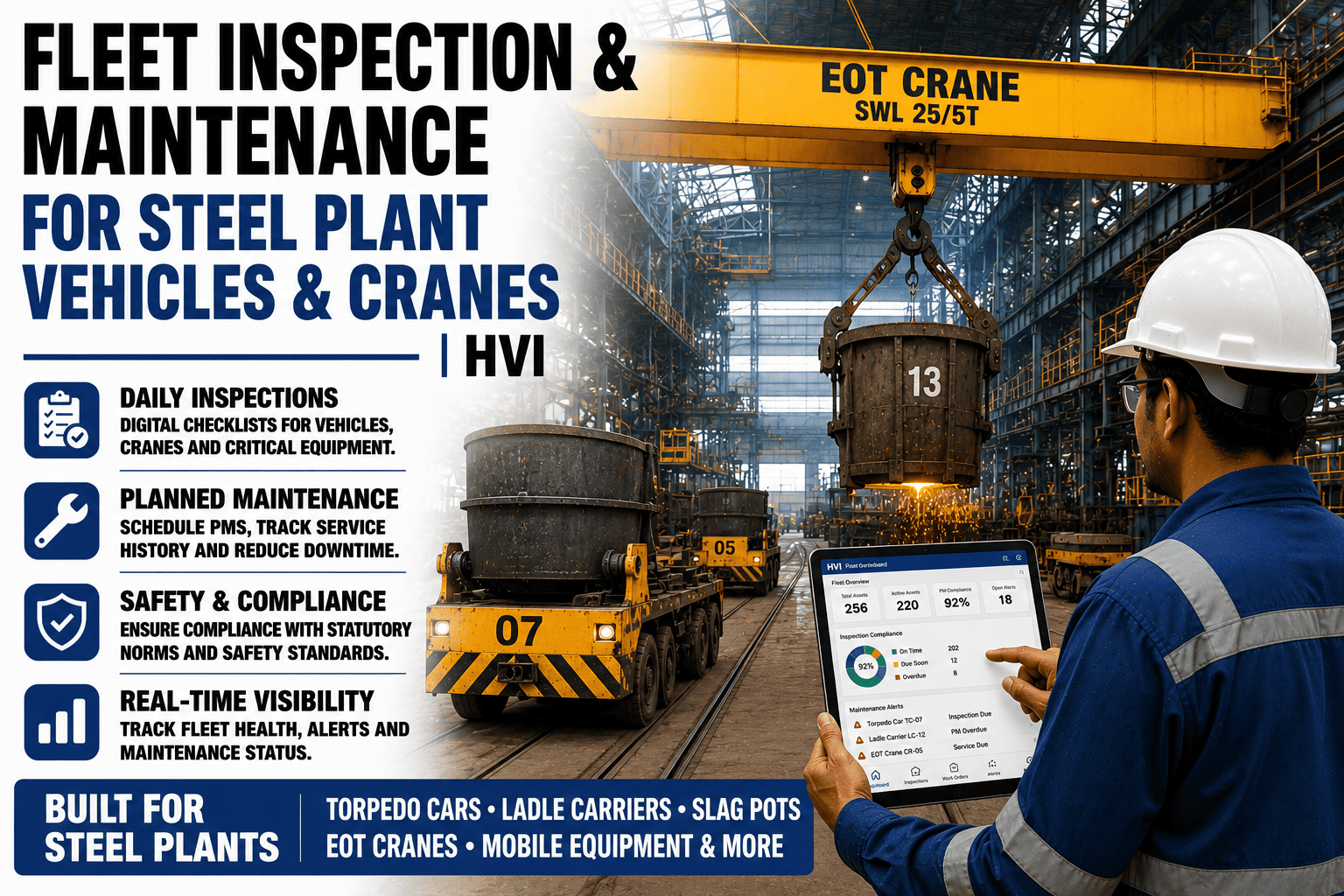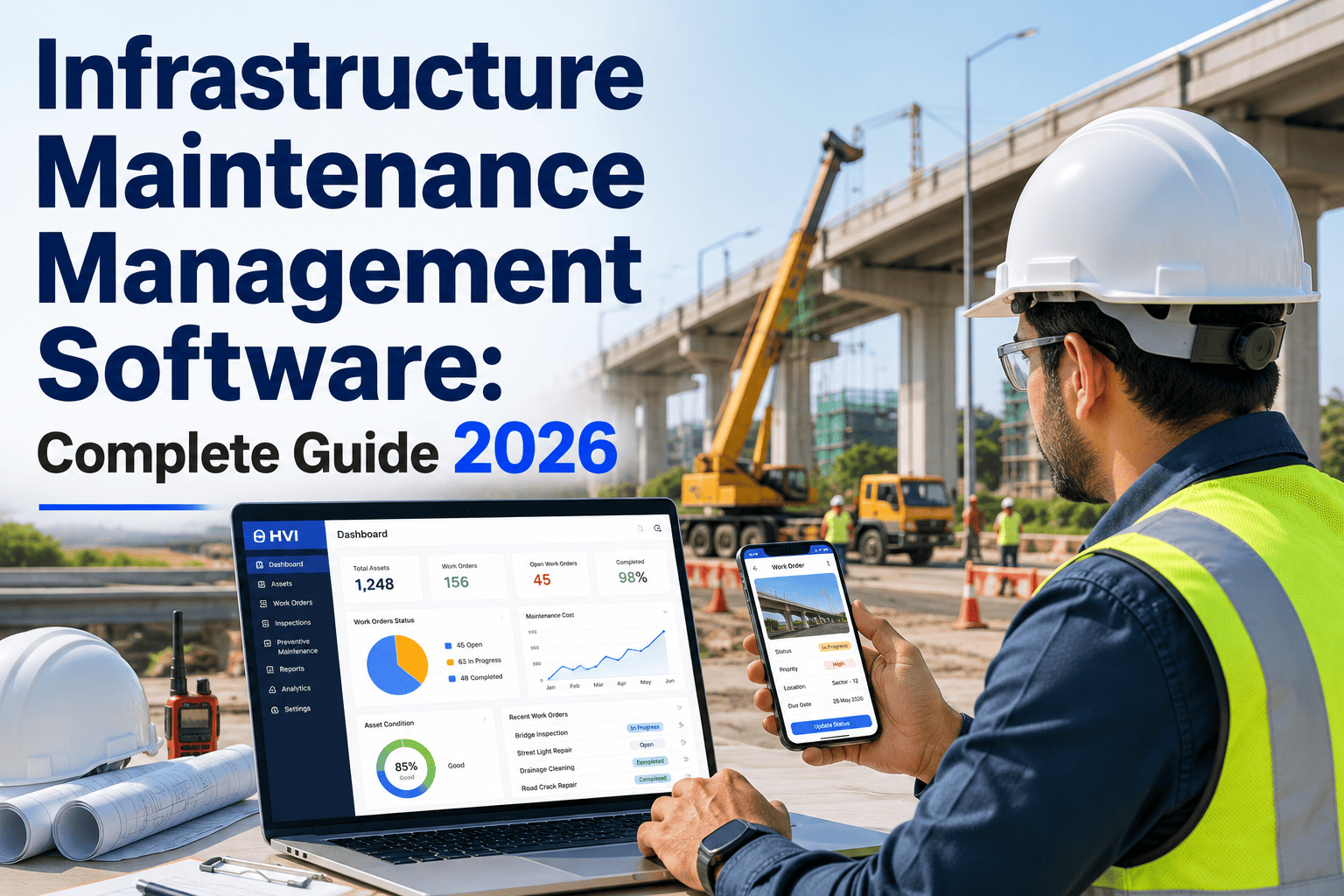
Most construction fleet operators in India still manage maintenance across a patchwork of spreadsheets, paper logbooks, WhatsApp groups, and the equipment manager's memory. The result is predictable — reactive repairs that cost 4-5x more than planned maintenance, unplanned downtime averaging 8-9 days per vehicle per year, and compliance records that take hours to locate when an auditor arrives. A structured maintenance management system eliminates this chaos by centralising every asset, every inspection, every work order, and every cost into one platform your entire team can access from the yard, the site, or the office. This guide walks you through building that system from scratch — asset setup, preventive maintenance scheduling, work order workflows, and reporting — using HVI as your construction fleet's maintenance backbone. Sign up free to start building your system today, or book a walkthrough with our fleet onboarding team.
How to Create a Maintenance Management System for Your Construction Fleet
Asset register. PM schedules by hours and kilometres. Inspection checklists with photo proof. Work orders that route from operator to mechanic to sign-off. Parts tracking. Cost-per-machine reporting. One system, built in 7 days, running on every phone and tablet across your sites.
What You Are Replacing — The Patchwork Every Contractor Knows
Before you build a maintenance system, it helps to see clearly what you are replacing. Most construction fleets run maintenance across 5-6 disconnected tools — each holding a piece of the picture, none talking to the other. Book a demo to see how HVI replaces every one of these.
The 6 Pillars of a Complete Maintenance System
A maintenance management system is not just a work order tracker — it is six interconnected functions that together give you control over every machine, every cost, and every compliance requirement across your construction fleet. HVI covers all six out of the box. Sign up free to explore each pillar.
Asset Register
Every excavator, backhoe, tipper, loader, crane, DG set, and support vehicle in one central register — with make, model, registration, site assignment, operating hours, and full service history attached. The asset register is the foundation everything else connects to.
Inspection Checklists
Daily pre-start, weekly safety, monthly detailed, and CMVR fitness inspections — all digital, with photo proof, GPS, and timestamp. Failed items auto-generate work orders. No paper, no WhatsApp, no "I told the supervisor verbally."
PM Scheduling
Set preventive maintenance by engine hours, kilometres, or calendar — 250-hr service, 500-hr service, annual fitness. HVI tracks meters per machine and auto-triggers PM work orders when thresholds approach. No wall calendar, no memory-based scheduling.
Work Order Workflow
From defect detection to repair completion to sign-off — every step tracked. Operator reports defect with photo, planner assigns mechanic, mechanic logs parts and labour, supervisor signs off. Full audit trail with no handoff gaps.
Parts & Fuel Tracking
Log every spare part issued against a work order and every litre of fuel dispensed per vehicle per shift. Know which machines consume the most, which parts reorder most frequently, and where fuel variance signals theft or waste.
Reporting & Dashboards
Cost per operating hour. PM compliance rate. Defect frequency by component and model. Downtime by cause. Utilisation by site. The data your finance head, project manager, and COO need — live, not compiled into a monthly Excel report by hand.
All 6 Pillars, Ready to Use, No IT Project Required
HVI gives you the complete maintenance system — asset register, inspections, PM scheduling, work orders, parts tracking, and dashboards — out of the box. Sign up and start configuring your fleet in under an hour.
Build Your System in 7 Days — The Setup Roadmap
This is the day-by-day plan construction fleet teams follow to go from zero to a fully operational maintenance management system on HVI. Each day has a specific deliverable. Most fleets with 50-200 machines complete this in one working week. Sign up free and start Day 1 now.
Register Every Asset
Add every machine to HVI — excavators, backhoes, tippers, loaders, cranes, DG sets, support vehicles. Enter registration number, make, model, current hours/km, and assigned site. Bulk import from Excel is available for fleets with 100+ assets. Stick QR codes on each machine.
Build Inspection Templates
Convert your paper checklists into digital templates — one per vehicle type. Add photo-required fields for tyres, brakes, hydraulics, lights, and fluid levels. Set pass/fail logic so defects auto-flag. Assign each template to the correct vehicle category.
Configure PM Schedules
Set preventive maintenance triggers per machine type — 250-hr minor service, 500-hr major service, annual fitness, tyre rotation schedules. HVI tracks hours/km per machine and generates PM work orders automatically when thresholds approach.
Set Up Work Order Workflow
Configure the defect-to-repair pipeline: failed inspection item creates work order, planner assigns to mechanic with priority level, mechanic logs parts and labour, supervisor signs off digitally. Set escalation rules for critical defects that need same-day action.
Onboard Operators & Mechanics
Invite every operator, mechanic, supervisor, and site engineer to HVI. Each person gets app access with role-based permissions. Operators see their assigned vehicles and inspection checklists. Mechanics see work orders. Managers see dashboards. The app works in Hindi and regional languages.
Run Pilot — 10 Machines, Full Workflow
Pick 10 machines across 2 sites. Run the full cycle — daily inspection on HVI, defect flagged, work order created, mechanic assigned, repair logged, supervisor signed off. Compare speed, completeness, and data quality against the old process.
Go Live — Full Fleet, All Sites
Extend to every machine, every site, every operator. Turn on daily inspection reminders. Activate fleet dashboards for managers and the compliance team. Remove paper from every cab and site office. Your maintenance management system is live.
The Numbers — What Changes After You Build the System
Construction fleets that move from scattered manual tracking to a structured maintenance system on HVI report measurable improvements across downtime, cost, compliance, and defect response. Book a demo to see these metrics mapped to your fleet size.
We had 140 machines across 4 sites and zero system — maintenance was managed on Excel, WhatsApp, and phone calls. When a JCB broke down on a Monday morning, the mechanic sometimes did not know until the operator called him personally. We built our entire maintenance system on HVI in 6 days. Today every machine has a digital profile, every inspection is photo-proved, every PM is auto-scheduled, and every work order has a paper trail from detection to closure. Our unplanned breakdowns dropped by more than half in the first quarter.
Frequently Asked Questions
01How long does it take to set up a maintenance system for a 100+ machine fleet?
02Do I need IT support or coding to build templates and workflows?
03Can HVI handle both heavy equipment and on-road vehicles in one system?
04What if our sites have no internet? Can the system still work?
05Can we track maintenance costs per machine and per project site?
Build Your Construction Fleet's Maintenance System This Week
HVI gives you the complete system — asset register, photo-proved inspections, auto-scheduled PMs, work order workflows, parts and fuel tracking, and live reporting dashboards. No IT project. No coding. Operators in Hindi. Managers on live dashboards. Built in 7 days.